
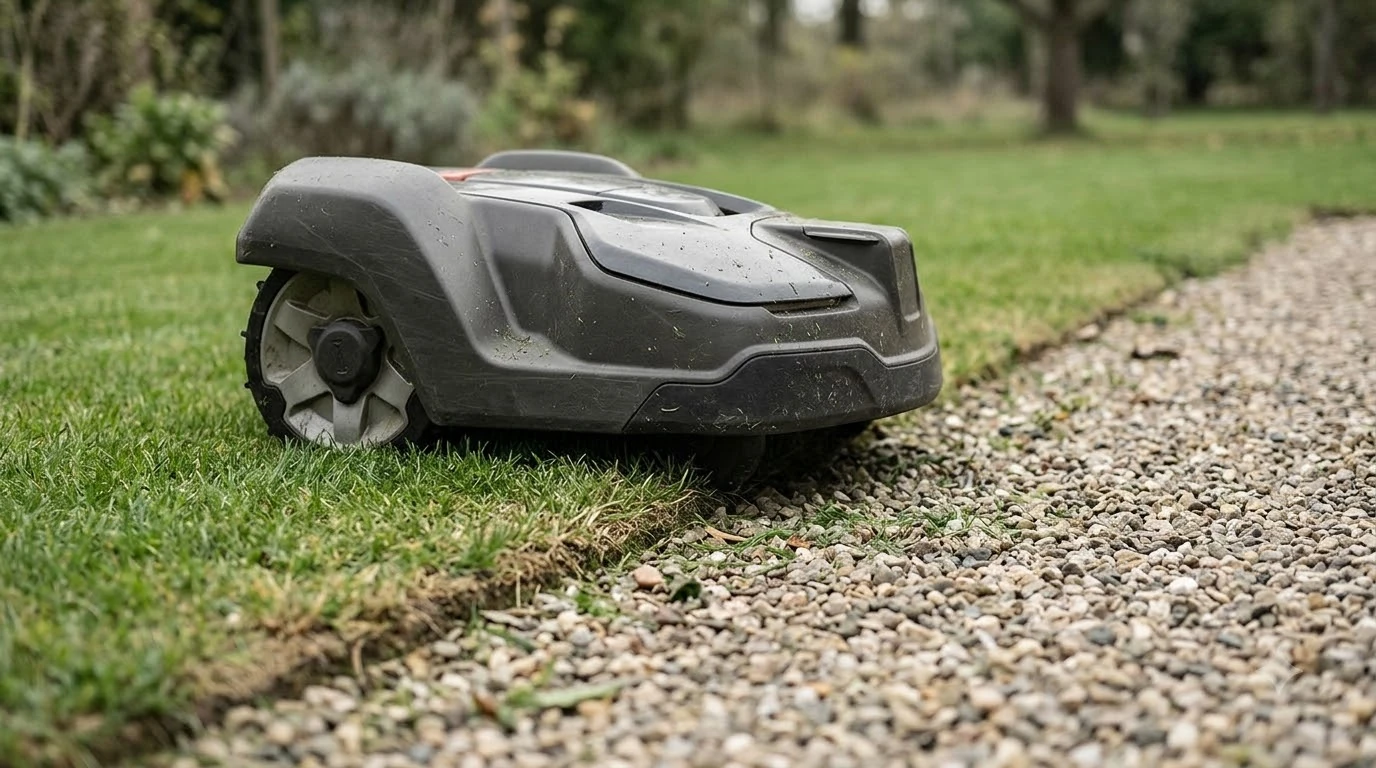

A robot mower keeps getting stuck on edges because the border has a physical problem, such as a drop, a raised lip, a sunken patch, a boundary set too tight, or grass too long to cut cleanly. Manufacturer support pages describe the same handful of causes, so you can usually find the trigger by checking the exact stop point before you change any settings.
The short answer
- The Trapped error appears when the mower logs multiple loop or collision events in a short time, according to Husqvarna.
- Most edge stops come from a drop, a raised border, a boundary gap that is too narrow, or grass that is taller than the model allows.
- Check the stop point first by looking for a lip, a sunken patch, a root or a sprinkler head that the mower keeps bumping.
- Adjust the boundary or add a stay-out zone only after the physical spot is fixed, and expand the zone if the mower still stops there.
Why a robot mower keeps getting stuck on edges
When a robot mower keeps getting stuck on edges, the trap is usually a repeat problem at one spot, not a random failure. Husqvarna describes the Trapped message as appearing after “multiple loop or collision events within a short period of time,” which means the mower keeps returning to the same place and hitting the same thing. Husqvarna’s Trapped error page lists obstacles, narrow passages, grass that is too long, and grass chunks that stop the blade disc as the usual triggers.
Our reading is that many edge stops start with a wheel problem. When a wheel drops over a lip or sinks into soft soil, the mower loses grip, turns, and returns to the same line. The stop repeats because the geometry has not changed.
Drops, steep banks and raised borders
Drops and raised borders are a common physical cause of an edge stop, because the chassis or one wheel has nowhere to go. Eufy notes that an exposed root can lift one side of a robot mower while the opposite wheel loses grip. Raised borders and steel edging can also catch the chassis, especially where the lawn has settled below the surrounding surface.
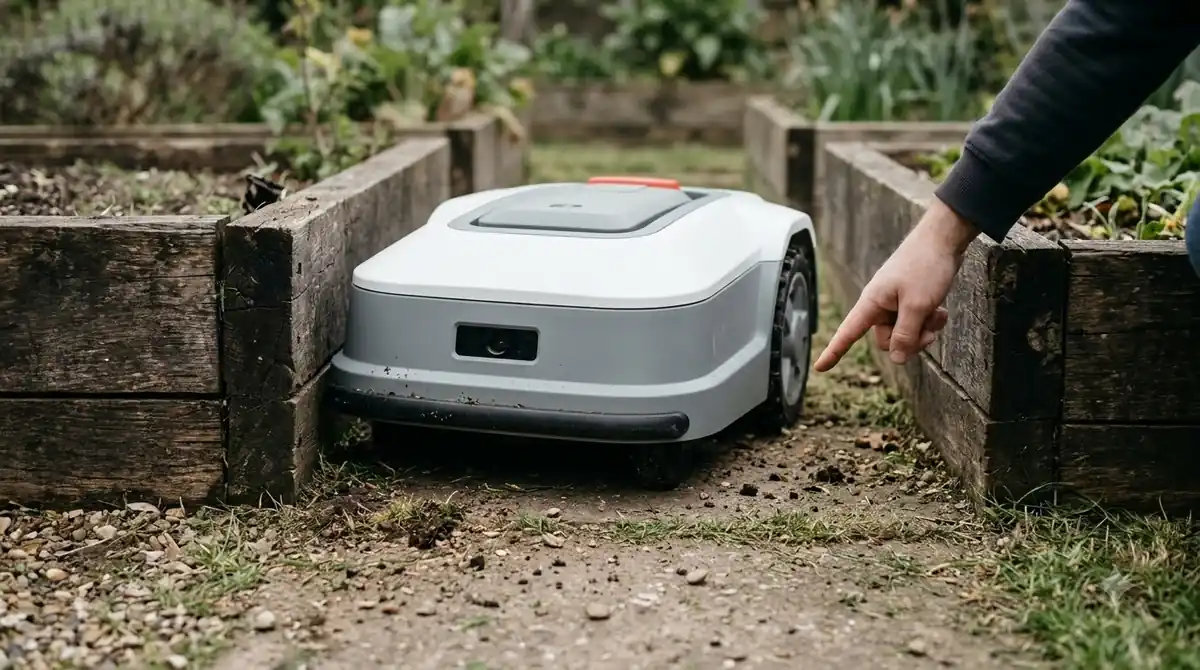
Retaining walls, drainage channels, pool surrounds and sunken courtyards need deliberate boundaries, according to Eufy’s guide to robot mower stuck causes. Eufy also says wire-free systems do not remove physical limits such as holes, steep edges and insufficient clearance. Our reading is that a mapped no-go zone helps keep the mower away from a drop, but it does not change the ground, so the physical edge still needs attention. Sunken patches along a border are covered in our piece on a lawn with holes and dips.
| Edge condition | Why it traps the mower | First check |
|---|---|---|
| Sunken lawn edge | A wheel can drop into the low patch | Fill shallow holes and firm the soil |
| Raised border or steel edging | The chassis catches on the lip | Smooth the lip or mark the spot as a no-go area |
| Exposed root at the edge | One wheel lifts and loses grip | Mark the root and keep the mower off it |
| Drop such as a wall or channel | No safe way over the edge | Set a deliberate boundary before the drop |
A boundary set too close to the edge
A robot mower keeps getting stuck on edges when the boundary sits too close to an object, because the mower has too little room to turn and keeps colliding with the same point. Husqvarna advises moving the boundary wire to create more space if the gap between the wire and an island or object is too narrow. This is the first adjustment to test on a wire-based system.
- Find the stop point. Note exactly where the mower stops, and check whether it is the wire, the edge or the object.
- Pull the boundary in or out. On a wire system, move the wire so the mower has more room to turn. On a wire-free system, adjust the map boundary instead.
- Isolate a repeat spot. If the mower keeps returning to one point, Husqvarna suggests a stay-out zone or island around the problem area, then a restart.
- Expand if it still hits. If the mower still collides after the restart, Husqvarna says to expand the isolated area.
Keep the zone big enough for the mower to work around. Husqvarna’s EPOS wire-free guide lists a minimum stay-out zone of 30 x 30 cm (1 x 1 ft). Never use a stay-out zone to keep the mower away from a pool or street, because Husqvarna states that a stay-out zone is not suitable for that job. Use a physical barrier there. Our guide to setting up no-go zones on a robot mower covers the app side.
Long grass and debris at the border
Long grass at the edge is a listed trigger for a stop because the mower reads it as an obstacle and the cutting disc can clog. Husqvarna lists the maximum grass height per model: 4 cm for the Aspire R4, 105 and 305, 6 cm for several V and NERA models, and 10 cm for many other Automower models. Keep the grass at the edge under your model’s limit. A lawn next to a path is a typical case, as in a lawn with gravel edges.
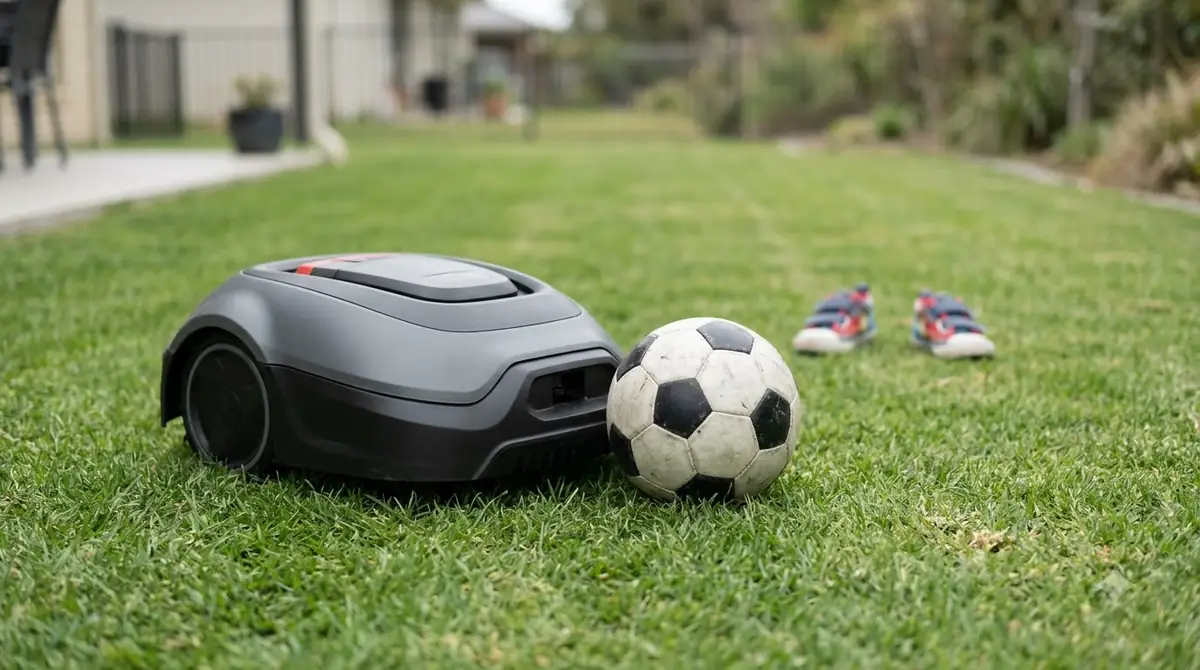
Grass chunks are the other common trigger. Husqvarna says chunks can stop the blade disc from rotating, which leads to the Trapped message. Cleaning the underside and trimming the border strip removes both of these triggers.
Fixes to try at the edge
When a robot mower keeps getting stuck on edges, work through these steps in order, and change one thing at a time so you know which fix worked.
- Trim the border first. Ecovacs advises trimming the lawn with a normal mower to lower than 10 cm before the robot runs, which keeps grass height inside the limit for many models.
- Fill and firm the low spot. Eufy recommends filling shallow holes and firming loose soil so one wheel does not drop below the chassis.
- Smooth or mark the lip. Level a raised border where you can, or consider mowing strip pavers for robot mower edges. Where you cannot, add a no-go zone around the lip so the mower turns away before it reaches it.
- Clean the blade disc. Remove grass chunks from under the deck so the disc can turn freely.
- Re-check the boundary. If the stop repeats after the physical fixes, move the boundary wire or map edge, then restart.
Our reading is that a repeat stop should be fixed in this order. Changing the boundary first can leave the physical cause in place, so the stop may return at the same spot.
When the edge is not the cause
An edge stop is not always about the edge. If the mower stops in the open lawn as well as at the border, check for a wider problem such as wet ground, a hidden object or a worn wheel. Husqvarna’s Trapped page is a useful reference for the general triggers, and it applies to any stop where the mower repeatedly collides with one thing.
Scope note: the advice above covers the physical and boundary causes that manufacturers list. It does not cover a hardware fault in the drive wheels or sensors. If a robot mower keeps getting stuck on edges after the lawn edge is clean, a boundary change and a stay-out zone, contact the manufacturer’s support for a model-specific check. If stops keep happening across the whole yard, what to check in a robot mower that does not get stuck explains which features matter.
Frequently asked questions
Why does my robot mower keep getting stuck at the same edge?
When a robot mower keeps getting stuck on edges at the same point, the cause is usually one physical problem at that spot, such as a drop, a raised lip, a sunken patch or a root. The mower returns to the same line each time, so the stop repeats until the spot is fixed or isolated.
Should I move the boundary wire if the mower gets stuck at the edge?
Yes, if the gap between the wire and an object or island is too narrow. Husqvarna advises moving the boundary wire to create more space in that case. Fix any physical lip or hole first, so the change is not hiding the real cause.
How tall can the grass be at the edge before the mower stops?
The limit depends on the model. Husqvarna lists 4 cm for the Aspire R4, 105 and 305, 6 cm for several V and NERA models, and 10 cm for many other Automower models. Check your manual for your own model and trim the border below that height.
Can a stay-out zone keep the mower away from a drop or pool?
No. Husqvarna states that a stay-out zone should not be used to stop the mower entering a pool or street. Use a physical barrier at drops and water, and use stay-out zones only for the spots where a mower repeatedly collides.
Sources
- Husqvarna Trapped error message (Husqvarna): meaning of the error, triggers, boundary gap, stay-out zones and maximum cut heights.
- Robot lawn mower stuck causes and fixes (Eufy): exposed roots, raised borders, drops and no-go zone fixes.
- Ecovacs support FAQ (Ecovacs): trimming the lawn below 10 cm before mowing.
- Creating stay-out zones with AIM technology (Husqvarna): stay-out zones are not suitable for pools or streets.
- Set up and manage work areas, stay-out zones and transport paths with EPOS (Husqvarna): minimum stay-out zone size.
 Up next8 min readLearnMammotion Luba Stuck at Charging Station: Causes and FixesUpdated Nov 11, 2026
 7 min readLearnRobot Mower Stuck in the Same Spot? Causes and FixesUpdated Nov 11, 2026
 9 min readLearnRobot mower wifi keeps disconnecting: causes and fixesUpdated Nov 12, 2026
 9 min readLearnRobot Mower Lifted Error Keeps Appearing: Causes and FixesUpdated Nov 11, 2026
 9 min readLearnRobot Mower Mapping Failed: Causes and Fixes That WorkUpdated Nov 11, 2026
 7 min readLearnRobot Mower Wheels Slipping on Grass: Causes and FixesUpdated Nov 11, 2026