
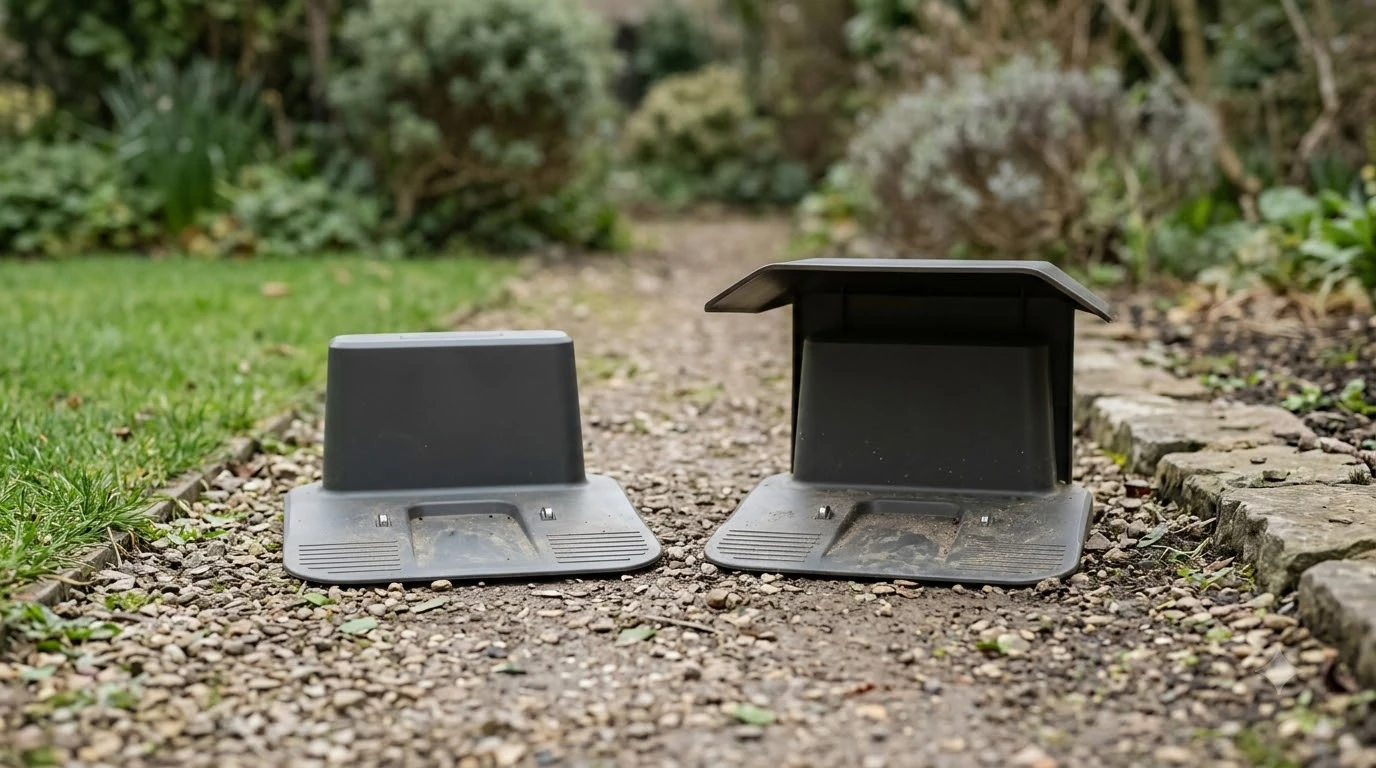

What do robot mower charging station lights mean? They show the status of the boundary wire, guide wire and docking antenna, and the color plus whether the light flashes tells you which. On Husqvarna Automower stations, a solid green light means normal operation. Blue, yellow and red lights point to a weak or missing loop signal, a broken guide wire, or a damaged antenna wire or circuit board.
The short answer
- Solid green: the station and boundary wire are working correctly.
- Solid blue: the boundary wire signal is weak; if the mower runs normally, no immediate action is needed.
- Flashing blue: the station cannot complete a loop signal, and the app shows “No loop signal.”
- Flashing yellow: the guide wire is broken or disconnected.
- Solid red: the circuit board may be defective or the power supply is wrong.
- Flashing red: the antenna wire under the base plate is damaged, so the mower cannot dock.
What do robot mower charging station lights mean, color by color
Light codes on robot mower charging stations work like a short diagnostic language. The color tells you the category of the problem, and whether the light is solid or flashing tells you how serious it is. The table below uses the published meanings from Husqvarna’s support pages for its Automower charging stations, which are the most detailed codes we could verify as of November 2026.
| Light | What it means | Action |
|---|---|---|
| Solid green | Station and boundary wire working correctly | None |
| Flashing green | ECO mode is on; station and loop wire fine | None |
| Solid blue | Boundary wire signal is weak | Check wire if the mower shows problems |
| Flashing blue | No complete loop signal | Check connections and wire |
| Flashing yellow | Guide wire broken or disconnected | Check connector, then repair wire |
| Solid red | Circuit board defective or wrong power supply | Check low-voltage cable, then dealer |
| Flashing red | Antenna wire under base plate damaged | Contact dealer; mower cannot dock |
The pattern is a useful first filter when you ask what do robot mower charging station lights mean for your mower. A green light means you can stop troubleshooting, while any other color means you should follow the matching section below. Because the codes are brand-specific, do not apply them to a different manufacturer without checking that manual first, and see our guide on what robot mower error codes mean for faults shown on the mower itself.
Solid and flashing green: normal operation
A solid green light is the healthy state. Husqvarna’s support page says it means the charging station and the boundary wire are both functioning correctly. On wire-free EPOS installations, the same light means the charging station signals are working correctly.
A flashing green light appears when ECO mode is switched on. Per Husqvarna’s own search summary for that code, which we saw but did not open in full, the station and loop wire are still working correctly in that state, so our reading is that a flashing green light alone is not a fault.
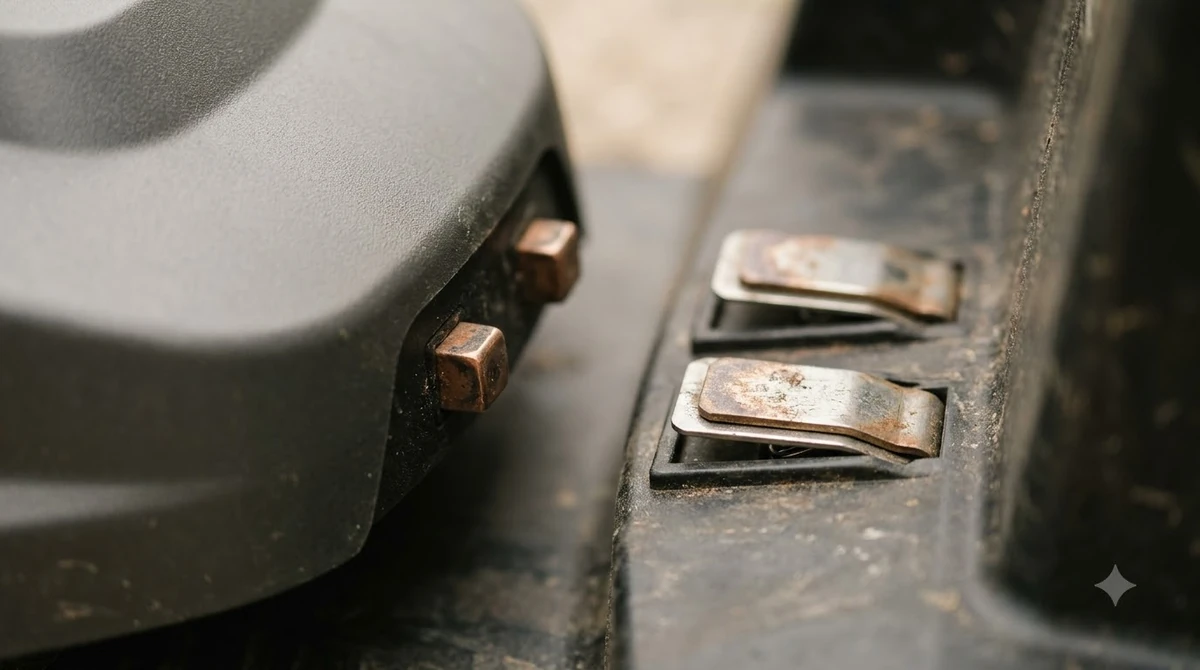
Blue lights: weak signal or no loop signal
Blue lights come in two forms, and the difference between solid and flashing blue matters.
A solid blue light means the boundary wire signal is weak. Husqvarna lists three typical causes: the boundary wire is damaged, the loop is longer than the maximum recommended length, or the wire connections at the charging station are incorrect. If the mower is operating normally, the page says no immediate action is required, although addressing the weak signal can prevent future issues.
A flashing blue light is more serious. It means the charging station cannot establish a complete loop signal, and the Automower Connect app shows “No loop signal.” Our guide to a Husqvarna Automower no loop signal error covers the full set of causes.
Heads up
Husqvarna’s guidance for a flashing blue light is to check the wire connections at the charging station first, then inspect the wire for cuts or damage. The support page also describes a multimeter loop test: about 0.8 ohm per 100 m is typical, while several hundred ohms points to a break in the wire.
Yellow and red lights: guide wire, antenna wire and circuit board
Yellow and red lights point to physical faults in the wire or the station itself, so they usually need more than a quick reset.
- Flashing yellow: the guide wire is broken or disconnected. Husqvarna advises first making sure the guide wire connector is seated correctly on the charging station. If the connection is fine, the damaged section of the guide wire should be replaced with a new loop wire. Our Husqvarna Automower guide wire problem guide goes deeper on that fault.
- Solid red: the charging station circuit board is likely defective, or the power supply is wrong. Check the low-voltage cable first and replace it if it is damaged. If the cable is intact, an authorised service technician needs to investigate, and the page directs you to your local dealer.
- Flashing red: the antenna wire under the base plate of the charging station is damaged, broken or disconnected. The mower cannot dock in this state, so contact your local dealer for assistance. If your mower simply will not dock and the light is not red, see why a robot mower is not returning to base.
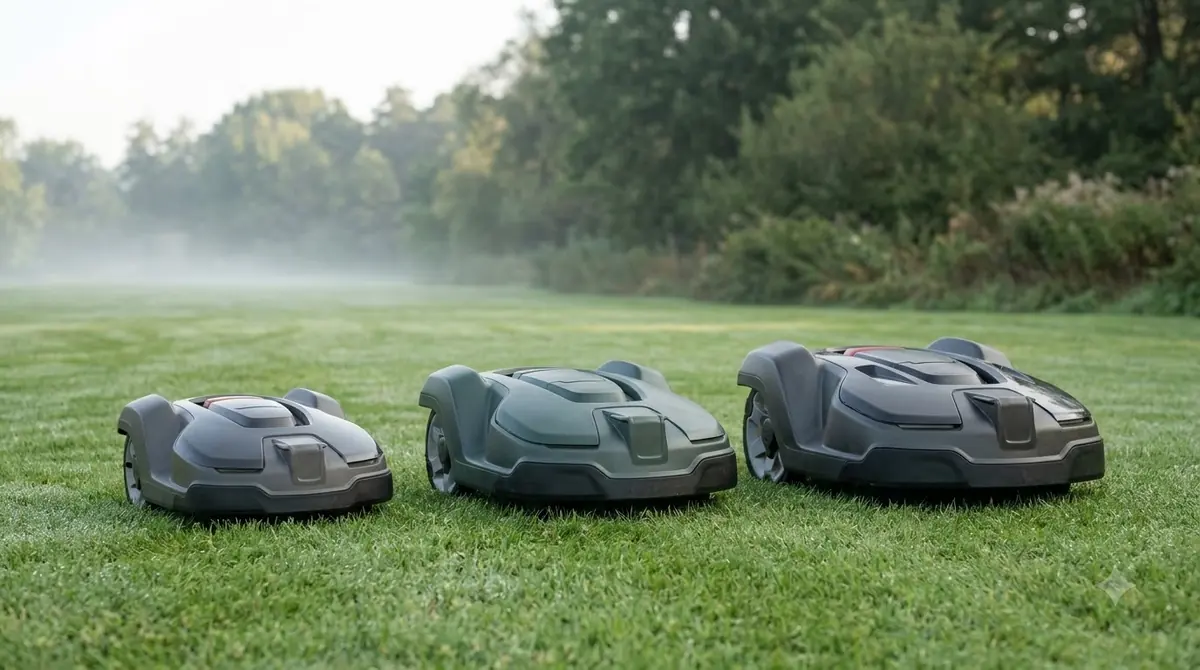
What to check before you call the dealer
Blue and yellow faults often start with checks you can do at home. In our reading, these steps work best in order, because each one rules out a cheaper cause before the next.
- Read the light first. Note the color and whether it is solid or flashing, then match it to the table above.
- Check the connectors. Make sure the boundary wire and guide wire connectors sit correctly on the charging station.
- Look at the low-voltage cable. Inspect it for damage, since a solid red light can be caused by this cable.
- Inspect the wire for breaks. Look for cuts or damage along the loop, and repair the section if you find one.
- Test the loop if you have a multimeter. A reading in the range of hundreds of ohms suggests a break, and a robot mower wire break finder tool can help locate it.
- Call the dealer if the wire and connections check out, or if you see a flashing red or solid red light.
Heads up
Light codes are specific to each manufacturer. Some brands use different colors or flash patterns, so always confirm against the manual that came with your mower before you act on a code. For a non-Husqvarna model, what do robot mower charging station lights mean is a question only that manual can settle.
Frequently asked questions
Is a blinking light on my robot mower an emergency?
Not always. On Husqvarna stations, a solid blue light with normal mowing needs no immediate action, but a flashing red light means the mower cannot dock and calls for a dealer visit.
Do all robot mowers use the same light codes?
No. The meanings above are Husqvarna’s published codes. Other brands use different colors and patterns, so check the manual for your model.
What do robot mower charging station lights mean if none match the table?
Your mower probably uses a different manufacturer’s code set. The table covers Husqvarna Automower stations only, so check the manual for your model before acting on a color.
What does a solid green light mean?
Solid green means the charging station and boundary wire are working correctly, so no action is needed.
Can I fix a flashing yellow light myself?
It can be. First check that the guide wire connector is seated correctly. If the wire is broken, Husqvarna advises replacing the damaged section with a new loop wire.
Sources
- Husqvarna Support: solid blue light on the Automower charging station (Husqvarna): blue light causes and the no-action case.
- Husqvarna Support: flashing blue light on the Automower charging station (Husqvarna): no loop signal, connection checks and loop resistance guidance.
- Husqvarna Support: flashing yellow light on the Automower charging station (Husqvarna): guide wire fault and repair steps.
- Husqvarna Support: solid red light on the Automower charging station (Husqvarna): circuit board and low-voltage cable checks.
- Husqvarna Support: flashing red light on the Automower charging station (Husqvarna): antenna wire fault and docking impact.
- Husqvarna Support: solid green light on the Automower charging station (Husqvarna): normal operation and EPOS signal statement.
 Up next7 min readLearnHow Much Does a Robot Mower Charging Station Cost to Replace?Updated Nov 12, 2026
 9 min readLearnIs the Charging Station Included With a Robot Mower?Updated Nov 12, 2026
 7 min readLearnHow Much Does a Robot Mower Charging Station Cost?Updated Nov 14, 2026
 8 min readLearnMammotion Luba Stuck at Charging Station: Causes and FixesUpdated Nov 11, 2026
 8 min readLearnCan Robot Lawn Mowers Mow in the Rain? Light vs Heavy RainUpdated Nov 11, 2026
 9 min readLearnCan a Robot Mower Detect Black Garden Edging in Low Light?Updated Nov 19, 2026