
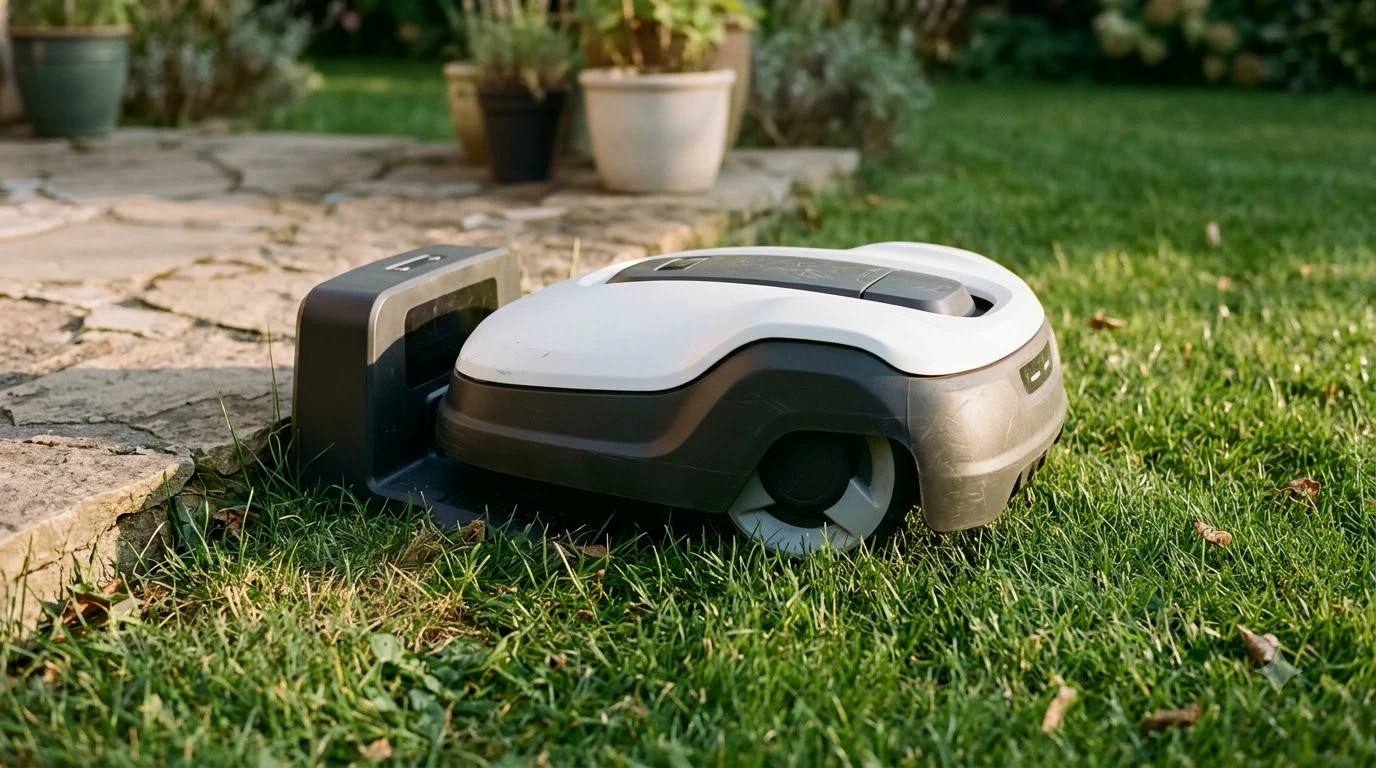

When you compare a cellular vs wifi robot mower, the main difference is the network that carries app control. A Wi-Fi model uses your home router, while a cellular model uses a mobile network, so its remote features can keep working where the router signal does not reach.
Blade height and cutting quality are the same either way. Cellular adds cost and depends on local coverage, so check the model’s connection type before you buy.
The short answer
- Wi-Fi: carries app control, schedules and firmware updates on Wi-Fi-only models, and Husqvarna says those models support only 2.4 GHz networks.
- Cellular: keeps remote access working wherever a mobile signal exists, but Husqvarna says coverage is not available everywhere.
- Signal loss: a Wi-Fi-only Husqvarna mower may stop remote access, while a Wi-Fi plus mobile model switches networks and keeps operating.
- Cost: Mammotion says its 4G service is optional and needs a paid subscription after the included period, as of 2026-11-10.
How Wi-Fi connects a robot mower
Wi-Fi carries the app features on a robot mower, and Husqvarna’s Wi-Fi-only models need a strong signal at the charging station. Schedules, map edits, alerts and firmware updates all travel over that link. On these models, updates cannot be installed without a Wi-Fi connection.
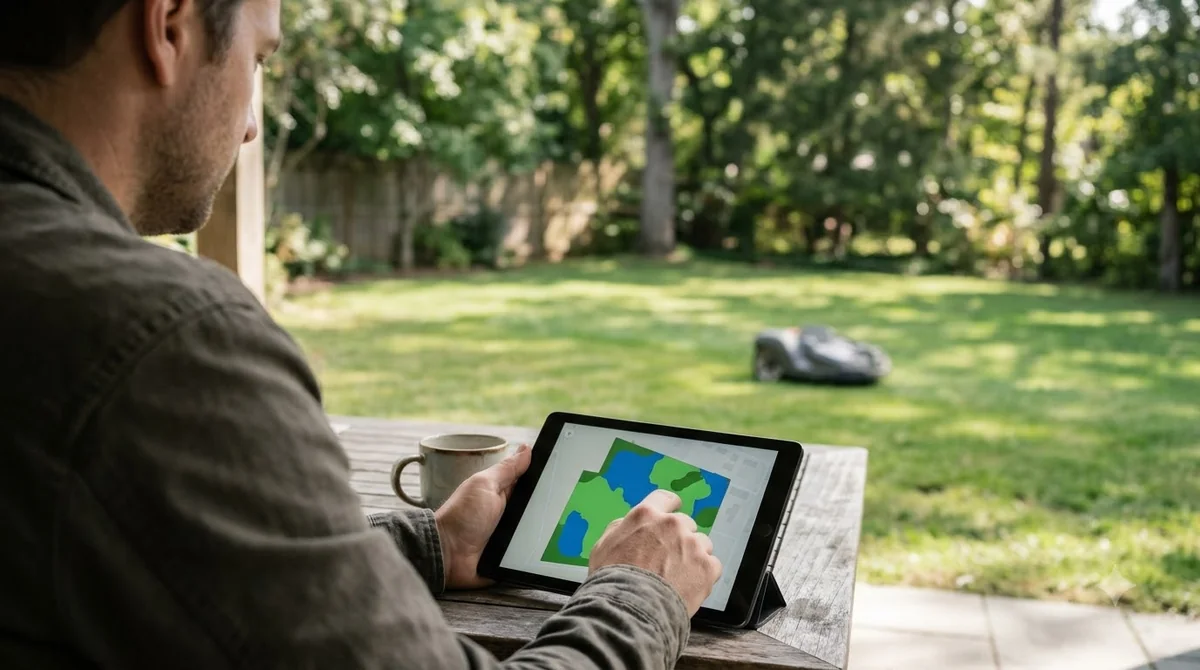
Husqvarna’s setup guidance adds a few conditions. Wi-Fi-only models support only 2.4 GHz networks, the network name must be visible to the mower, and 2.4 GHz may need to be enabled separately in the router settings. The company also advises keeping the router away from walls, metal and electronics that can block signals, and placing it as close to the lawn as possible.
Our reading is that a Wi-Fi link is the simplest choice for a yard close to the house. The router is usually the limit, not the mower. A network that only runs on 5 GHz will not work with these models, so check the band before you blame the mower. A Wi-Fi extender for the mower is one fix, as long as it supports 2.4 GHz.
What cellular adds and where coverage ends
Cellular keeps remote access working wherever a mobile signal exists, but Husqvarna says coverage is not available everywhere. The company describes its cellular connectivity as working in most locations, with coverage typically excellent in cities and populated areas. Remote rural areas and places far from cell towers are more likely to have gaps.
Husqvarna also warns that a phone’s cellular status may not reliably show whether the mower will connect. Its advice is to test on site with a dealer. If a phone has no signal at a spot, cellular very likely will not work there either.
In a cellular vs wifi robot mower choice, the mobile plan is the part that can add ongoing cost. Mammotion describes its 4G service in similar terms. Its guide says the 4G Service is an optional upgrade, not a requirement, and that performance depends on the quality of mobile coverage in your area. Once the included period ends, a paid subscription is required to keep using 4G services. Mammotion’s 2026 models get three years of complimentary 4G data, and its 2025 models get one year. For other recurring charges, see robot mower subscription fees.
When the subscription lapses, the mower keeps running and relies on Wi-Fi or another available connection. The 4G-only features stop. Mammotion lists live video streaming and remote access among them, which matters if you use the app away from home.
What happens when the connection drops
A Wi-Fi-only Husqvarna mower can behave very differently on signal loss, depending on how it navigates. In its connection guide, Husqvarna says a Wi-Fi-only model using EPOS through Husqvarna Cloud stops mowing, searches for a signal and shows an error message if the connection is not recovered. Remote app access is lost in that case.
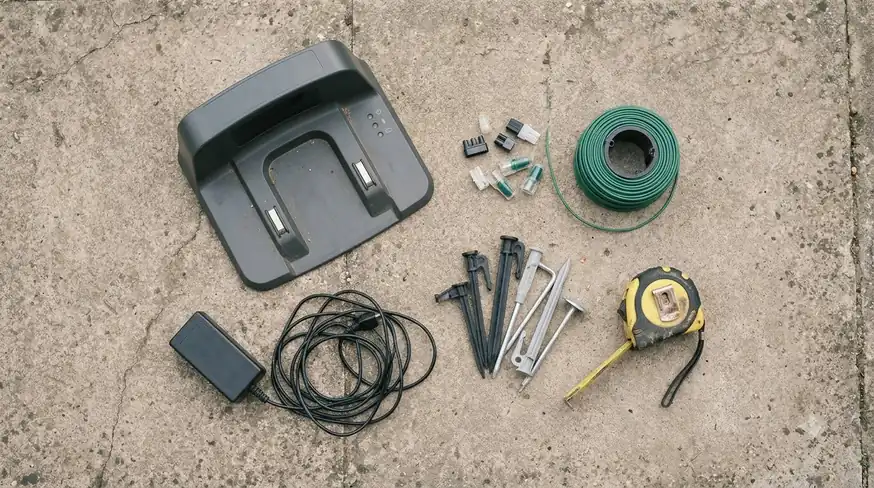
A Wi-Fi-only model that uses boundary wire or an EPOS reference station keeps mowing on its schedule. It simply loses remote app access until the network returns. Models with AI vision technology switch to camera-guided navigation after losing Wi-Fi and continue for up to 50 meters before stopping, if the signal does not return. That 50-meter figure applies to camera navigation, not to Wi-Fi range.
Wi-Fi plus mobile models switch to the mobile network and keep operating. Husqvarna also says they can receive updates over the mobile network when Wi-Fi is unavailable at the charging station, which Wi-Fi-only models cannot do.
Wi-Fi-only, Wi-Fi plus mobile, or mobile-only
Husqvarna sorts its robot mowers into three connection groups, and the group decides what the mower does when a network drops. The table below uses the model names from Husqvarna’s connection guide. Model lists change, so confirm the exact variant with a dealer before you buy.
| Connection type | Models named in Husqvarna’s guide | When Wi-Fi drops | Firmware without Wi-Fi |
|---|---|---|---|
| Wi-Fi only | Aspire R4, Automower 320 NERA, 305E NERA, 310E NERA, Aspire R6V, 308V, 312V | Depends on navigation: EPOS models stop and show an error; boundary wire or reference station models keep mowing without app access | Cannot be installed |
| Wi-Fi plus mobile | 430X, 450X, 405XE, 410XE, 405VE, 410VE, 430V, 450V | Switches to the mobile network and keeps operating | Can be installed over the mobile network |
| Mobile only | 435X AWD, 435X AWD NERA | Not applicable, because the mower has no Wi-Fi link | Not covered in the guide |
Husqvarna also marks some Wi-Fi-only models that can be upgraded with an Automower Connect Kit, installed by a dealer, to add mobile connectivity. If you are buying a Wi-Fi-only mower and may want cellular later, check that model’s upgrade status first.
Choosing a cellular vs wifi robot mower for your yard
Wi-Fi alone is usually enough for a compact yard near the house, while a large or remote lawn is a stronger case for cellular. Husqvarna’s troubleshooting guide lists a weak signal or an out-of-range mower among the common causes of disconnects, so measure the signal where the mower spends its time before you choose.
- Signal at the lawn: the Wi-Fi strength check in the app is taken at the mower, so test the far corners, not just the router room. If the signal is weak, robot mowers that cope with poor Wi-Fi are worth a look.
- Cellular coverage: test on site with a dealer, because phone bars do not settle the question.
- Ongoing cost: Mammotion’s 4G service needs a subscription after the included period, so add that to the price of the mower.
- Features you use: app quality differs by brand, as covered in which robot mower brand has the best app. If live video and remote access matter to you, a Wi-Fi-only plan may leave you without them once 4G lapses.
The trade-off is simple. Cellular gives remote access away from home, but it adds a recurring cost and a coverage risk. Wi-Fi avoids the subscription but depends on your router reaching the lawn. Deciding a cellular vs wifi robot mower question means weighing both, not picking the newer feature by default.
Connection mistakes to avoid
Most connection problems with a cellular vs wifi robot mower come from router placement, an unsupported band, or trusting a phone’s signal to predict cellular coverage. Husqvarna’s troubleshooting list starts with simple causes, including no Wi-Fi network added in the app, a router that has lost power, and a router whose internet connection is down.
- Using a 5 GHz-only router. Husqvarna says Wi-Fi models only support 2.4 GHz networks.
- Trusting phone bars. A phone’s cellular status may not reliably show whether the mower will connect.
- Placing the router far from the lawn. The guide advises placing it as close as possible to the lawn and away from walls and metal.
- Skipping firmware on Wi-Fi-only models. Updates need Wi-Fi at the charging station, so a weak signal there blocks them; our guide on where to put a robot mower charging station covers placement.
Husqvarna’s recommended steps are to restart the mower, restart the phone and the app, update the app, confirm the router and internet are working, and make sure Bluetooth is on. If the signal is still weak, the company suggests adding an extender or moving the router.
Frequently asked questions
Does a robot mower need Wi-Fi to cut grass?
No. Husqvarna says Wi-Fi-only models that use boundary wire or an EPOS reference station keep mowing on schedule without remote app access. Firmware updates on those models still need a Wi-Fi connection at the charging station.
Does cellular connectivity work everywhere?
No. Husqvarna says cellular connectivity works in most locations, but some areas may not have coverage, and limits are more likely in remote rural areas. Test the spot on site with a dealer before you rely on it.
Is a cellular subscription required to run a robot mower?
Not to run the mower. Mammotion says its 4G service is optional, and the mower keeps running on Wi-Fi or another connection once the subscription lapses. The 4G-only features, such as remote access and live video, stop.
Can I add cellular to a Wi-Fi-only mower later?
Only on some models. Husqvarna says certain Wi-Fi-only models can be upgraded with an Automower Connect Kit installed by a dealer. Check the upgrade status for your exact model before you buy.
Choose the connection type before you pick a cellular vs wifi robot mower. If your router reaches the lawn, Wi-Fi avoids a 4G subscription. If the far corners or remote areas lack a Wi-Fi signal, look for a Wi-Fi plus mobile model, and confirm mobile coverage at the lawn before you pay for a plan.
Sources
- Does Automower cellular connectivity work everywhere? (Husqvarna support): cellular coverage limits, phone signal caveat, on-site testing.
- How to connect your Automower robotic lawn mower to Wi-Fi (Husqvarna support): Wi-Fi-only vs Wi-Fi plus mobile behavior, firmware, model groups.
- Mammotion 4G service guide (Mammotion): 4G optional, subscription after included period, 4G-only features.
- Resolving Wi-Fi connection issues with Automower robotic lawn mowers (Husqvarna support): causes of disconnects, 2.4 GHz requirement, recommended steps.
 Up next10 min readReviews & CompareWired vs Wireless Robot Mower Pros and Cons: Which Setup Fits Your YardUpdated Nov 11, 2026
 8 min readReviews & CompareRTK vs Vision Robot Mower: Which Navigation Suits Your YardUpdated Nov 11, 2026
 7 min readReviews & CompareBest Alternative to Mammotion Luba: How to Choose by YardUpdated Nov 11, 2026
 8 min readReviews & CompareRobot Lawn Mower vs Zero Turn Mower: Which Fits Your LawnUpdated Nov 11, 2026
 8 min readReviews & CompareHusqvarna Automower 430X NERA vs 450X NERA: Which Model Fits Your LawnUpdated Nov 11, 2026
 7 min readReviews & CompareSunseeker vs Mammotion Robot Mower: Which Fits Your Lawn?Updated Nov 11, 2026