
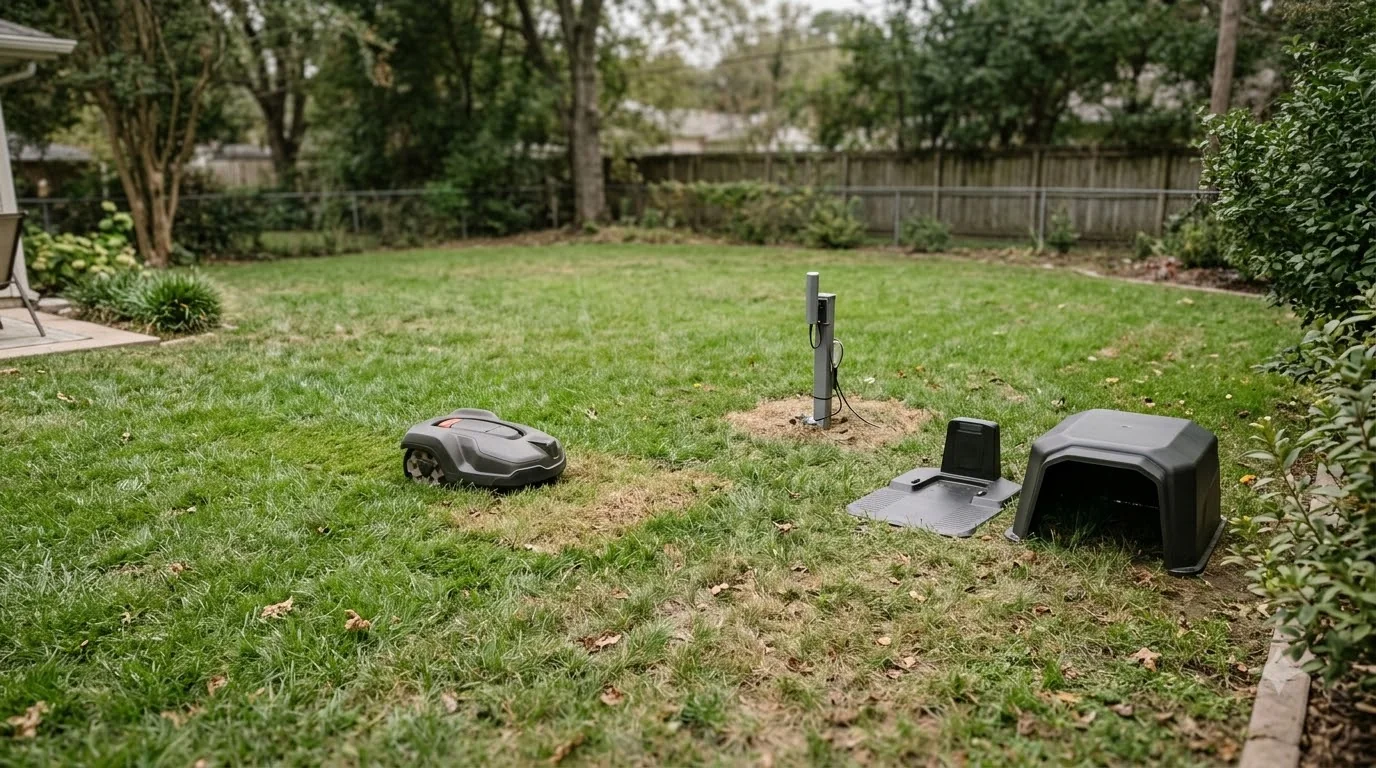

Do robot mowers work with Alexa or Google Home? Some do, but support depends on the brand and the model, and it usually means voice commands such as start, park or check status. Husqvarna says its Automower can be linked to Google Home and Amazon Alexa, and that models with Wi-Fi or mobile connectivity can be controlled this way. Mammotion documents an Alexa link for its YUKA mower. Voice control is a convenience feature, so check the exact commands your model supports before you buy for that reason alone.
The short answer
- Some brands support it: Husqvarna and Mammotion both document Alexa or Google Assistant links.
- Connectivity is the key: Husqvarna says models with Wi-Fi or mobile connectivity can be controlled, and models without it can join through a connect kit.
- Siri is not supported: Husqvarna says its mowers work with Google Assistant and Alexa, but not Siri, at present.
- Safety matters: some voice commands and stop states need the mower’s PIN or a physical hatch, so read the restart steps first.
Do robot mowers work with Alexa or Google Home for every brand?
Support is brand-specific. Husqvarna’s compatibility pages say Google Home and Amazon Alexa link to the Automower, and the company notes that this is the current situation rather than a permanent promise. Its page says all models with Wi-Fi or mobile connectivity can be controlled through these services, and that models without built-in connectivity can join through an Automower Connect kit. For the bigger picture behind this topic, begin with our robot mower app connection guide and then come back here.
Mammotion’s support material describes a different setup for its YUKA mower. The steps are to open the Me page in the app, tap Alexa, select YUKA, tap Link Alexa to reach the authorization page, and then tap Link. Other brands may offer similar features under different names, so the only reliable check is the manufacturer’s current compatibility list for your exact model.
Heads up
Compatibility lists change. Husqvarna’s pages say the Alexa and Google links apply to the Automower at present, so check the date on any compatibility page before you rely on it for a purchase.
What you can ask the mower to do by voice
Voice control usually covers the basics. Husqvarna’s feature page gives an example of asking Amazon Alexa to park the Automower. Commands like start, park and status check are the most common, because they match what most owners want to do from the couch or the kitchen. Advanced settings, such as schedules or zone changes, are often easier in the app, so do not assume every task works by voice. For a closely related angle, see our phone app control for robot mowers as well.
Linking usually means signing in to the mower maker’s account and to the voice assistant’s account, then approving the connection on each side. Both accounts need to stay signed in for voice control to keep working. The steps can change when a brand updates its assistant link, so the setup screen in the current app is more reliable than a screenshot from an older guide. If a link stops responding, unlink and relink it before you assume the mower is at fault.
The app is still the place to check the details. A voice reply can tell you the mower is working, but it will not replace the map, the schedule or the error log when something goes wrong.
How the Google Assistant PIN and stop states work
Google Assistant control on the Automower adds a safety layer. Husqvarna says you set a four-digit code in the Automower Connect app, and the assistant asks for it when you start or resume the mower. The same page says Google Assistant cannot restart the mower after a STOP command, and that a PIN and the hatch are needed to start it again. The guidance is to park the mower instead of pausing it for longer than 25 minutes. See our robot mower Wi-Fi reliability fixes for further detail on a connected question.
These details matter because a voice command can be quicker than a phone tap, and it is easy to forget that a stopped mower needs manual steps. Before you use voice control, learn how to stop, park and restart the mower from the app, so you are not stuck at the hatch when you need the mower to run again.
What to check before you buy for voice control
Start with the model. Ask whether it has Wi-Fi or mobile connectivity, or whether a connect kit is needed. Then check whether the brand lists Alexa, Google Assistant or both, and whether Siri is available if you use an iPhone with that assistant. Finally, read the restart and PIN steps, because a voice-linked mower still needs the same safety checks as one controlled by hand. Beyond this topic, you can also read our firmware updates for robot mowers for an adjacent part of owning a robot mower.
If voice control is important to you, treat it as a feature to test. Link the account, try park, start and status, and confirm the mower responds before you rely on it for a schedule.
Frequently asked questions
Do robot mowers work with Alexa?
Some do. Husqvarna says its Automower can be linked to Amazon Alexa, and Mammotion documents an Alexa link for its YUKA mower. Check the compatibility list for your exact model, since support varies by brand.
Do robot mowers work with Google Home?
Husqvarna says Google Home and Amazon Alexa link to the Automower, and that the Google setup uses an account and a four-digit PIN. Other brands may differ, so confirm the link method and the supported commands before you buy.
Does Siri work with robot lawn mowers?
Husqvarna says that at present its Automower works with Google Assistant and Amazon Alexa, but not with Siri. Check the current support page for your model if Siri is important to you.
Can I restart a robot mower by voice after a stop?
Not always. Husqvarna says Google Assistant cannot restart the mower after a STOP command, and that a PIN and the hatch are needed to start it again. Park the mower instead of pausing it for long periods.
Sources
- Husqvarna: Which products are compatible with Google Home and Amazon Alexa (manufacturer): Alexa and Google links, connectivity rule, Automower Connect kit.
- Husqvarna: Automower Connect (manufacturer): Google Assistant and Alexa support, no Siri at present, Alexa park example.
- Husqvarna: How to control your Automower with Google Assistant (manufacturer): four-digit PIN, STOP and restart rules, 25-minute park advice.
- Mammotion support: Linking Alexa for voice control (manufacturer): YUKA Alexa linking steps.
 Up next8 min readLearnDo Robot Mowers Increase Home Value?Updated Nov 11, 2026
 7 min readLearnHow Does LiDAR Work on a Robot Mower?Updated Nov 14, 2026
 7 min readLearnWhat Is Edge Mode on a Robot Mower and How Does It Work?Updated Nov 13, 2026
 7 min readLearnWhat Is Spot Mowing on a Robot Mower and How Does It Work?Updated Nov 13, 2026
 7 min readLearnLymow won t connect to wifi: fixes that workUpdated Nov 13, 2026
 6 min readLearnNavimow App Not Connecting: Fixes That WorkUpdated Nov 13, 2026