
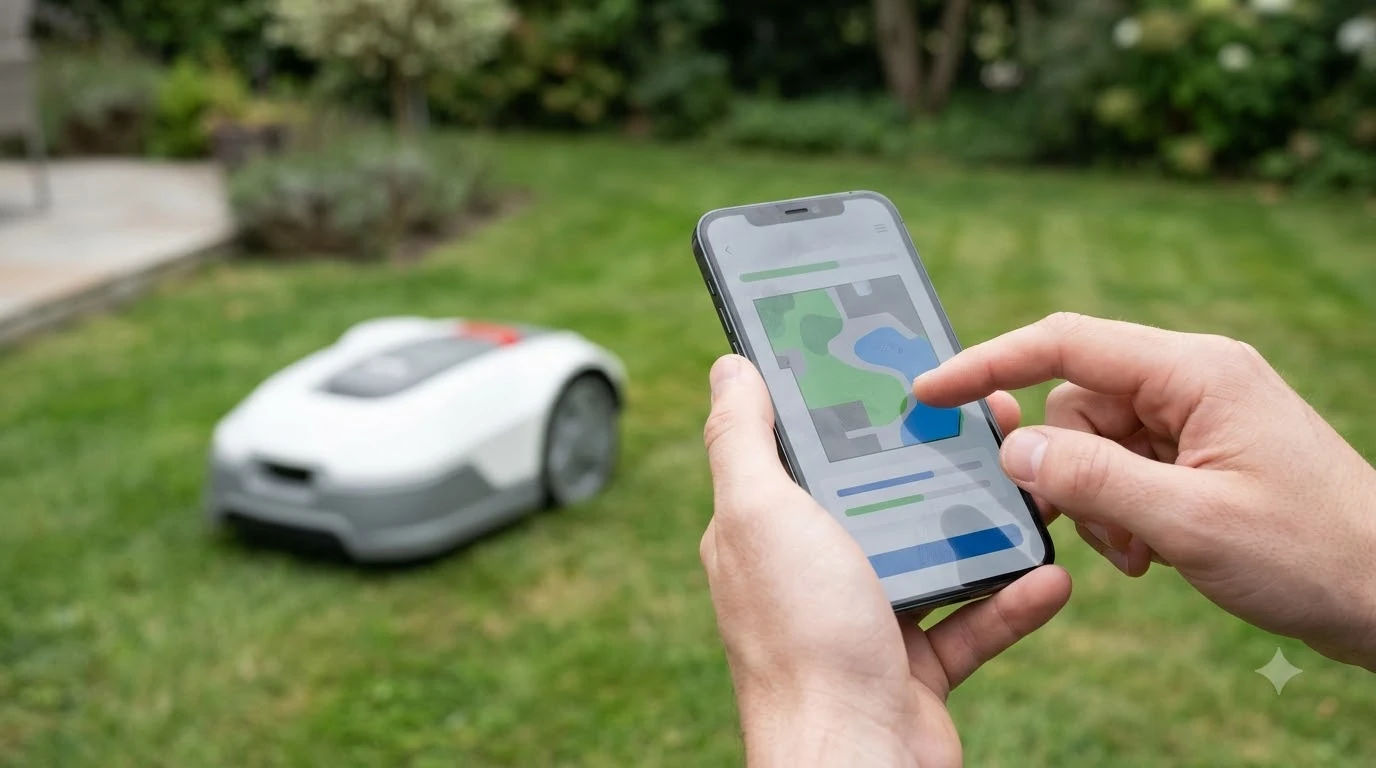

The best robot mower with Apple HomeKit support is one that either has an official HomeKit listing or a documented bridge you trust. In the sources we read, the big brand we checked names Google Assistant and Amazon Alexa and states that Siri is not supported. We did not find a native HomeKit listing for it. Community bridges exist, but they add hardware and setup work. This guide explains how to tell the difference before you buy.
The short answer
- Official support: confirm HomeKit is listed in the manufacturer’s spec or smart-home page, not just the app store.
- Husqvarna’s position: its support page says Automower works with Google Assistant and Amazon Alexa, “but not with Siri.”
- Community bridge: a Homebridge plugin can expose an Automower to HomeKit, but it is a hobby project that needs extra components.
- Our reading: if HomeKit is your priority, shortlist only models with a documented HomeKit path before you compare features.
- Test first: check the schedule, pause and status commands in the Home app before you rely on them for automations.
What HomeKit support would actually give you
When people search for the best robot mower with Apple HomeKit support, they usually want three things: a mower tile in the Home app, the ability to start or pause from a voice command, and automations such as pausing mowing when a sensor reports rain. Each of these needs a working link between the mower’s cloud service and HomeKit, either built by the manufacturer or added by a bridge. HomeKit is one smart-home option among several, and the broader guide to app control and smart connectivity compares the rest. If you use a different ecosystem, Google Home mower integration covers the options. Amazon’s assistant is the other common route, which Alexa voice control for mowers explains.
Native integration is the simplest path because the manufacturer maintains it through firmware and app updates. A bridge depends on one person’s code and hardware, which can break when the mower’s cloud service changes. Our reading is that a bridge is fine for a tinkerer, but a household that wants a dependable setup should prefer a native listing.
What the manufacturer sources say
Husqvarna’s Automower support page, published April 30, 2025, states: “At present, you can control your Automower robotic lawn mower with Google Assistant and Amazon Alexa, but not with Siri.” The same page does not mention HomeKit by name, so it does not prove that HomeKit is unavailable, but it does show that the brand’s documented voice control is built around other platforms. Check the current support pages before you buy, because the list changes.
The Husqvarna app itself is still the official control path. Husqvarna’s own support notes describe Smart Home Integration as having an open API, which may allow third parties to build a HomeKit bridge. That is an opportunity for developers, not a guarantee for owners.
If you do go the bridge route, treat the first month as a trial. Run the schedule for a few weeks, watch for missed start or pause commands, and confirm the mower still reports its status after a router restart. A bridge that works on day one can fail after a cloud or firmware change, so keep the manufacturer app installed as a fallback. Our reading is that a working fallback app is the difference between a small inconvenience and a mower you cannot control at all.
How community bridges work
The Homebridge Automower Platform plugin is the most visible example. Its documentation says it is “designed to allow you to control your Husqvarna Automower through Apple HomeKit,” and its example use case is to disable the mowing schedule with an automation when it rains, then resume it after the rain stops. That is a useful pattern for a single automation. Local control matters when bridges fail, as offline features on a robot mower explains.
The same project describes extra parts. The author says the build “did require the building of a couple other components,” including a Raspberry Pi and two sensor-related libraries. The page does not spell out every limit, so read the setup steps closely and budget time for maintenance. A bridge is a project you run, not a product you install.
How to check HomeKit support on a model you are considering
- Look for an official statement. The spec or smart-home page should name Apple HomeKit or the Home app, not only Alexa or Google.
- Check the accessory list. A native integration usually appears as a mower accessory with start, pause and status controls.
- Test the basic commands. Confirm the Home app can start, pause and show the mower state before you build an automation.
- Read the update path. Ask how HomeKit changes reach the mower, and whether a firmware update could remove the feature.
- Count the hardware. If the setup needs a Raspberry Pi or a sensor, add that cost and upkeep to the total.
When the best robot mower with Apple HomeKit support is not the right priority
If you already run a home where Alexa or Google controls the rest of the devices, a mower without HomeKit is not a loss. Most of the value in a robot mower comes from the mowing itself: cutting height, navigation and safety around pets. A HomeKit tile does not change how the blades run. Our reading is to buy the mower for the lawn first, then choose the voice platform that fits your home. For a wider view of what counts as a smart mower, see smart features across robot mowers. Where no ecosystem is available, Bluetooth control without a smart-home hub still lets you manage the mower nearby. If app control is on your list, also check robot mower theft alarm features, since security settings often sit in the same app.
For the official Husqvarna voice-control statement, see the Husqvarna Siri support page. For the community bridge, the Homebridge Automower plugin documentation shows what the project does and what it needs.
Frequently asked questions
Can a robot mower work with Siri?
Husqvarna’s support page says Automower does not currently support Siri, and lists Google Assistant and Amazon Alexa instead. Check the brand’s current page before you buy, because voice support changes.
Is there a way to add HomeKit to an Automower?
A community Homebridge plugin exists for Husqvarna Automower. It is a hobby project that needs extra hardware, such as a Raspberry Pi, and is not an official Apple or Husqvarna product.
What automation would a HomeKit bridge enable?
The plugin’s documented example disables the mowing schedule when it rains and resumes it after the rain stops. Other automations depend on what the bridge exposes.
Should HomeKit decide which robot mower I buy?
Our reading is no. Cutting performance, navigation and safety matter more to the lawn than a voice platform, so choose the mower first and check the smart-home options second.
Sources
- Husqvarna Automower Siri support page (manufacturer): states Google Assistant and Alexa are supported, Siri is not.
- Homebridge Automower Platform documentation (community project): HomeKit bridge purpose, example automation and required extra components.
 Up next9 min readBest Robot MowersBest Robot Lawn Mower With Best Customer Support: What to CheckUpdated Nov 11, 2026
 7 min readBest Robot MowersBest Robot Mower for a Lawn with a Pergola: What to CheckUpdated Nov 14, 2026
 6 min readBest Robot MowersBest Robot Mower for a Yard with a Rain Garden: What to CheckUpdated Nov 14, 2026
 7 min readBest Robot MowersBest Robot Mower With Bluetooth-Only Control: What to CheckUpdated Nov 14, 2026
 6 min readBest Robot MowersBest Robot Mower With Replaceable Battery: What to CheckUpdated Nov 14, 2026
 7 min readBest Robot MowersBest Robot Mower for People with Allergies: What to CheckUpdated Nov 17, 2026