
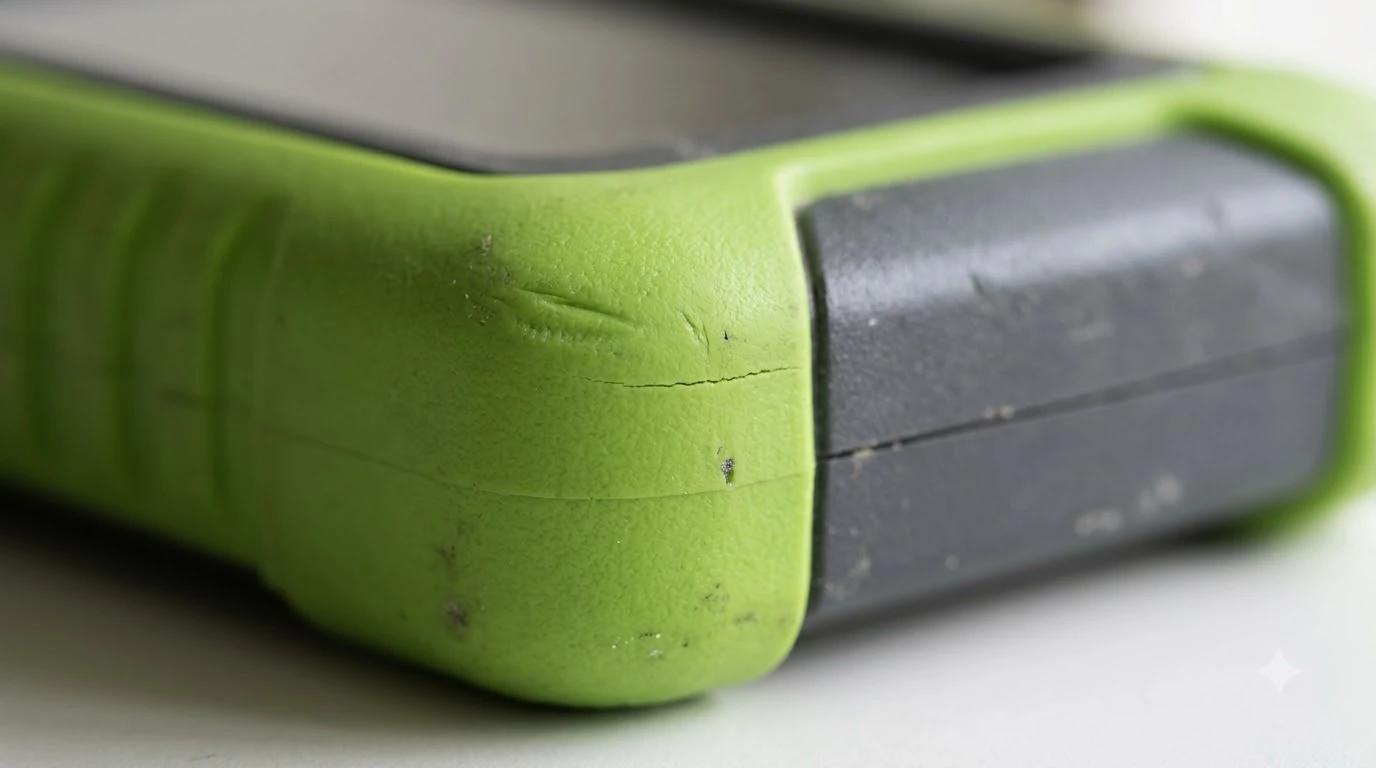

Robot mower collision bumper strips are mostly edge protection, not sensors. A bumper strip or edge guard can take scrapes and small knocks, but the collision sensing is inside the bumper assembly. Before you buy anything, confirm whether the part protects the body or touches the detection system, because the two need very different fixes.
The short answer
- What a strip does: it protects the outer edge from scuffs and minor impacts against walls, edging, and fences.
- What it does not do: it does not replace a collision sensor or fix a collision error on its own.
- When it makes sense: a yard with tight edges, tree roots, or many hard borders where the body wears quickly.
- Check first: debris trapped between the body and the chassis causes more collision faults than worn strips do.
What robot mower collision bumper strips actually are
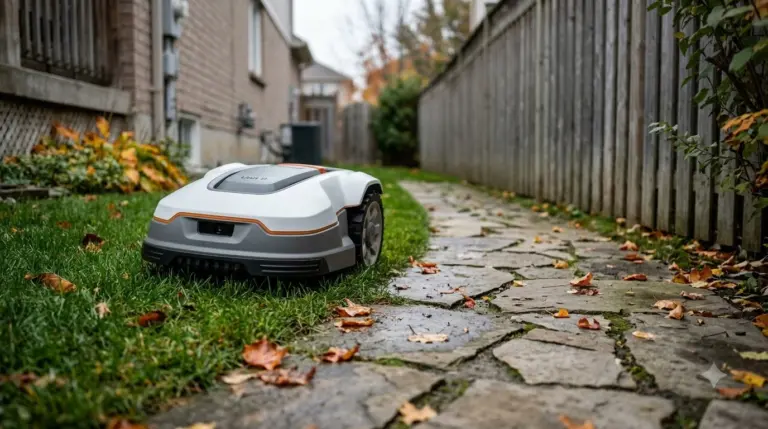
A robot mower collision bumper is the front shell that moves when the mower touches an object. Behind it sits a sensor that reports contact, and the mower then reverses or turns. Because the bumper moves, it is a working part, and any strip or cover added to it can change how freely it travels.
Most of the strips sold for robot mowers are edge protection. They are usually a flexible rubber or TPU layer that sits on the outside of the shell. Their job is to resist scratches and small impacts, so the body looks and lasts better. They are not part of the sensing system, and a strip that is bonded too stiffly can stop the bumper from moving.
Why collision errors happen even with a new strip
Husqvarna’s support guidance for its Automower collision error lists several causes that have nothing to do with the strip. An obstacle can be wedged under furniture. Debris can be trapped between the body and the chassis. The body may not be seated or moving freely. Grass taller than the mower can handle, a cutting height set too low, or blocked drive wheels can also trigger the error. A temporary electronic fault is another possibility, and a restart is often the first step. A neighbouring subject worth a look for the same yard is our common robot mower problems and error behavior.
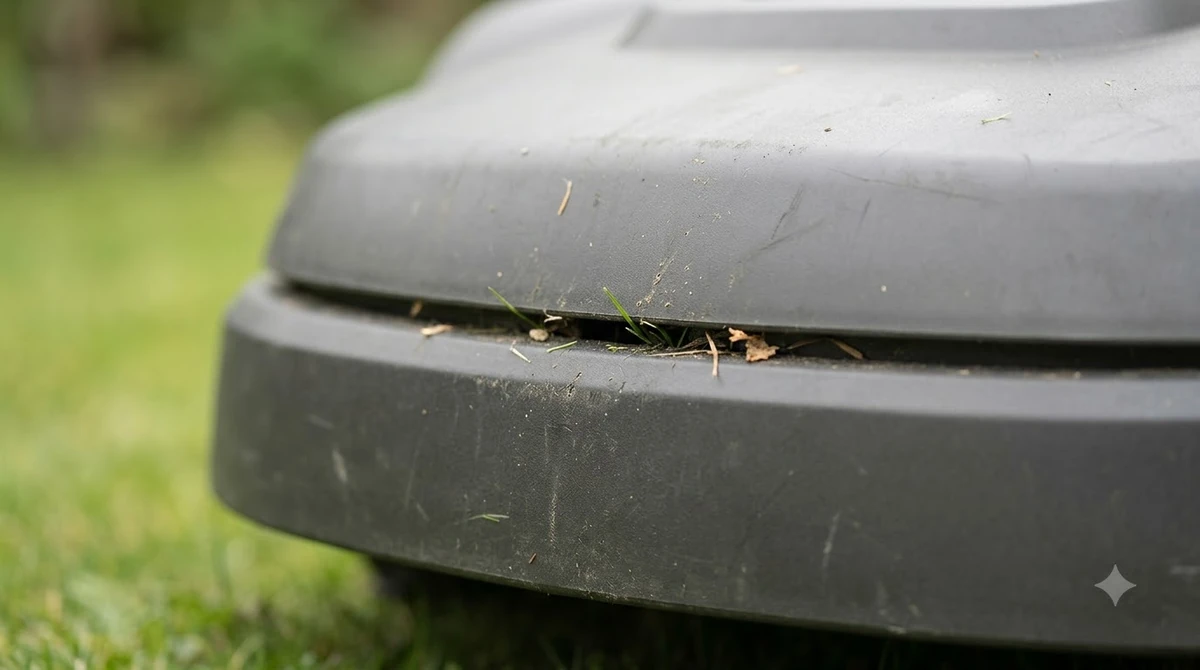
Debris is the most common of these. Robomow’s guidance on getting stuck makes the same point: small objects such as cones or fallen debris can wedge under the robot and stop it. A strip will not solve a wedge, and a thick strip can make one more likely if it traps grass.

When a bumper strip is worth adding
A strip is a reasonable choice when the body takes repeated knocks. That often happens in narrow yards with stone edging, tight gaps near sheds, or lawns with many low walls. Check the body for chips, cracks, and loose seams before you fit anything. A crack that goes through the shell is a repair job, not a cosmetic one. Treat any robot mower collision bumper strips purchase as a cosmetic upgrade, and expect the sensing to work the same as before. The follow-up question most readers have is answered in our spare bumper cover for robot mowers. See our wheel cover options for robot mowers for further detail on a connected question.
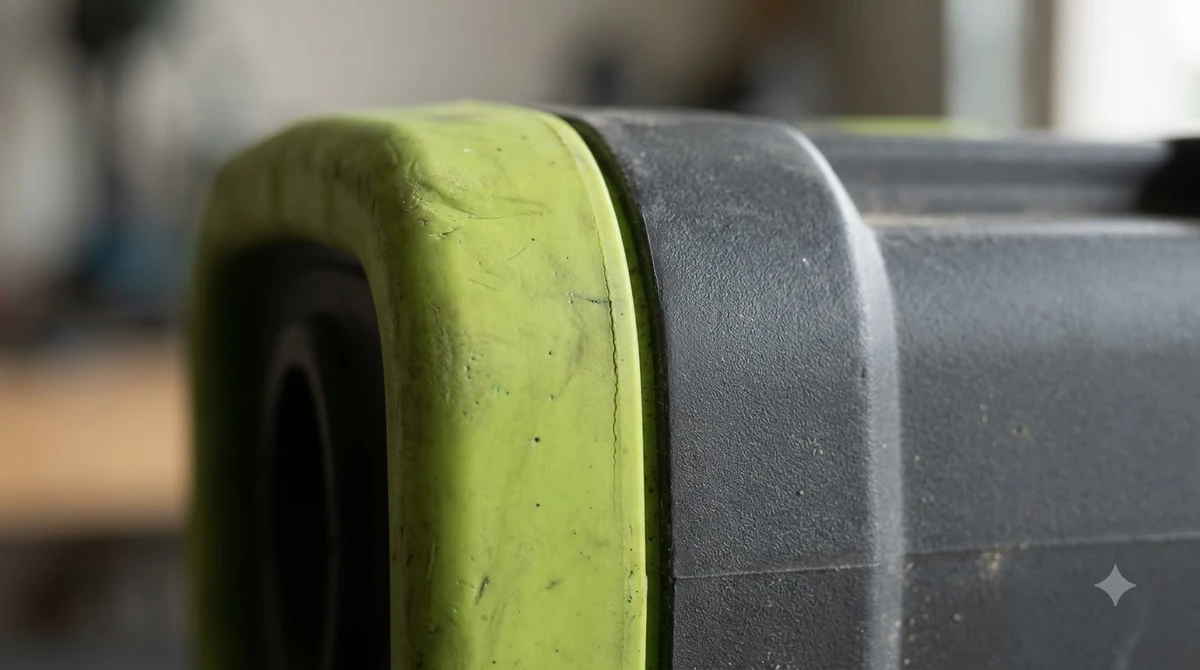
Our reading of the guidance is that a strip should sit flat, leave the bumper free to move, and be removable if you need to open the body. If a strip rubs against the bumper gap, it can cause the same sort of false collision readings that a dirty bumper does.
Heads up
Do not spray the sensors or ports when you clean the bumper area. Anker’s maintenance guidance says to avoid spraying cameras, sensors, charging contacts, buttons, and ports. Use a damp cloth and a soft brush on the bumper instead.
How to check the bumper before you add a strip
Run through a short check before you buy a collision bumper strip. Move the bumper by hand and confirm it springs back without sticking. Look under the body for grass, stones, or fine dirt packed around the bumper. Restart the mower after cleaning, then watch a few runs for repeated stops at the same spot. For the next step after this section, continue with our bumper sensor replacement guide.
- Free movement: the bumper should travel and return without resistance.
- Debris: clear the gap between the body and the chassis.
- Seams: look for splits, lifting, or gaps that could catch grass.
- Restart: power cycle the mower after cleaning, as Husqvarna’s guidance suggests for temporary faults.
If the error keeps returning after these checks, the sensor or the body assembly may need service. Take the model number and the error code to the dealer before ordering any part.
What to ask the dealer before you buy
Parts are model specific, and robot mower bumpers differ between brands and generations. Ask whether the bumper, the strip, and the sensor board are sold separately. Ask whether the strip changes the warranty and whether it has been tested with the model you own. Navimow’s own material on how its mowers avoid hazards describes bumper sensors as contact-only and standard on several models, which is a useful reminder that the sensor sits behind the shell and not in the strip.
Related reads: Another connected page that readers often open next is our Worx Landroid getting stuck fixes.
Frequently asked questions
Do robot mower collision bumper strips stop collision errors?
Usually not. A strip protects the outer edge. Collision errors more often come from debris, a bumper that does not move freely, or an obstacle wedged under the body.
Can a bumper strip make the mower bump harder?
It can if the strip is too stiff or sits in the bumper gap. Check that the bumper still springs back freely after fitting.
How do I clean the bumper area safely?
Use a damp cloth and a soft brush. Avoid spraying water or cleaner onto sensors, cameras, charging contacts, or ports.
When should I call the dealer instead?
Call the dealer if the bumper is cracked, the collision error returns after cleaning and a restart, or the sensor seems faulty. Give them the model number and the error code.
Sources
- Collision sensor problem: Automower error message (Husqvarna support): causes of the collision error, including debris and body seating, and the restart step.
- How robot lawn mowers avoid hazards (Navimow): bumper sensors respond to physical contact and are standard on several models.
- Can a robotic lawnmower get stuck? (Robomow): debris such as cones can wedge under a robot and stop it.
- Robotic lawn mower maintenance (Anker): avoid spraying sensors, cameras, and ports.
 Up next10 min readGearBest Replacement Rubber Bumper Strip for Brick Walls: Materials, Fit, and CareUpdated Nov 19, 2026
 6 min readGearRobot Mower Wheel Spikes for Wet Grass: When They HelpUpdated Nov 20, 2026
 7 min readGeareufy E15 Spare Parts: Blades Are the Only Replaceable PartUpdated Nov 11, 2026
 8 min readGearRobot Mower Spare Bumper Cover: When to Buy OneUpdated Nov 20, 2026
 8 min readGearRobot Mower Bumper Sensor Replacement: What to Check FirstUpdated Nov 19, 2026
 6 min readGearRobot Mower Lawn Edging Strips: 3 Simple Setup StepsUpdated Nov 14, 2026