
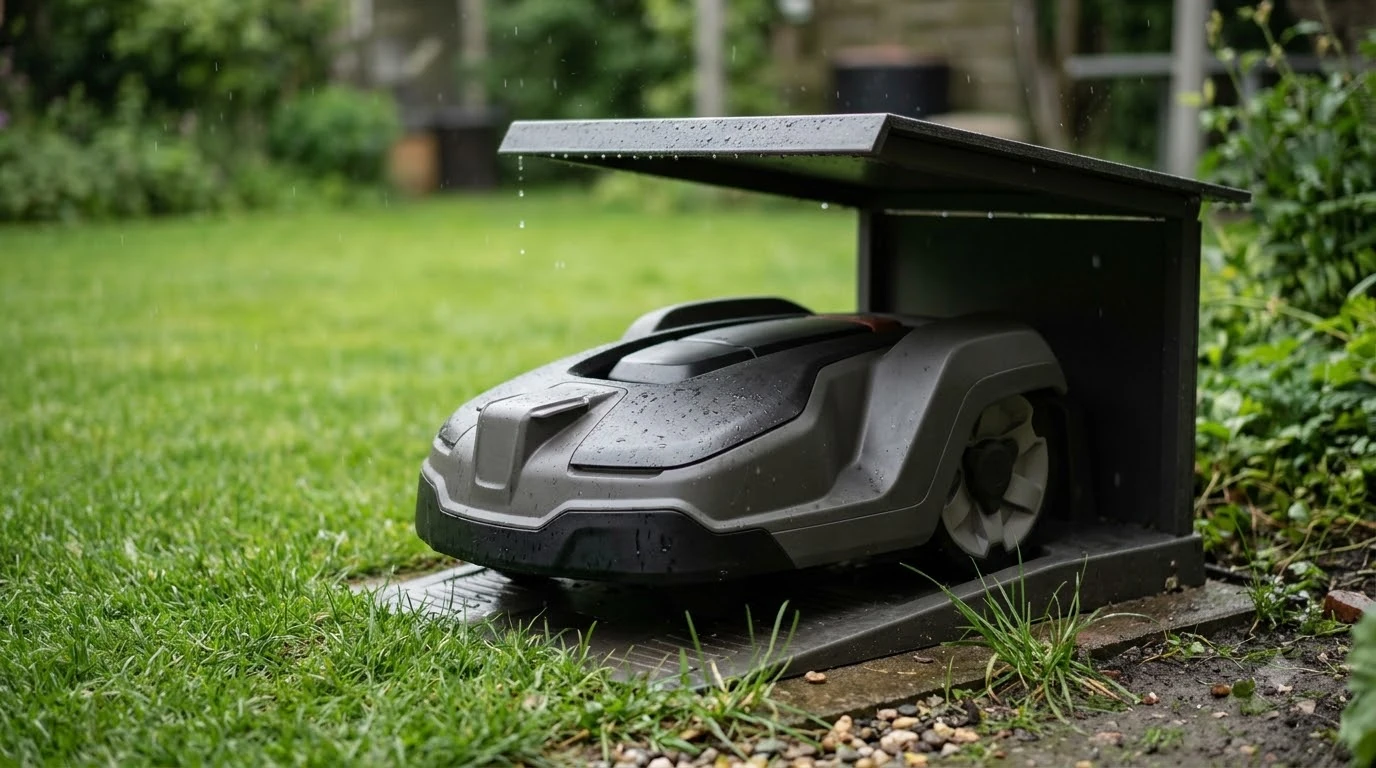

What to check when a robot lawn mower arrives damaged: start with the packaging, then inspect the blades, wheels, charging contacts, and charging cable before the first run. Photograph the box and the unit as soon as you open it, since that record supports any claim with the seller or carrier. Do not run the mower until the blades and cutting deck look sound.
The short answer
- Photograph first. Shoot the outer box, the label, and any crushed or wet packaging before you unpack.
- Inspect the blades. With the mower switched off, look for chips, bends, or cracks.
- Check the wheels and charging parts. Wheels should turn freely, and the contacts and cable should be clean and undamaged.
- Contact the right party. The seller or carrier handles shipping damage; the manufacturer handles internal faults.
Photograph the box before you open it
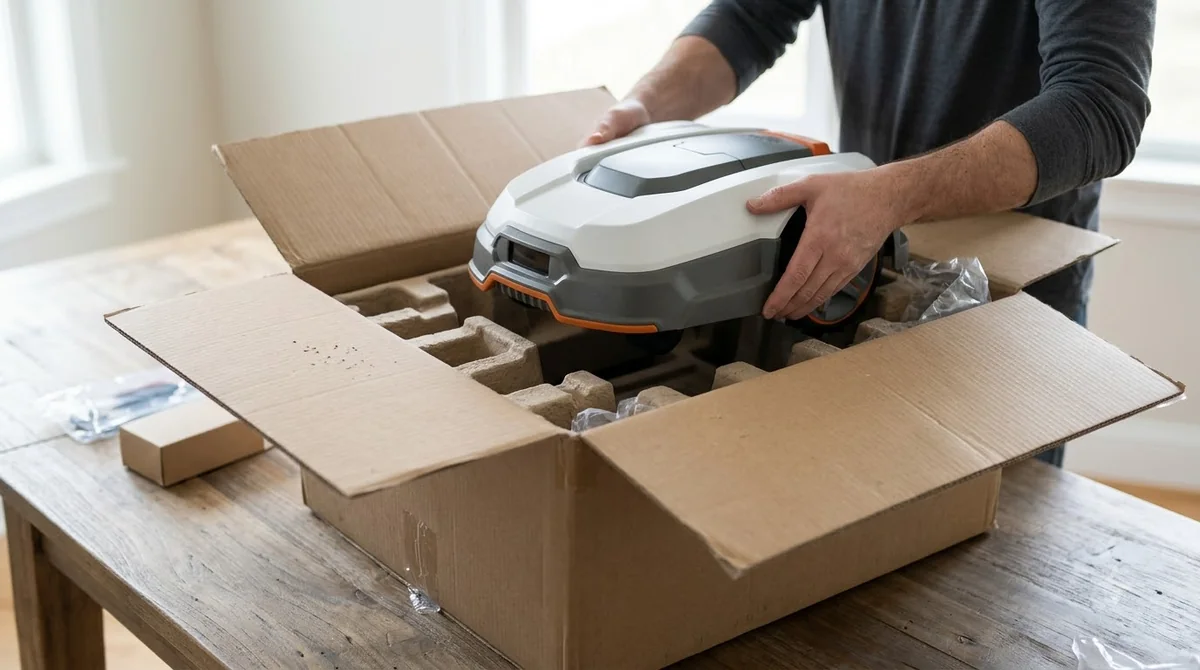
What to check when a robot lawn mower arrives damaged begins before you open the box, because evidence taken on arrival is the most useful thing you can have when a claim is needed. Photograph the outer box from each side, the shipping label, and any dents, tears, or wet areas before you cut the tape.
Keep the inner packing material and every bag of screws or clips. Our reading is to hold on to the packaging until the unit has been checked, since a seller or carrier may ask to see it.
Our reading is that a damaged outer box does not prove the mower inside is damaged, and an undamaged box does not prove it is fine. Check the unit itself, then decide whether to claim.
Check the blades and blade disc first
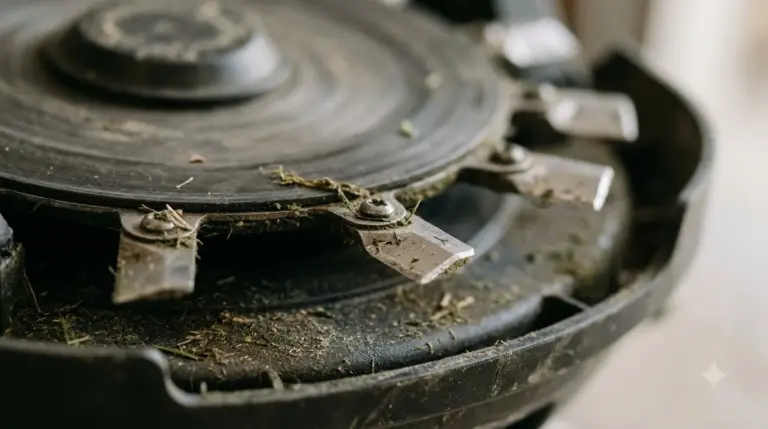
When a robot lawn mower arrives damaged, the blades are often the first thing to inspect, since they are the part most likely to be bent or chipped by rough handling. Anker’s maintenance guide for its robot mowers says to check blades at least once a month during the mowing season and to look for “visible chips, bends, or damage.”
For a new unit, turn the mower off completely and wear gloves before touching the blades. Check each blade and its screw. Anker’s guide also advises replacing “all blades and screws at the same time” when the manufacturer recommends it, so a single bent blade may mean replacing the set.
Blades also wear out over time. Bosch’s DIY guide states that robot mower blades are typically replaced every 1 to 2 years, which is a wear schedule rather than a shipping rule, but it helps you plan spares. Bosch’s robotic lawn mower guide covers this in more detail, and our page on how often to replace robot mower blades gives brand intervals.
Look over the wheels and cutting deck
Wheels should turn freely, and the cutting deck should be free of debris and shipping residue. Anker’s guide says to clean the wheel treads and check that the wheels rotate freely, and to check wheels, screws, and general wear during routine inspections.
Spin each wheel by hand with the mower switched off. A wheel that binds, grinds, or wobbles should be reported to the seller or manufacturer before the mower is run.
Check the charging contacts, station, and cable
Charging is where a damaged unit usually shows up first. The mower and the charging station both have contacts that should be clean, and the station needs a sound power supply and cable. Anker’s guide says to clean the charging contacts on both the mower and the station, and to inspect the power supply and charging cable for damage.
Ecovacs’s support FAQ advises wiping charging contacts with a damp cloth and using fine sandpaper only where rust has formed. Clean the contacts before you judge whether the unit is faulty. Ecovacs’s FAQ on charging contacts gives the cleaning steps, and our guide to robot mower charging contacts corrosion covers rust in more detail.
Anker also says to confirm the mower can dock correctly and that nothing blocks the connection. Do this check with the station placed where it will live, and do not leave the mower charging unattended until you are satisfied it docks cleanly.
Check the boundary wire on wired models
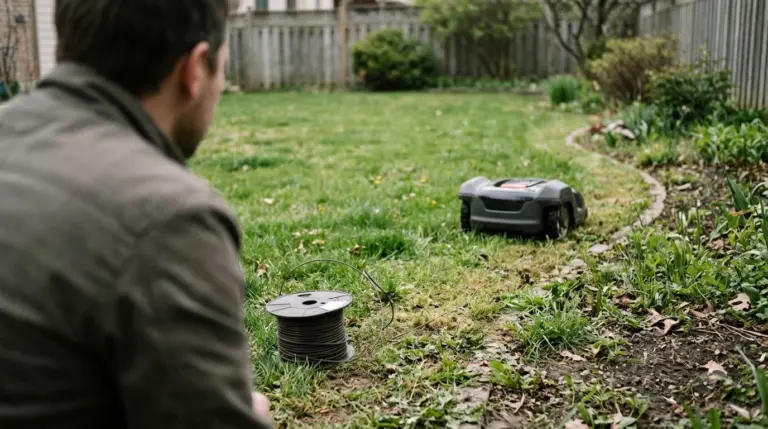
Wire-free models skip this step. Wired models rely on a loop of boundary wire, so a broken wire can stop the mower from working even when the mower itself is fine.
Anker’s guide says to check for visible wire damage caused by garden tools, pets, wildlife, or ground movement, and notes that most breaks can be repaired with waterproof wire connectors designed for robot mower systems. Anker lists a “No Loop Signal” warning as a symptom of a loop problem.
What to check when a robot lawn mower arrives damaged: a first-week checklist
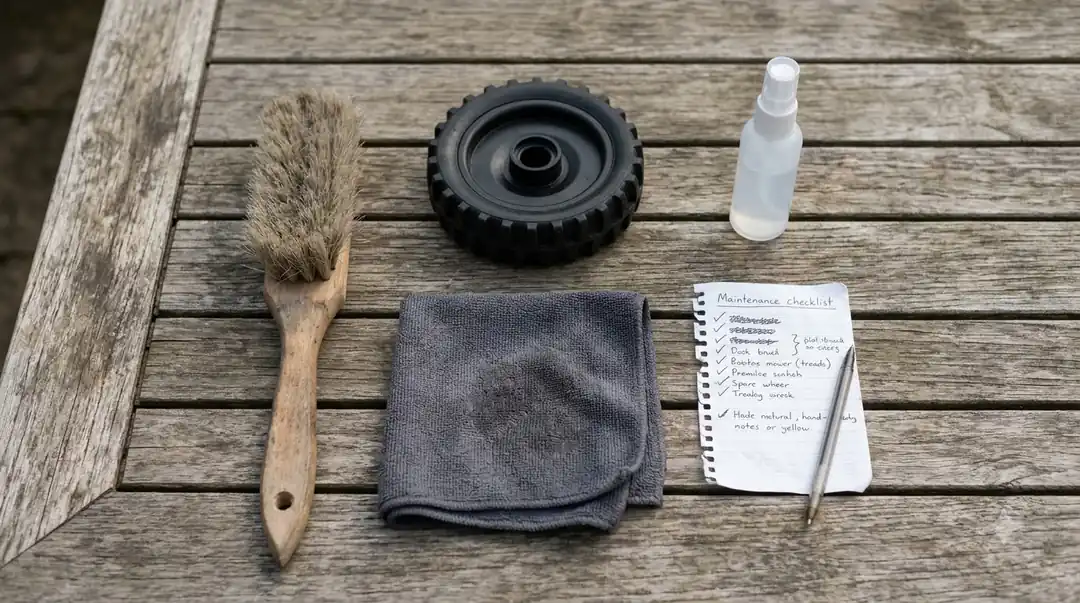
A written checklist of what to check when a robot lawn mower arrives damaged keeps the first inspection consistent and gives you a record to show the seller. Note the date, the condition of each part, and any photos you took.
Our reading is that a short list works best: packaging photos, blades and screws, wheels and deck, charging contacts and cable, and the boundary wire if your model uses one. Tick each item as you check it, and write down anything unusual before you start the mower. Once the unit passes, our step-by-step robot mower setup guide picks up from there, and the robot mower maintenance checklist covers upkeep after that.
When to contact the seller or manufacturer
When a robot lawn mower arrives damaged in transit, the claim usually goes to the seller or the carrier, while faults that look internal go to the manufacturer. Anker’s guide says that for damaged electronics, water ingress, or motor problems you should contact the manufacturer or an authorised repair centre.
If you still wonder what to check when a robot lawn mower arrives damaged and who to call, see the seller’s return terms and the maker’s robot mower warranty coverage and claim rules. Carrier claims have their own deadlines and evidence rules. We could not confirm a carrier’s claim window for this article, so check the carrier’s damaged-delivery page or your seller’s return policy as soon as the box arrives, and do not assume a long window.
Heads up
Never use a pressure washer on a robot mower during inspection or cleaning, as Anker’s guide warns. Use a soft brush or cloth instead.
Frequently asked questions
Should I sign for a robot mower delivered in a damaged box?
Our reading is to note visible damage on the delivery record if the carrier allows it, and to photograph the box before signing or as soon as you get it. That record supports any later claim, but the carrier’s own rules decide what it accepts.
Can I run a robot mower if a blade looks bent?
No. Turn the mower off completely, wear gloves, and do not run it until the blade is checked. Anker’s guide says to look for visible chips, bends, or damage and to replace blades and screws together when the manufacturer recommends it.
Does a dented outer box mean the mower is broken?
Not necessarily. Outer box damage does not prove the unit inside is damaged. Inspect the blades, wheels, charging contacts, and cable before you decide whether to claim.
What if the charging station cable looks damaged?
Do not plug it in. Anker’s guide says to inspect the power supply and charging cable for damage, and for electrical damage the manufacturer or an authorised repair centre should check it.
Sources
- Robotic lawn mower maintenance (Anker, UK site): used for blade, wheel, charging contact, cable, boundary wire, and repair-contact guidance.
- Ecovacs support FAQ (Ecovacs): used for the damp-cloth cleaning of charging contacts.
- Robotic lawnmowers: advantages, disadvantages and costs (Bosch DIY): used for the 1 to 2 year blade replacement interval.
 Up next7 min readBest Robot MowersBest Robot Lawn Mower Spring Sale: When to Buy and What to CheckUpdated Nov 14, 2026
 8 min readBest Robot MowersBest Premium Robot Lawn Mower: When the Higher Price Is Worth ItUpdated Nov 13, 2026
 7 min readBest Robot MowersWhen Is the Best Time to Buy a Robot Lawn Mower?Updated Nov 11, 2026
 9 min readBest Robot MowersWhen Do Robot Lawn Mowers Go on Sale? A Year-Round GuideUpdated Nov 11, 2026
 7 min readBest Robot MowersMulching Robot Mower Explained: How It Works and When It FailsUpdated Nov 11, 2026
 9 min readBest Robot MowersRobot Mower Emergency Stop Button: What to Check Before You BuyUpdated Nov 12, 2026