
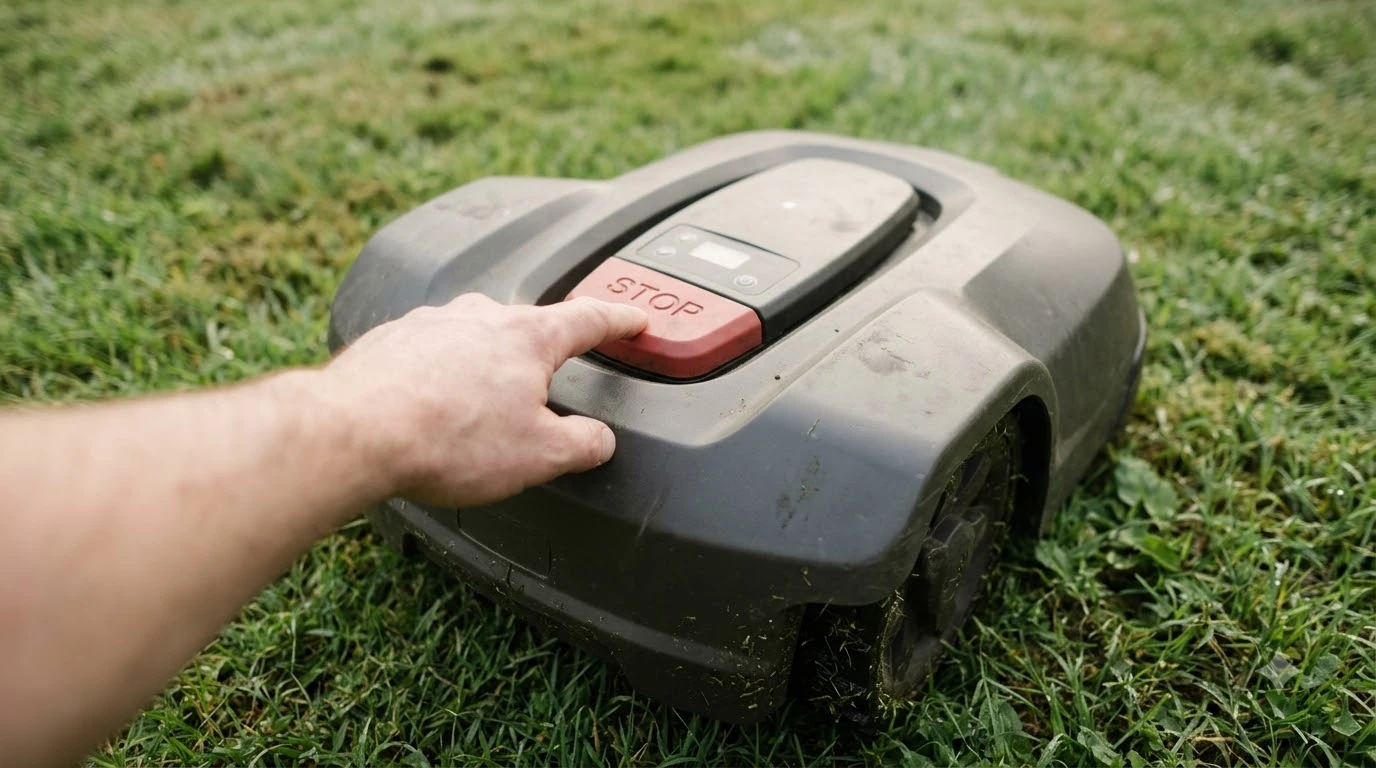

Which robot lawn mower is the easiest to use depends mostly on how it learns your boundary, not only on the brand. Wire-free models that map the lawn through a phone app usually involve the fewest physical steps, based on the setup documents manufacturers publish. Lawn size, slope, and where the charging station can sit decide how smooth daily use will be.
The short answer
- Wire-free mapping removes the buried or pegged perimeter wire, so setup is mainly app-led.
- Charging station placement matters: Eufy says it should sit on level ground with open space in front.
- Size and slope set the limit: check the area rating and slope rating before you buy.
- Setup time varies by model; Eufy claims under an hour including mapping, while Husqvarna states no duration.
Which robot lawn mower is the easiest to use: what to check
Ease of use comes from three things that you can check before buying. The first is how the boundary is set, whether through a wire or by mapping the lawn. The second is how the app guides you through pairing, zones, and schedules. The third is how well the mower fits your lawn’s size, shape, and slope.
- Boundary method: wire-based or wire-free.
- App flow: pairing steps, mapping prompts, and schedule controls.
- Lawn fit: area rating, slope rating, and obstacles such as beds and trees.

Perimeter wire vs wire-free setup
So which robot lawn mower is the easiest to use? Wire-free models are generally easier to set up than wire-based models, because they skip the physical boundary. Sunseeker’s buying guide notes that wire systems carry an upfront installation effort, and that many models set different limits for open areas and perimeter zones. Wire-free models shift the work into the app, where you map and confirm zones on screen. Our wire-free vs boundary wire comparison covers the trade-offs in more detail.
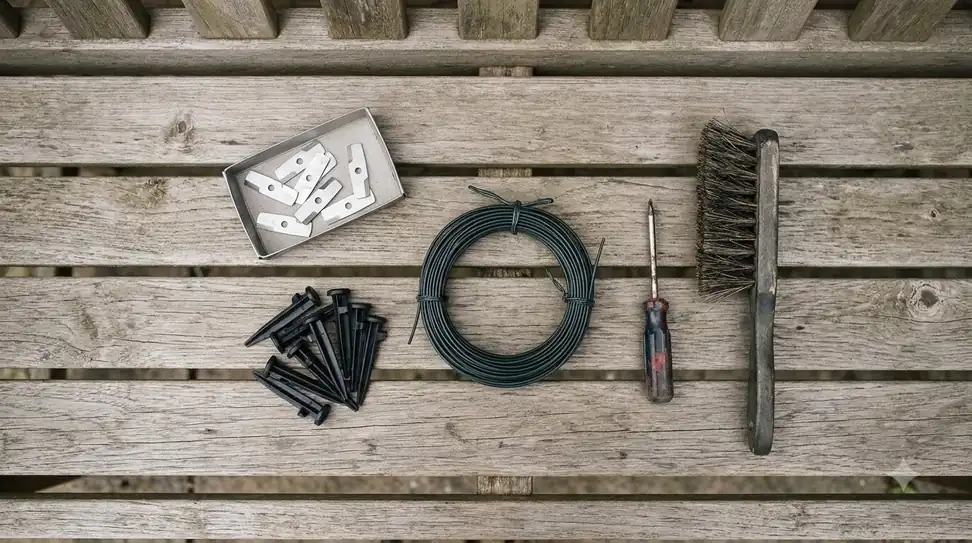
| Setup method | What you do | What to expect |
|---|---|---|
| Perimeter wire | Lay and secure a wire around the lawn, then connect the charging station | Physical work up front; the wire must lie flat and stay in place |
| Wire-free, mapped in app | Push or drive the mower around the lawn while the app builds the map | Mostly app steps; the first mapping run needs to finish uninterrupted |
| Wire-free, satellite (RTK) | Use network RTK (no local antenna, per Navimow) and confirm boundaries in the app | Depends on satellite signal and postal code coverage |
How wire-free mapping works
Wire-free mapping is the simplest way to see the difference in practice. Toro’s Haven setup guide describes a five-step routine: register the mower in the MyToro app, install the charging station, create a 3D map, define the working, mowing, and exclusion zones, then let the mower run on its own. Toro states that “no boundary wires are needed, just push the robotic mower through your lawn and a 3D map will be created.”
Husqvarna takes a similar approach with its EPOS system. Its installation page says the boundaries are created virtually and that the mower is paired through the Automower Connect app. The page does not state how long the process takes, so the time you need depends on your lawn and the model.
Worx takes a vision-based route. Its setup guide says the mower “uses its eyes to map your lawn automatically” and tells you to pre-cut the grass to shorter than 10 cm and clear toys, stones, and loose cables first. Once the app is linked, the mower maps the edges on its own, and the guide offers a manual mapping mode for tricky layouts. Its firmware update takes 10 to 15 minutes, and the battery should be above 50 percent before the first map.
Charging station and satellite positioning
Satellite-based models depend on where the reference equipment sits, so where to put the charging station matters for ease of use as well as signal. Lymow, which sells an RTK model, says its station should have an unobstructed view of the sky and that very dense canopy may still cause problems.
In its own comparison, the company puts RTK setup at 30 to 60 minutes and wire installation at 4 to 8 hours, though that is vendor data. Segway Navimow’s Network RTK models need no local antenna, and the company says that Network RTK access is included at no extra cost. However, RTK availability depends on postal code, and the company’s checker can show that service is not available in some areas, so check coverage before you buy.
Eufy’s wire-free guide gives similar advice for its own models. It asks you to set the station on level ground with open space in front, and it warns that GPS accuracy depends on visibility. A station under a roof or close to walls may weaken positioning.
Daily use, app, and maintenance
Day to day, the app schedule and obstacle handling decide how much you need to step in. The setup pages we read cover the first week mostly, so check the manual for ongoing care. Eufy advises against interrupting the first mapping run, and it recommends a 2.4 GHz Wi-Fi connection for pairing. Which robot lawn mower is the easiest to use day to day also depends on the app, and our guide to which brand has the best app compares the options.
- Schedules: set mowing times in the app to fit quiet hours and your lawn’s needs.
- Obstacles: check that toys, hoses, and garden furniture are cleared from the mapped zones.
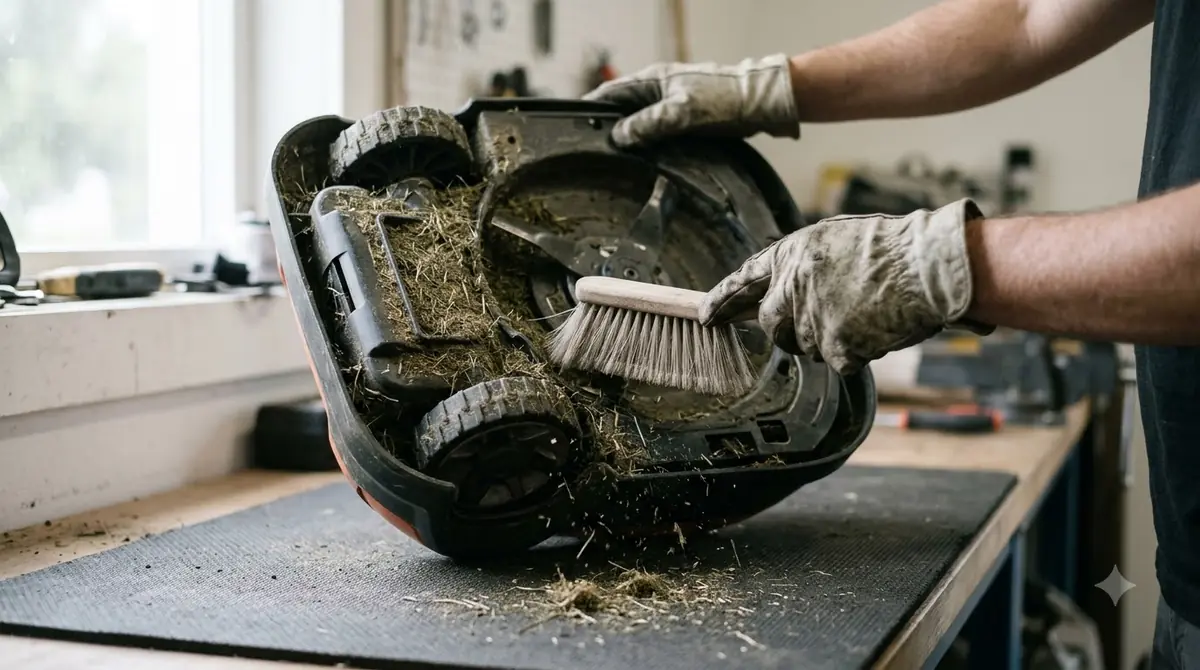
- Sensors: keep bumper and camera or LiDAR sensors clean so the mower avoids objects reliably.
- Blades: inspect and replace blades on the schedule the manual gives, and keep a routine with our robot mower maintenance checklist.
Matching ease of use to lawn size and slope
A mower that is easy to set up can still be frustrating if it is undersized for your lawn or too weak for the slope, so choosing a robot mower by lawn size comes first. Navimow lists slope ratings of 45 percent (24 degrees) for its i2 AWD and i2 LiDAR models, 55 percent (29 degrees) for the i2 LiDAR Pro, and 84 percent (40 degrees) for the X4. Its recommended lawn sizes run from 500 to 1,000 square meters for the i2 AWD up to 2,000 to 5,000 square meters for the X4.
| Navimow model | Slope rating | Recommended lawn |
|---|---|---|
| i2 AWD | 45% | 500 to 1,000 m² |
| i2 LiDAR | 45% | 800 to 2,000 m² |
| i2 LiDAR Pro | 55% | 1,000 to 2,000 m² |
| X4 | 84% | 2,000 to 5,000 m² |
Sunseeker advises choosing a model rated for at least 20 to 30 percent more area than your calculated lawn, which leaves room for obstacles and keeps the battery from being overworked. Our reading is that a mower sized with that margin is easier to live with than one that runs at the edge of its rating, and that is the practical test of which robot lawn mower is the easiest to use over a full season.
Frequently asked questions
Is a wire-free robot mower easier to set up than a wire model?
Usually, based on manufacturer setup documents. Wire-free models skip burying or pegging a perimeter wire and map the lawn in an app. Wire systems can still suit some yards, so read the setup steps in the manual before buying.
How long does robot mower setup take?
Eufy says its wire-free models typically take less than an hour, including mapping, though that is the company’s own claim. Husqvarna’s installation page does not state a time. Expect the real duration to depend on lawn size and charging station placement.
Do robot mowers need RTK or GPS?
Not all of them. Navimow’s Network RTK models need no local antenna, but availability depends on your postal code. Eufy notes that GPS accuracy depends on sky visibility, so a station hidden under a roof may perform worse.
What lawn size should I check before choosing?
Measure your lawn, then compare it with the recommended lawn range and area rating for each model. Sunseeker suggests a mower rated 20 to 30 percent larger than your calculated lawn to cover obstacles and keep the battery from working too hard.
Sources
- Toro Haven setup FAQ (Toro): five setup steps and the no-wire 3D mapping method.
- Husqvarna virtual installation guide (Husqvarna): virtual boundaries and app pairing.
- Navimow wire-free explainer (Segway Navimow): Network RTK, slope ratings, and lawn size ranges.
- Eufy wireless installation guide (Eufy): charging station placement, Wi-Fi pairing, and GPS visibility.
- What to consider when buying a robot mower (Sunseeker): area buffer and installation effort.
- Worx vision cloud setup guide (Worx): vision mapping, charging base placement, and firmware time.
- RTK vs wire setup comparison (Lymow, vendor comparison): RTK and wire installation times.
 Up next8 min readBest Robot MowersHow Much Electricity Does a Robot Mower Use?Updated Nov 11, 2026
 8 min readBest Robot MowersCan You Use a Robot Mower With Sprinklers? Timing TipsUpdated Nov 11, 2026
 8 min readBest Robot MowersWhich Robot Lawn Mower Is Best for Uneven Ground: 3 SpecsUpdated Nov 11, 2026
 8 min readBest Robot MowersWhich Robot Mower Has the Best Navigation? It Depends on Your YardUpdated Nov 11, 2026
 8 min readBest Robot MowersWhich Robot Mower Do Lawn Care Experts Recommend?Updated Nov 11, 2026
 9 min readBest Robot MowersWhat Is the Best Robot Lawn Mower for a Narrow Yard?Updated Nov 11, 2026