
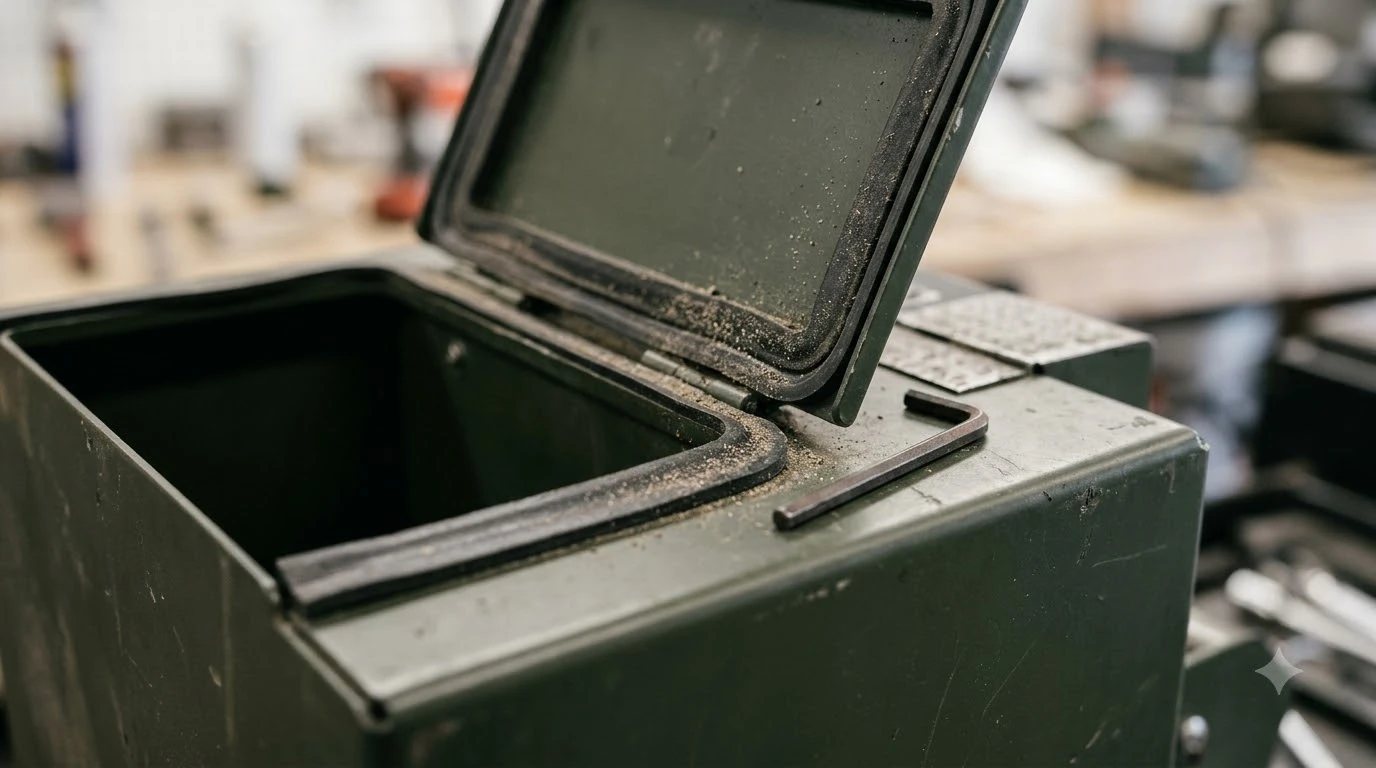

A robot mower battery charger replacement is worth it when the charger, not the battery, is the part that has failed. Owners often blame the battery when a mower stops charging, but a worn battery and a faulty charger give similar symptoms. Replacing the wrong part costs money and leaves the problem in place. This guide explains how to tell the two apart, when a new charger is the sensible fix, and what to check before you buy one.
The short answer
- Charger is the likely fault when the mower charges fine on another dock, or the dock’s status light behaves oddly on a known-good outlet.
- Battery is the likely fault when the mower returns to charge more often than before, or stops mid-lawn with an empty battery and no error.
- Check the contacts first. Dirty or misaligned charging plates can mimic a dead charger.
- Match the part exactly. A battery charger replacement has to match the model’s voltage and connector, not just the brand.
- Use the dealer if unsure. Husqvarna’s guidance points owners to the dealer for replacement batteries and genuine parts.
Charger or battery: how to tell which one failed
The two parts do different jobs. The charger, sometimes called the charging station or dock, sends power into the mower when it sits on the plates. The battery stores that power and runs the blades and drive motors. When the mower will not charge, the fault can be in either part, or in the contacts between them. The first step is a proper check, and the guide to diagnosing a charger that stopped working lists the symptoms in order. An old pack can look like a faulty charger, so battery age and replacement timing are useful context before spending money.
Husqvarna’s guidance on battery ageing lists the signs of a worn battery: the mower returns to charge more often than usual, and it sometimes stops mid-lawn with an empty battery and no error code. It gives a typical battery life of two to five years, depending on use, climate, and care. A mower that charges normally but runs out fast is pointing at the battery, not the dock.
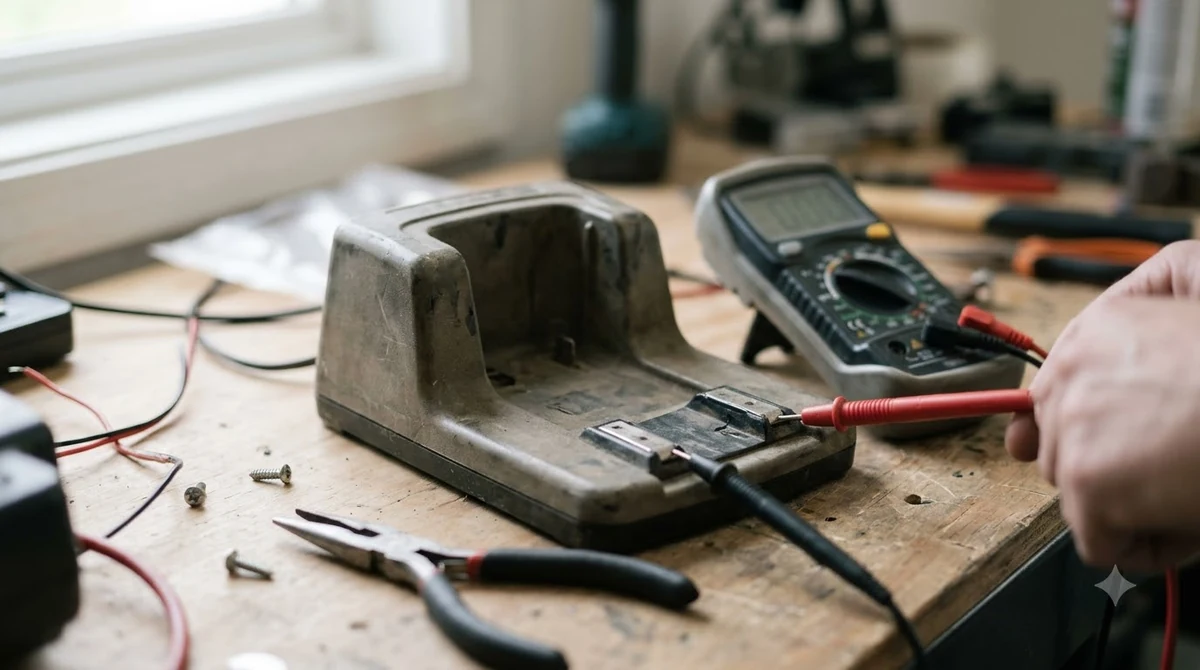
A charger problem usually looks different. The mower may refuse to charge at all, the status light may stay in one state, or the mower may charge on one dock and not the other. Our reading is that the simplest test is to swap the dock if you have a second one, or to try a known-good outlet. If the mower charges normally elsewhere, the dock is the likely fault.

Check the contacts before you replace the charger
Many failed charges come from dirty or misaligned contacts rather than a dead charger. Our reading is that a mower that will not charge often sits slightly off the plates, so the charging contacts never fully touch. Clearing debris from both the dock and the contacts on the mower is the cheapest first step.
Check these before you order anything:
- Power off and turn off the dock. Unplug the charging station from the outlet before you touch its plates.
- Clean the plates and contacts. Wipe the dock plates and the mower’s contacts with a dry cloth. Use a soft brush for grit, and avoid sprays near the contacts.
- Check the mower’s seating. Drive the mower onto the dock and confirm the plates meet squarely. Misaligned wheels can cause a partial charge.
- Look at the cable and outlet. Check the power cable for cuts, the plug for heat marks, and the outlet for a tripped breaker or GFCI.
- Test on a known-good outlet. Plug the dock into a different outlet, or use a second dock if you have one, and watch whether the mower charges.
- Record the status light and error. Note what the light and the app show before you call the dealer or order a part.
When a robot mower battery charger replacement is worth it
A new charger makes sense when the cleaning and outlet checks pass and the mower still charges only on one dock. It also makes sense if the dock’s cable or housing is damaged, because a damaged dock is a safety issue, not just a repair. Keep the replacement to the part the manufacturer lists for your model. A charger may be fine while a long run that drops voltage is the real culprit.
A new battery makes more sense when the dock is fine and the mower runs out quickly or stops mid-lawn. Battery replacement is often more expensive than a charger, so it is worth confirming the diagnosis first. Battery life varies with use and climate, so a runtime check tells you more than the calendar.
| Symptom | Most likely part | First check |
|---|---|---|
| Will not charge on any dock | Battery or mower contacts | Clean contacts, then test the battery |
| Charges on one dock, not the other | Charger or dock contacts | Swap docks and check the plates |
| Runs out fast but charges normally | Battery | Track charge cycles and runtime |
| Stops mid-lawn with no error | Battery | Check the battery’s age and condition |
| Dock cable is cut or hot | Charger cable or dock | Stop use and replace the cable or dock |
Heads up
Do not open a battery or a charger to test it yourself unless the manual covers it. Battery packs and power supplies can hold a charge or overheat, and a damaged cell is a fire risk. Contact the dealer for anything beyond cleaning and outlet checks.
What to look for when buying a replacement charger
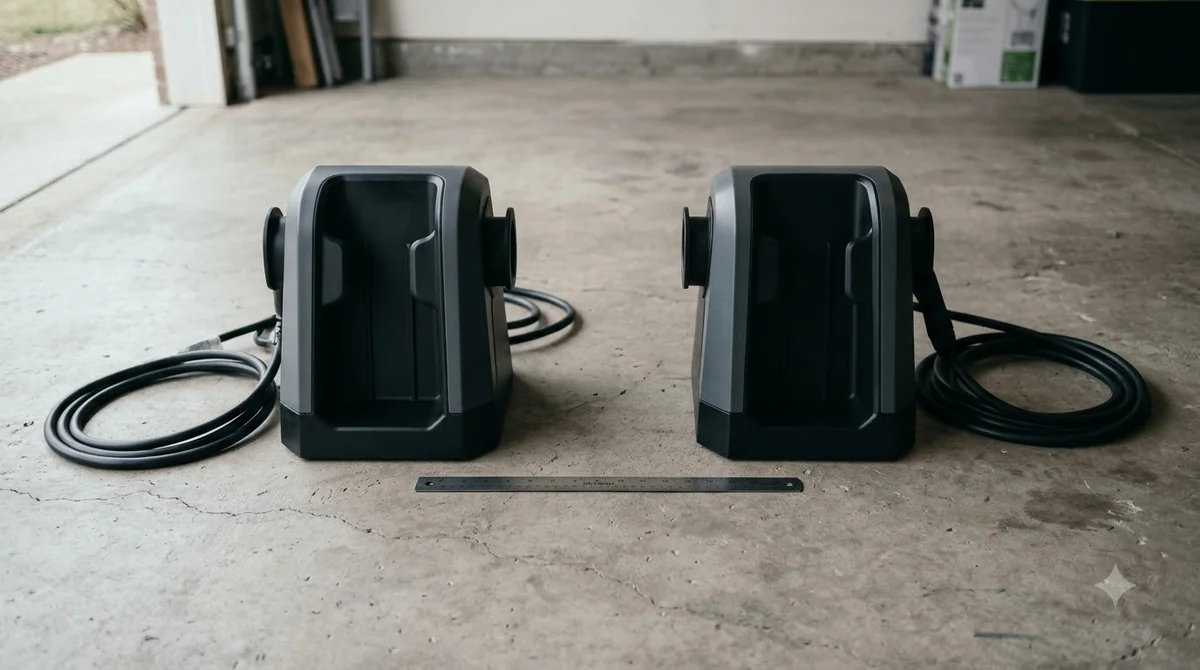
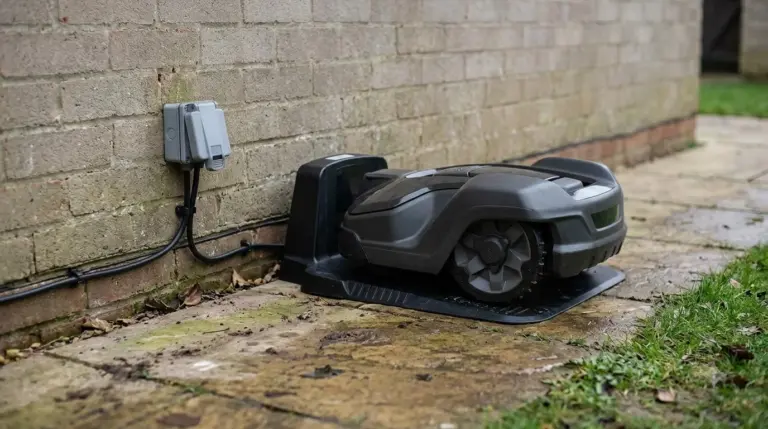
A battery charger replacement has to match the model in three ways: voltage, connector shape, and the layout of the charging plates. A dock that looks similar can have different plate spacing, and that can stop the mower from making full contact. Confirm the exact model number before you buy, and check that the replacement lists the mower it fits. Once the new unit is in place, an outdoor outlet cover for the new charger keeps rain off the plug.
Look for outdoor-rated housings and a cable length that reaches the outlet without strain. Avoid extension cords for a charger if the manual does not allow them, since voltage drop and loose plugs can cause partial charging.
Mistakes that waste money on charger parts
- Replacing the charger first. Many failed charges are cleaning or outlet problems, and a new dock will not fix them.
- Ignoring the battery’s age. A worn battery can look like a bad charger. Check runtime and charge cycles before blaming the dock.
- Buying by brand alone. The wrong voltage or plate layout can damage the battery or leave the mower unable to charge.
- Leaving a damaged cable in use. A cut or hot cable is a safety problem and should be replaced before the next charge.
Related reads: One avoidable mistake is relying on smart plugs that cut charger power on a schedule, which can leave the mower flat.
Frequently asked questions
How do I know if the charger or the battery is bad?
Test the mower on a known-good dock or outlet. If it charges normally elsewhere, the dock is the likely fault. If it charges but runs out fast or stops mid-lawn, the battery is the more likely problem.
How long does a robot mower battery last?
Husqvarna gives a typical battery life of two to five years, depending on use, climate, and care. Heavy daily use in hot weather can shorten it, so track how often the mower returns to charge.
Can I use any charger that fits the plug?
No. The voltage, connector, and plate layout must match your model. A wrong charger can stop charging or damage the battery. Confirm the exact model before you buy.
Should I clean the contacts before replacing the charger?
Yes. Dirty or misaligned contacts are a common cause of failed charges and cost nothing to check. Clean both the dock plates and the mower’s contacts, then test again before you buy a part.
Sources
- Husqvarna: Automower charging station placement guide (manufacturer): outlet placement and the status light meaning.
- Husqvarna: battery signs of ageing and how to maximise lifespan (manufacturer): signs of a worn battery and a typical battery life of two to five years.
 Up next7 min readGearRobot Mower Charger Power Adapter Replacement: What to Match Before You BuyUpdated Nov 20, 2026
 6 min readGearRobot Mower Battery Replacement Pack: Match the Part NumberUpdated Nov 20, 2026
 8 min readGearHusqvarna 115H Battery: Lifespan, Signs and Replacement TipsUpdated Nov 20, 2026
 7 min readGearRobot Mower Battery: Lifespan, Storage and ReplacementUpdated Nov 18, 2026
 7 min readGearLymow Battery: Specs, Cycle Life and Replacement TipsUpdated Nov 13, 2026
 8 min readGearAnthbot Replacement Battery: What to Check Before You BuyUpdated Nov 20, 2026