

The Anthbot Genie 3000 manual is found on Anthbot’s own support pages, and the Genie 3000 is listed as a model in the Genie series. The support page we checked does not host a downloadable user manual, so the fastest route is the printed booklet in the box, the model label on the mower, and the Anthbot support center for model-specific help. This guide shows where to look, what the support pages cover, and what to do before you follow any reset or setup steps.
The short answer
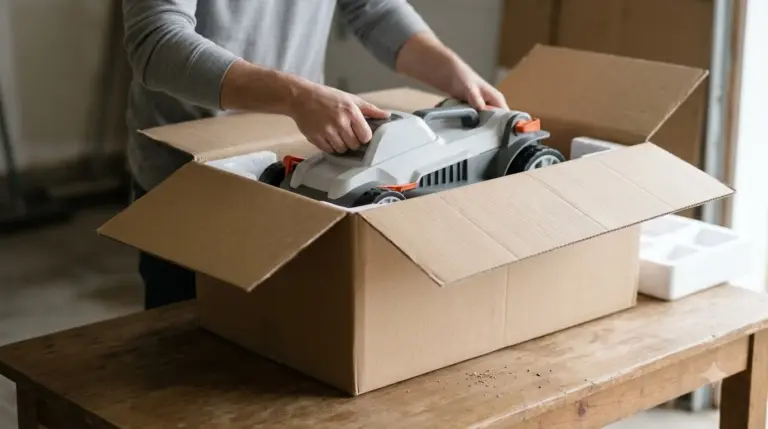
- Printed manual: check the box and the quick start card first. It is the version that matches your exact unit.
- Official support: Anthbot’s product support and support center pages list the Genie series, including the Genie 3000.
- Model check: confirm the model name on the mower label before you use any instructions.
- App version: the Anthbot Genie app is updated over time, so match the steps to the version on your phone.
Where to find the Genie 3000 manual
Anthbot keeps its support material in several places. The product support page links to a support center, a troubleshooting section, and an app section. The support center has a maintenance and care video FAQ and a fault code search, which is useful when the mower shows an error code. When we checked the product support page, it did not include a direct user manual link, so treat the support center as the place to search for the manual title and your model name. The manual covers brand-specific resets, while reset steps most robot mowers share describe the general sequence behind them. Before spending time on documentation, some buyers ask whether the Anthbot Genie is worth it and read a short verdict first.
Start with the paper or PDF that came with the mower. If you bought the unit from a marketplace, the seller listing sometimes links the manual as well. Keep a copy of the manual on your phone, because a support chat or a phone call goes faster when you can point to the exact page.
What the Anthbot support pages cover
The support pages are organized around three problem types: app setup and functionality, connectivity over Wi-Fi, Bluetooth, or network links, and general care. The product support page lists these categories and links out to articles for each one. The app section describes features such as real-time mower status, management of more than one mower, and official tutorials. The support pages also describe cover terms, which the Genie warranty terms set out in more detail for owners. Manuals and support pages differ by brand, so finding the Dreame A1 manual involves a different set of pages than the Anthbot ones.
For connection problems, the page points to the connectivity category first. Most app failures are related to the phone’s Bluetooth or Wi-Fi permissions, a network that the mower cannot reach, or an app version that is out of date. Check those basics before you assume the mower itself has a fault.
Heads up
The product support page we read contains no reset, restore, re-pair, or PIN instructions. Do not follow reset steps from a forum post or a different Genie model without checking them against your own manual.
Check the model and the app version first
The Genie series includes several models, and the steps for one model do not always apply to another. The support page lists the Genie 3000 with 3,600 square meters of coverage and a 10,000 mAh battery. Compare those figures with the label on your mower and the box before you trust a manual or video. If the label and the listing disagree, contact support with the serial number. If a screen or option in the app does not match the manual, Anthbot app issues lists the usual version and connection causes.
The app is listed as “Anthbot Genie” on the Apple App Store and Google Play. Open the app, check the software version in its settings, and compare it with the version named in the manual. Our reading is that a mismatch between app and manual is a common cause of confusing steps, especially for menus that were renamed in an update.
Reset and PIN steps for the Genie 3000
The support pages we checked do not give reset or PIN steps for the Genie 3000. We have not verified any button sequence, and this guide does not give one. If a reset is recommended by support, ask them for the exact steps for your model, the app version, and whether the map and schedule will be erased.
Before any reset, write down your current schedule, boundary settings, and charging station position, if the app shows them. Those details are usually lost in a full reset and take time to rebuild.
Maintenance points to look up in the manual
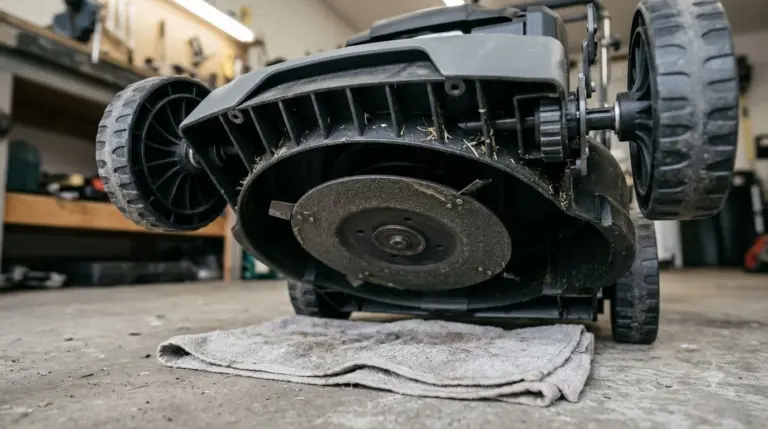
Most owners look for the manual when they need to change blades, clean the sensors, or check the charging station. Those are routine tasks, and the manual gives the exact torque, blade type, and cleaning interval for your unit. Do not guess these values from a different model, because blade and sensor designs change between Genie models. Battery work belongs in the maintenance section, and Anthbot battery replacement shows which pack options are listed for the brand.
The support center’s maintenance and care video FAQ is a useful companion to the written manual. Watch the video for the task, then open the manual and compare the steps for your exact model before you start.
Keep the mower’s software current when the app offers an update. Updates can change how the mower handles boundaries, obstacles, and rain, so read the release notes in the app and follow the update prompt rather than installing files from elsewhere.
Related reads: For a fuller look at the model the manual covers, read the Anthbot Genie review and its notes on app features.
Frequently asked questions
Does Anthbot publish a free Genie 3000 manual?
Anthbot’s support pages list the Genie series and the Genie 3000 model. The product support page we read did not include a direct manual download, so check the printed manual in the box and the support center for the current document.
How do I know which Genie model I have?
Read the model name on the label on the mower body and on the box. Compare it with the model listed on the support page, and use only the manual for that name.
What should I check before resetting the Genie 3000?
Check the app version, the Bluetooth and Wi-Fi connection, and the fault code search in the support center. Save your schedule and boundary settings, and ask support for the exact reset steps for your model.
Where can I get help if the manual does not answer my question?
Use the support center’s troubleshooting section and the fault code search first. If the answer is still unclear, contact Anthbot support with the model name, serial number, app version, and a short description of what the mower does.
Sources
- Anthbot Product Support (Anthbot): used for the support categories, app section, and the absence of reset or PIN steps.
- Anthbot home page (Anthbot): used for the list of support links and the Genie 3000 model listing with coverage and battery figures.
 Up next6 min readLearnDreame A1 Manual: Where to Find the Right VersionUpdated Nov 13, 2026
 7 min readLearnEcovacs GOAT A3000 Manual: Where to Find the Right PDFUpdated Nov 13, 2026
 7 min readLearnNavimow X430 Manual: Where to Find the Official Copy and What to ReadUpdated Nov 13, 2026
 6 min readLearnWhere to Find the Serial Number on a Robot Lawn MowerUpdated Nov 12, 2026
 6 min readLearnHusqvarna 115H Manual: Where to Download It and What It CoversUpdated Nov 13, 2026
 7 min readLearnAnthbot Mapping: How to Map Your Lawn Step by StepUpdated Nov 13, 2026