
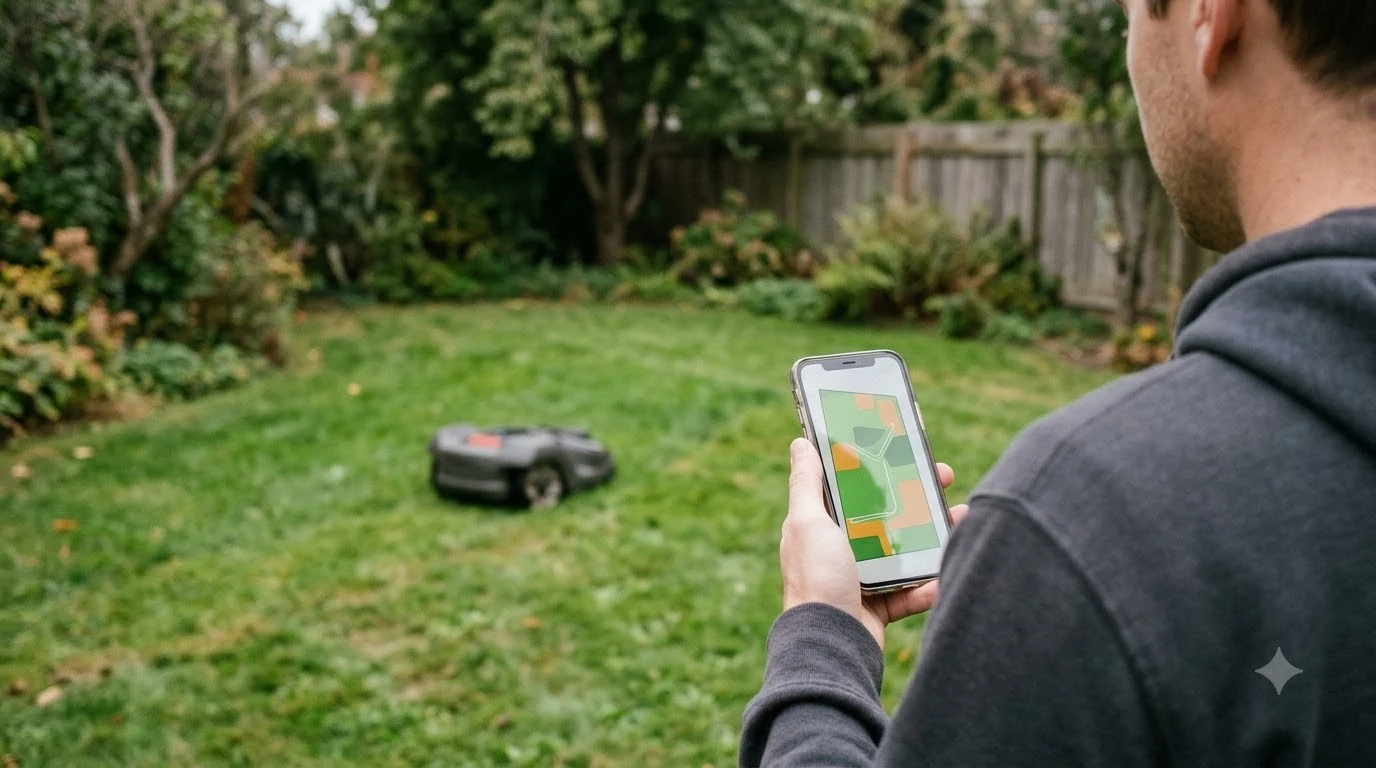

Do robot mowers need wifi or cellular? Most can mow without either, but a few models need one to navigate. Wi-Fi mainly handles the app, map edits and firmware updates. Cellular is an optional add-on on many brands, and the model’s connection type decides.
The short answer
- Most models run a local schedule and can mow when Wi-Fi drops.
- Wi-Fi-only Husqvarna models that navigate with satellite correction cannot operate without continuous Wi-Fi.
- Cellular (4G) is optional on Husqvarna and Mammotion models, and Mammotion’s plan is free only for a set period.
- Check the spec sheet for the exact connection type before you buy.
Wi-Fi mainly handles the app, not the mowing
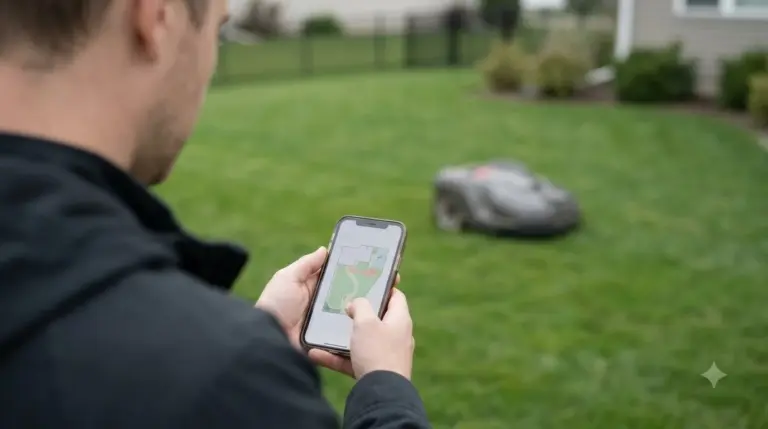
When people ask do robot mowers need wifi or cellular, the first answer is that Wi-Fi is mostly there for convenience. A Wi-Fi mower depends on the app for setup, schedules, map edits, alerts and software updates, according to Sunseeker’s Wi-Fi glossary. Losing Wi-Fi does not automatically stop mowing, although it can affect app status and remote commands.
- Remote start, pause and schedule changes from the app.
- Map edits and zone settings saved to your account.
- Firmware updates, which download while the mower is parked at the charging station.
- Status alerts such as low battery or an error message.
Coverage is the weak point. The charging dock can sit next to a strong router while the far corner of the lawn barely gets a signal. Walls, siding and landscaping also weaken a home signal outdoors. Husqvarna says its mowers use the 2.4 GHz band only, so a 5 GHz-only network will not work, and the network name must be visible. Our reading is that you should walk the yard with a phone to find where the connection drops before you rely on app control. If the signal fades near the far corner, whether you need a wifi extender for your robot mower is the next question to answer.
Do robot mowers need wifi or cellular to mow?
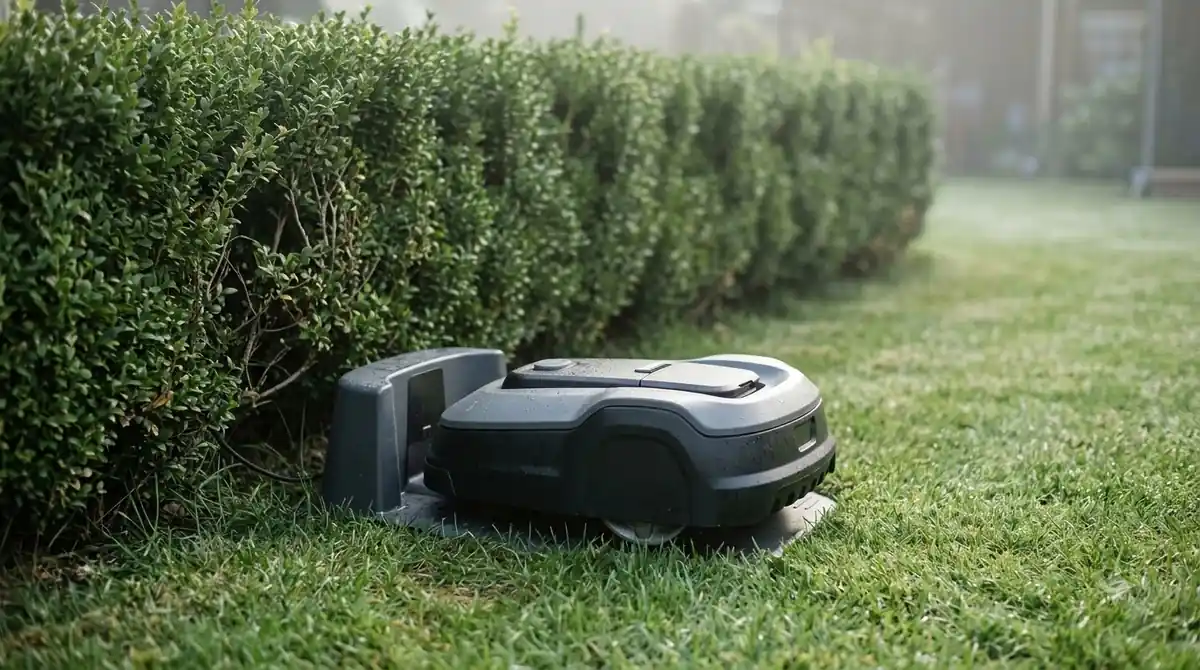
Do robot mowers need wifi or cellular to mow? Only in one common setup: the Wi-Fi-only models that use Husqvarna Cloud for navigation. According to Husqvarna’s Wi-Fi setup guide, these mowers need continuous Wi-Fi coverage across the entire work area to receive satellite correction data. Without Wi-Fi, they cannot operate.
Husqvarna’s Wi-Fi-only models include the Aspire R4, Aspire R6V, Automower 320 NERA, 305E NERA, 310E NERA, 308V and 312V. Husqvarna says some of these can be upgraded with a dealer-installed Connect Kit. Other setups behave differently:
- Reference station or boundary wire: Husqvarna says Wi-Fi is not required for mowing or navigation (see wire-free vs boundary wire robot mowers for the difference). Wi-Fi only enables remote control when the mower is within range.
- AI vision models: if the signal is not recovered, they switch to camera-guided navigation for up to 50 meters before stopping.
- Models with no Wi-Fi hardware: Husqvarna says other Automower models have no Wi-Fi hardware at all.
Satellite positioning, or RTK, needs correction data to reach the mower. Husqvarna’s Wi-Fi-only design uses the network for that data, while other designs use a reference station or a cellular correction service instead. The basics of that positioning are explained in how RTK works on a robot lawn mower.
What Bluetooth does on a robot mower
Bluetooth on a robot mower handles close-range pairing and first setup, so it does not decide whether robot mowers need wifi or cellular for daily use. Husqvarna’s setup begins by pairing the mower with your phone using Bluetooth, and that step needs you to stand near the mower. Bluetooth is not a remote connection, so it does not give you control from another room or from work.
- Pair by Bluetooth. Open the brand app and connect to the mower while you stand next to it.
- Place the mower near the router. Husqvarna says to do this during Wi-Fi setup.
- Connect to a 2.4 GHz network. Pick a visible network name and save it to the mower.
Mammotion says its mowers can still connect through Wi-Fi or Bluetooth when 4G is not active, so Bluetooth can keep basic setup working on that brand.
How cellular connectivity works
Cellular is the upgrade many owners weigh when they ask whether robot mowers need wifi or cellular for a big lawn. Cellular (4G) lets a mower keep its own connection, so it does not depend on your home router. Mammotion calls its 4G service an optional upgrade, not a requirement for running its mowers, and says the mower keeps running without a subscription but loses 4G-only features. On Mammotion’s 4G service, the features include:
- Remote start, pause and mowing adjustments from anywhere.
- Live status for mowing progress, battery level and the working area.
- Live video of the yard and remote locate.
- NetRTK positioning over 4G, which the brand says works without a physical base station.
Free data depends on the product and its sale date. Mammotion’s 2026 policy lists one to three years of free data by model, and says the policy applies to products sold from 5 January 2026. After the free period, continued access needs a paid subscription. The mower activates automatically after it is bound to your account, with no SIM card needed, and you cannot pick your own carrier. Check the current price on the brand site, since the subscription pricing is not dated on the page we read. Our robot mower subscription fees guide shows what else to check.
Cellular is not everywhere, so ask whether robot mowers need wifi or cellular only after you check coverage at your address. Husqvarna says its cellular connectivity works in most locations, with excellent coverage in cities and more limits in remote rural areas. Mammotion lists 4G as available only in certain regions, including the US, Canada, Australia, New Zealand and about 40 European countries. The most reliable test is to place the mower where it will work and check. Husqvarna also says that if a phone has no signal at a spot, the mower very likely will not connect there either.
Wi-Fi or cellular: how to choose
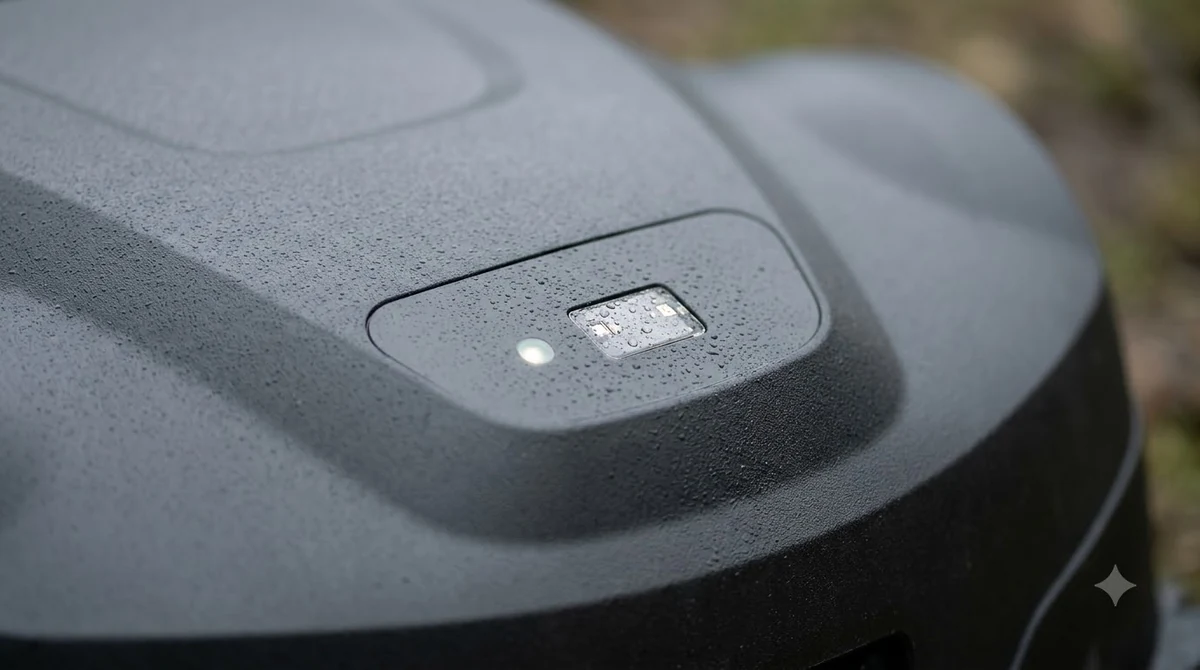
For most yards, the answer depends on the model’s connection type and on how far your router reaches. The table below lists the Husqvarna model groups and setups, and other brands use similar labels.
| Connection type | What it needs | What still works without it |
|---|---|---|
| Wi-Fi-only (Husqvarna Cloud navigation) | Continuous Wi-Fi across the whole lawn | Nothing for mowing. The mower stops without Wi-Fi. |
| Wi-Fi plus mobile | Wi-Fi or a mobile connection | Switches to the mobile network if Wi-Fi is lost, and keeps operating. |
| Mobile-only (Husqvarna 435X AWD) | Cellular signal at the install spot | The page does not list a Wi-Fi fallback. |
| Reference station or boundary wire | Wi-Fi only for remote control | Mowing continues on schedule without app access. |
If you still ask do robot mowers need wifi or cellular for your own lot, our reading is that a small, open yard near the router can run fine on Wi-Fi alone. A large yard, a far corner out of Wi-Fi range or a remote property is where a cellular plan earns its cost. Keep the total cost of the subscription in mind, and check the exact model page rather than the marketing copy.
What happens when the connection drops
When the connection drops, what happens depends on the setup. Husqvarna’s fallback rules show that a Wi-Fi-only mower stops, while a reference-station or boundary-wire mower keeps cutting.
| Setup | When Wi-Fi is lost | Result |
|---|---|---|
| Wi-Fi-only, Husqvarna Cloud navigation | Mower stops and searches for signal | Error shown, and remote app access is lost |
| Wi-Fi plus mobile | Switches to the mobile network | Keeps operating |
| Reference station or boundary wire, Wi-Fi-only | Keeps mowing on schedule | No remote access through the app |
| Reference station or boundary wire, Wi-Fi plus mobile | Keeps mowing | Switches to mobile for remote access |
Firmware updates are the one task that needs a connection at the dock. Husqvarna says updates cannot be installed on Wi-Fi-only models without a Wi-Fi connection, and Wi-Fi plus mobile models can update over the mobile network if Wi-Fi is unavailable at the charging station. The common mistake is placing the dock where Wi-Fi is weakest, then wondering why updates never finish.
Frequently asked questions
Do robot mowers need wifi or cellular to work at all?
Most models can mow on a local schedule without internet. Wi-Fi-only Husqvarna models that use Husqvarna Cloud navigation cannot operate without Wi-Fi, and remote control and updates always need a connection.
Can I use a robot mower on a 5 GHz Wi-Fi network?
Husqvarna says its mowers support 2.4 GHz only, and 5 GHz networks are not supported. Use a 2.4 GHz band with a visible network name, since hidden SSIDs are also not supported.
Do I need a SIM card for 4G on a robot mower?
Mammotion says its 4G activates automatically after the mower is bound to your account, with no SIM card to insert. Users cannot choose a carrier, and continued access needs a paid subscription after the free period.
Can a robot mower use RTK without a base station?
Yes, on some models. Mammotion says its 4G NetRTK positioning works without a physical RTK base station. Coverage still matters, because a weak cellular signal can reduce or interrupt the connection.
Do robot mowers need wifi or cellular for a large yard?
A cellular model can help on a large or remote yard because the mower keeps its own connection. Test the signal at the install spot first, since Husqvarna says a phone with no signal usually means the mower will not connect either.
Sources
- How to connect your Automower robotic lawn mower to Wi-Fi (Husqvarna): Wi-Fi-only models, Wi-Fi requirements, fallback behavior and updates.
- Does Automower cellular connectivity work everywhere? (Husqvarna): cellular coverage limits and the phone signal test.
- Mammotion 4G service guide (Mammotion): 4G as an optional upgrade, features, free data period and regions.
- Wi-Fi robot lawn mower (Sunseeker glossary): what Wi-Fi is used for and how range affects the far corner of the lawn.
 Up next8 min readBest Robot MowersWhich Robot Mower Works Best With Poor Wifi?Updated Nov 11, 2026
 8 min readBest Robot MowersBest Robot Mower with Cellular Connectivity: What to Check in 2026Updated Nov 11, 2026
 8 min readBest Robot MowersDo You Need a Grass Collector on a Robot Mower?Updated Nov 11, 2026
 8 min readBest Robot MowersDo Robot Lawn Mowers Need a Boundary Wire?Updated Nov 11, 2026
 8 min readBest Robot MowersWhat Size Robot Mower Do I Need for 1.5 Acres?Updated Nov 11, 2026
 7 min readBest Robot MowersWhat Size Robot Mower Do You Need for 2 Acres?Updated Nov 11, 2026