
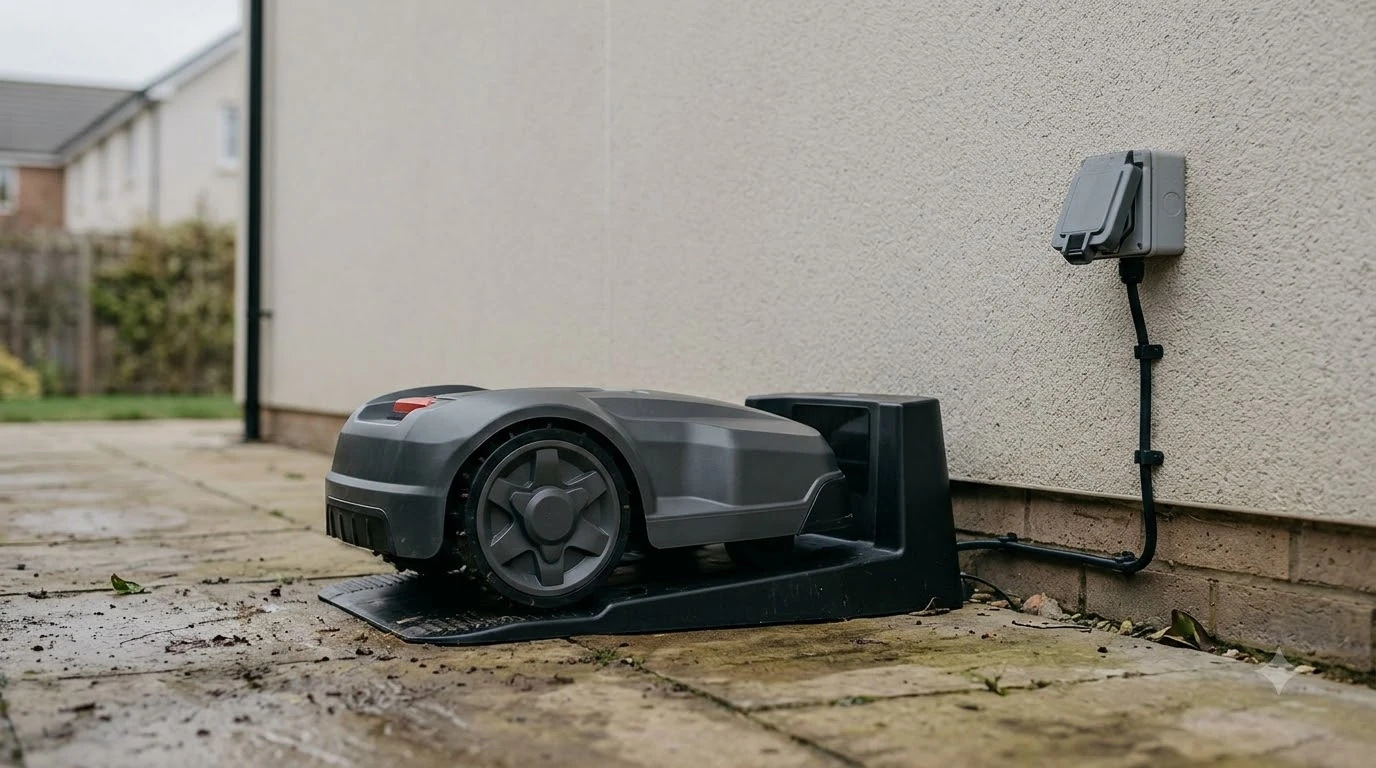

How long does it take to set up a robot mower? A boundary-wire model usually needs about 2 to 5 hours on a typical suburban yard, while a wire-free model can be paired and mapped in under an hour. Lawn size, perimeter complexity and whether you bury the wire change the total more than anything else. Setup guides from brands and installers do not agree on exact numbers, so this page gives ranges and points out where they conflict.
The short answer
- Boundary wire: 2 to 5 hours on a typical suburban yard, and 3 to 6 hours on a lawn just over half an acre.
- Wire-free: under an hour to pair and map, according to one brand guide, with no perimeter wire to lay.
- Charging: an empty battery takes 30 to 90 minutes to charge, depending on the model.
- Burying wire: roughly doubles the wire time, according to one vendor guide.
How long does it take to set up a robot mower with boundary wire
A boundary-wire setup usually takes 2 to 5 hours on a typical suburban yard, and installer guides put a typical residential lawn at 4 to 8 hours. Eufy’s Australian install guide says traditional boundary-wire models take 2 to 5 hours depending on yard size and perimeter complexity. Lymow’s setup guide gives 3 to 6 hours for a lawn just over half an acre, about 23,000 square feet. Robomow describes a do-it-yourself install as taking “a few hours” for a standard lawn, and it is the wire laying that takes most of that time. Our guide to installing a robot mower boundary wire covers the laying steps.
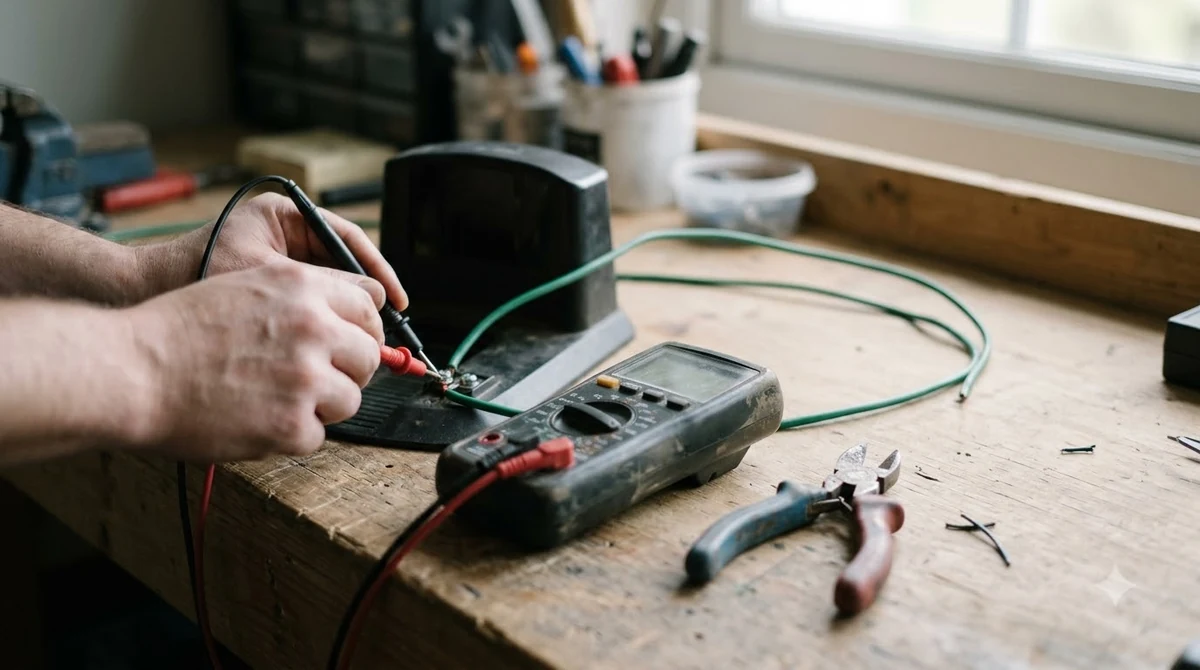
The spread between these figures is mostly about layout. A small, open lawn with one straight run of wire sits near the low end. A yard with trees, flower beds, a side path and a long perimeter sits near the top, and it can exceed 8 hours if the wire is buried. Treat the range as a planning guide, not a promise, and expect the first install to run longer than a second one would.
Time spent on each stage
Laying the perimeter wire takes the most time, while preparation, obstacle loops and testing each take under an hour on their own. So how long does it take to set up a robot mower stage by stage? Lymow’s guide breaks a wired install into the steps below.
| Stage | Typical time (Lymow guide) |
|---|---|
| Preparation (site choice and station layout) | 15 to 30 minutes |
| Laying the perimeter wire | 2 to 4 hours |
| Each obstacle loop (tree, bed, pole) | 30 to 60 minutes per feature |
| Connection and testing | 30 to 60 minutes |
| Burying the wire | Roughly doubles the total time |
Lymow puts it in plain terms: a 5-hour surface install can become a 10-hour weekend commitment once the wire is buried. Each change to the layout after the wire is down also costs time, and the same guide estimates 1 to 3 hours per modification. Our reading is that the cheapest hour of the whole job is the one you spend planning the wire route on paper before you stake anything.
Heads up
Lymow’s stage times do not add up exactly to its totals, and its intro, body and FAQ give slightly different ranges. Use the stage figures as a guide to where the time goes, not as a schedule.
How wire-free and RTK setups compare
Wire-free setup is faster on paper, with vendor figures of under an hour, but a satellite system still has its own steps (see wire-free versus boundary wire mowers). Lymow gives 10 to 15 minutes for a wireless setup on a 0.25-acre rectangular lawn, and Eufy’s Australian guide says wire-free units take under an hour to pair and map. Husqvarna’s UK FAQ says wire-free install time depends on size and complexity and gives no hours at all.
| Setup type | Time reported by sources | What takes the time |
|---|---|---|
| Boundary wire | 2 to 5 hours (suburban yard); 4 to 8 hours (installer guide, residential) | Staking, laying and burying wire, obstacle loops |
| Wire-free with RTK base | Under an hour to pair and map (Eufy); 5 to 10 minutes for the reference station (Lymow) | Placing the base, app pairing and mapping the boundary |
| RTK base, once positioned | 30 to 90 minutes (householdrobot.net); 5 to 15 minutes for a cold-start first fix | Clear sky view and a stable mounting spot |
The sources disagree on the RTK base time. Lymow’s 5 to 10 minutes and the 30 to 90 minutes from householdrobot.net describe different steps, so the honest answer is to plan for at least an hour if you are placing the base yourself. Our RTK base station steps walk through the placement. Mammotion’s support article says an RTK reference station needs at least 3 m of clearance from walls and trees, and Yarbo’s guide puts the base at least 2 m off the ground with a sky view of at least 120 degrees.
What makes setup take longer
Buried wire, many obstacles, long wire runs and a weak satellite signal add the most time to any setup. Each of these changes how much work you do after the mower is first switched on.
- Buried wire. Lymow says burying the wire roughly doubles the total time, because every section has to be dug and tested again.
- Obstacles. Each tree, bed or pole needs its own loop, which Lymow estimates at 30 to 60 minutes per feature.
- Long runs. An installer guide notes that long wire runs by hand are physically demanding, and that professionals often use a wire-laying machine.
- Narrow passages and tall hedges. Husqvarna’s UK FAQ says narrow passages under 4 m with tall hedges or walls can block satellite signals, which affects wire-free models.
For a wire-free mower, the most common delay is waiting for a clear satellite view, not the setup steps themselves. Check the signal in the app before you commit to a boundary, and move the base if the reception stays poor.
Charging and the first test run
Charging is a separate step from the install, so any answer to how long it takes to set up a robot mower should count it on its own. An empty battery still takes 30 to 90 minutes to charge, and the charging station needs clear space in front of it before the mower can dock. Husqvarna’s installation guide gives the 30 to 90 minute charging figure, and the exact time depends on the model you buy.
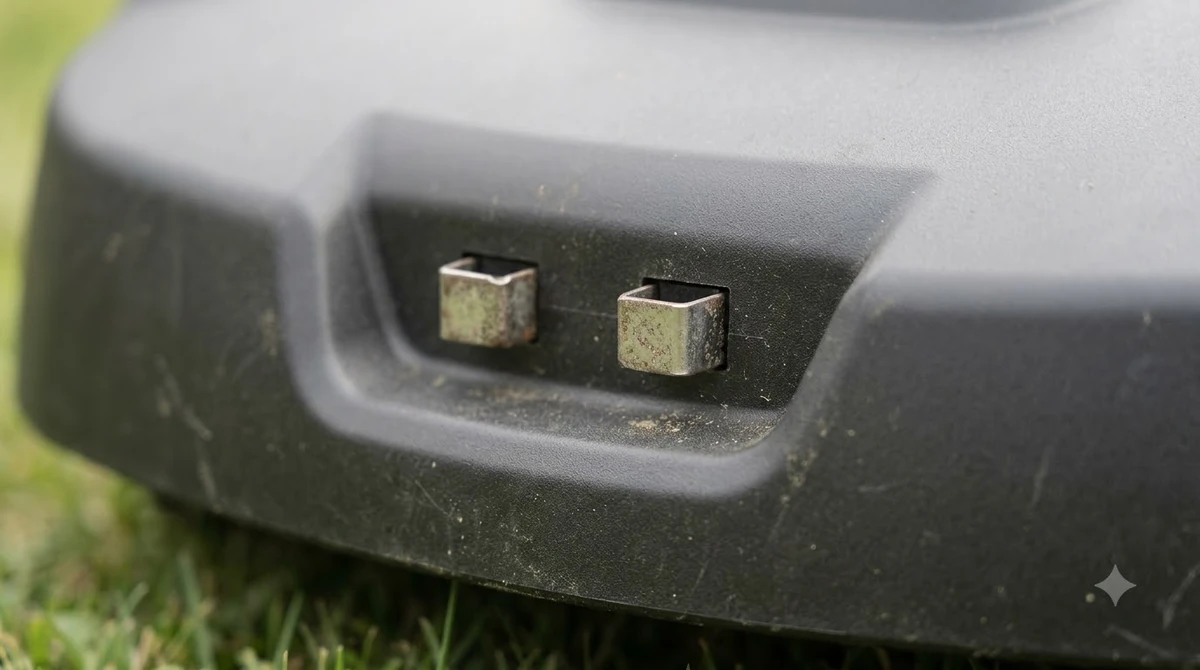
Robomow advises keeping the station no further than 15 m from a power outlet and leaving about 3 m of clear space around it. Husqvarna’s support article asks for at least 3 m in front of the station for boundary-wire models, with 150 cm on each side and 60 cm behind. Robomow also recommends leaving the wire above ground in test mode for 2 to 3 weeks before you bury it, so the first test period can last far longer than the install itself. For a full walkthrough of the order of work, see how to set up a robot lawn mower step by step.
Planning to keep setup time short
Mapping the lawn and its obstacles before you open the kit saves the most time on a boundary-wire install. The steps below put the planning first.
- Sketch the lawn. Mark the perimeter, trees, beds, paths and the spot for the station on paper.
- Pick the station spot. Choose a flat place within 15 m of an outlet, with about 3 m of clear space in front.
- Plan the dock approach. Eufy’s guide asks for at least 2 m of straight, unobstructed path in front of the dock.
- Count the pegs. Eufy’s guide places pegs about every 50 cm along the wire.
- Test before burying. Run the mower in test mode with the wire on the surface for 2 to 3 weeks before you bury any section.
The question, how long does it take to set up a robot mower, has no single answer. Our reading is that a wire-free model only saves time if your lawn gets a steady satellite view. A boundary-wire model is slower to install but needs no base station placement. Pick based on which trade-off you can live with, and weigh it against robot mower installation cost if you plan to hire the job out.
Frequently asked questions
How long does it take to set up a robot mower for a first-time owner?
A boundary-wire model usually takes about 2 to 5 hours on a typical suburban yard, which fits one afternoon on a simple lawn. A larger or more complex yard can take longer than one session, and a wire-free model can be paired and mapped in under an hour according to Eufy.
Is wire-free setup really faster?
On the vendor figures, yes. Eufy says wire-free units take under an hour to pair and map, and Lymow gives 10 to 15 minutes for a 0.25-acre rectangle. Husqvarna’s UK FAQ gives no hours for wire-free install, so check your own satellite view before you rely on the fastest figure.
Do I have to bury the wire?
No. Surface wire held with pegs is a common option. Lymow puts a pegged surface install at 3 to 5 hours, against 8 hours or more when the wire is buried on the same lawn.
How long does it take to place the charging station?
Placing the station itself is quick. Lymow lists 2 to 5 minutes for charging station placement in its wireless setup guide. The longer work is choosing a spot with power, level ground and clear space, which is why planning it first saves time.
Sources
- How to install a robotic lawn mower (Husqvarna): charging time for an empty battery, 30 to 90 minutes depending on model.
- How to install a robot lawn mower (Eufy): boundary-wire install of 2 to 5 hours, wire-free pairing under an hour, peg spacing and dock approach.
- Robot mower setup: wire vs wireless time guide (Lymow): stage times, burial effect and wireless setup times.
- Can I install my robotic lawnmower myself? (Robomow): “a few hours” for a DIY install, station distance to outlet and clear space.
- Optimal placement and installation of the charging station (Husqvarna): clearance in front, at the sides and behind the station.
- Robotic mower FAQ (Husqvarna UK): wire-free install time depends on size and complexity; satellite signal limits in narrow passages.
- Robotic lawn mower installation: wired perimeter vs RTK GPS setup (householdrobot.net): 4 to 8 hours for a typical residential wired install, and RTK base timing.
- How to install the RTK reference station (Mammotion support): clearance from walls and trees.
- Yarbo GPS lawn mower signal guide (Yarbo): base height and sky view for the RTK base.
- Robot mower FAQs (installer): long wire runs by hand and the use of wire-laying machines.
- Laying the lawn boundary wire (Robomow): peg spacing and test mode before burial.
 Up next6 min readLearnHow Long Does It Take a Robot Mower to Map a Yard?Updated Nov 14, 2026
 7 min readLearnWhy Does My Robot Mower Take So Long to Finish?Updated Nov 13, 2026
 9 min readLearnHow to Set Up Channels Between Lawn Zones on a Robot MowerUpdated Nov 11, 2026
 9 min readLearnHow to Set Up a Robot Mower on a SlopeUpdated Nov 12, 2026
 9 min readLearnHow to Set Up Ecovacs GOAT O1000: Step-by-Step GuideUpdated Nov 10, 2026
 9 min readLearnHow to Set Up the Dreame A1 Pro Robot Mower Step by StepUpdated Nov 10, 2026