
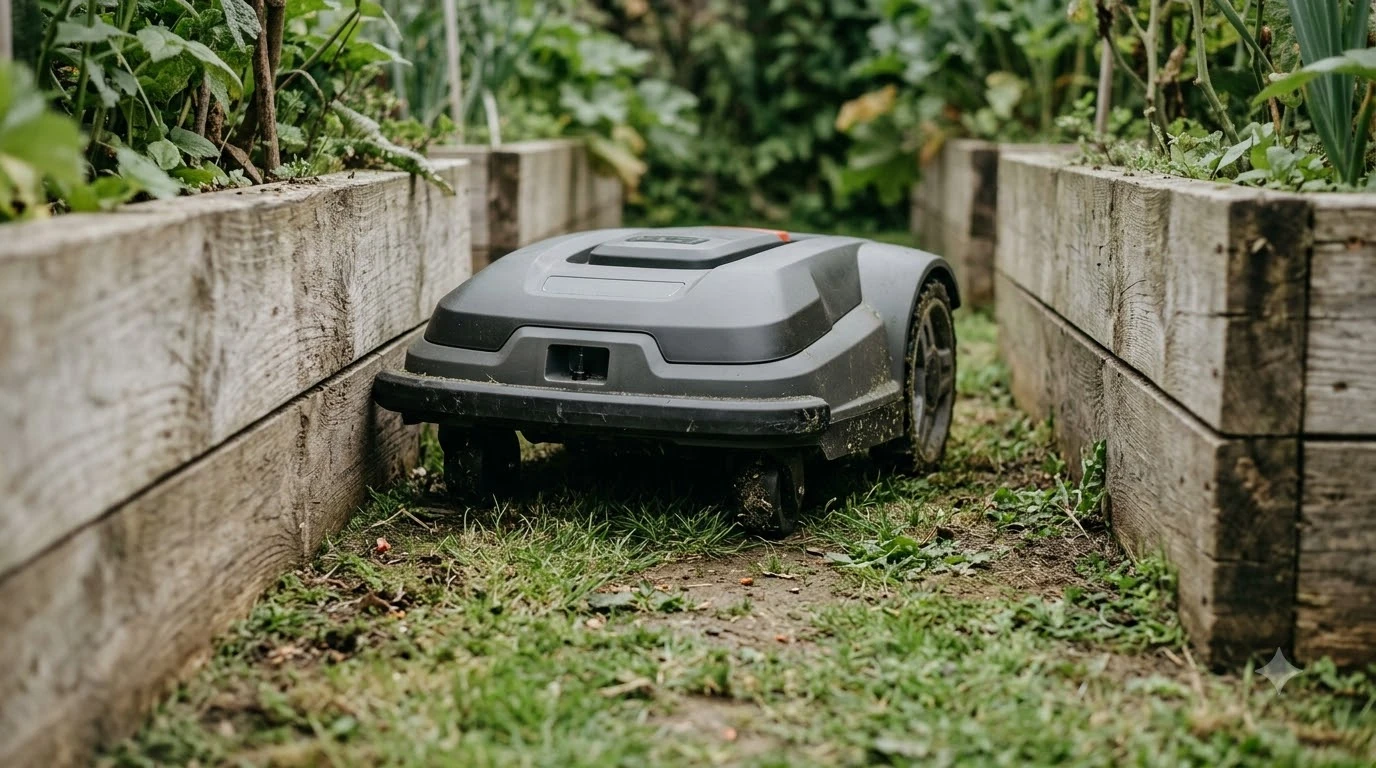

How to remap a robot mower after landscaping starts with one question: is the change small or large? A new flower bed or a single removed shrub usually needs only a stay-out zone or a boundary adjustment. A reshaped lawn, a moved fence, or a new patio can leave the saved map wrong across the yard, and then the mower needs a full new map. Husqvarna’s support guidance says a changed lawn layout is fixed by creating a new virtual map, and that the mower does not detect those changes on its own.
The short answer
- Small change: add a stay-out zone around a new bed, tree, or pond, and test a few runs.
- Boundary moved: redraw or adjust the work area so the edge matches the lawn again.
- Large change: create a new map from the app and let the mower rebuild it during its scheduled runs.
- After any change: check the work areas, the stay-out zones, and the charging station position.
Decide between a zone change and a full remap
Landscaping changes come in different sizes, and each needs a different response. Remapping the whole yard takes time and disables the work areas during the rebuild, so it should not be the first move for a single new planter. Our reading is that the right question is whether the mower still finds its way around the lawn, not whether the map is technically out of date. Most changes are made in the app, as redrawing a lawn map in the app shows.
Husqvarna’s guidance on the virtual map says a new map is the intended fix when the lawn layout changes, and that the mower will not update itself. For smaller work, the same logic applies: a stay-out zone keeps the blades away from a bed without rebuilding anything. Signs that a full remap is needed include repeated stops at the same new edge, the mower cutting into a bed you have just planted, and a boundary that the mower no longer respects.
Add a stay-out zone for a new bed or obstacle
A stay-out zone is the simplest response to a new permanent feature. Draw it around the bed, tree, or pond in the app, then watch the first few runs. This keeps the mower out of the area without changing the wire or the rest of the map. A new bed needs a protective boundary, which protecting a new flower bed covers. If the mower already drives into a bed, why mowers enter flower beds lists likely causes.
- Measure the new feature. Know its edges and leave a small margin so the mower does not clip the bed when it turns.
- Draw the zone in the app. Use the zone tool on the map and check that it sits where the feature is, not on the lawn beside it.
- Watch a few runs. Look for stops at the zone edge or the mower trying to enter the bed anyway.
- Remove the zone when the feature goes. A stale zone can leave a patch of lawn uncut.
Stay-out zones are not a repair for a boundary that has moved. If the mower repeatedly reaches the old edge and stops or turns back, the work area itself is out of date.
Adjust the boundary when the lawn edge moves
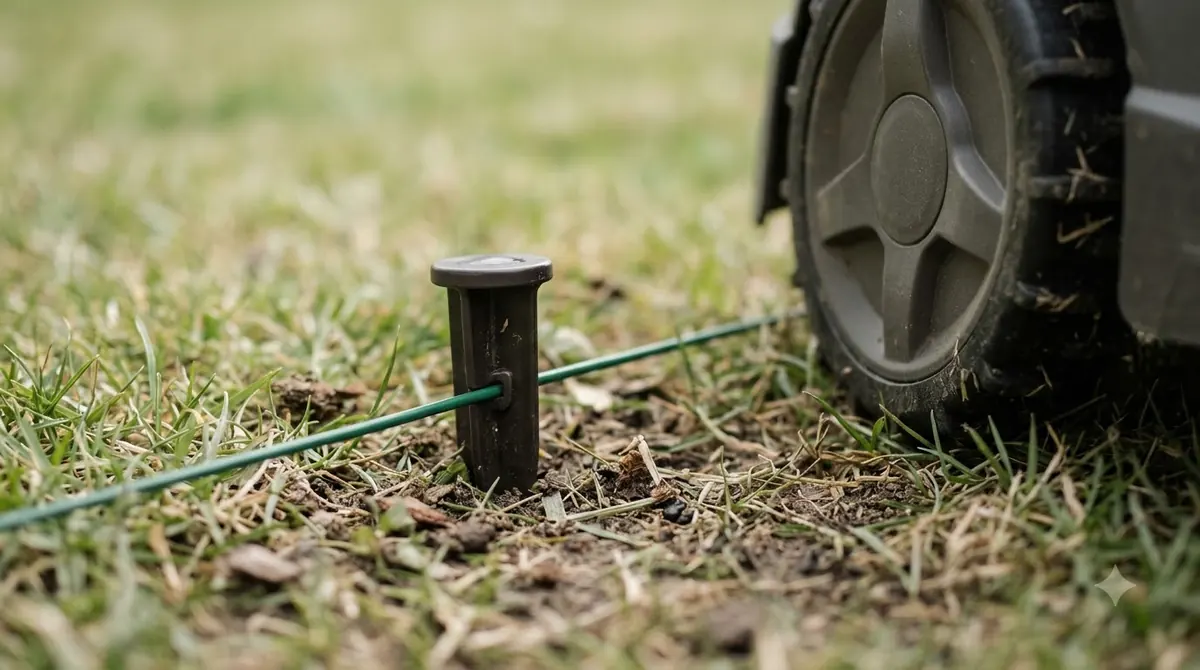
When a new path, a widened patio, or a removed fence changes where the lawn ends, the work area edge needs updating. Some apps let you adjust one section by driving the mower along the new edge, while others need the area redrawn. Check your app’s menu for the option, because the names differ by brand. App steps for changing a boundary are shown in editing a Mammotion boundary.
Husqvarna’s guidance is that you cannot manually edit the existing virtual map, so a boundary change on that system means a new map, not a patched old one. Mammotion’s support article gives a related rule for its own system: before you create a new task area, drive the robot out of the existing one, so the new area is not drawn with the robot inside an old zone.
Remap the whole yard after a big change
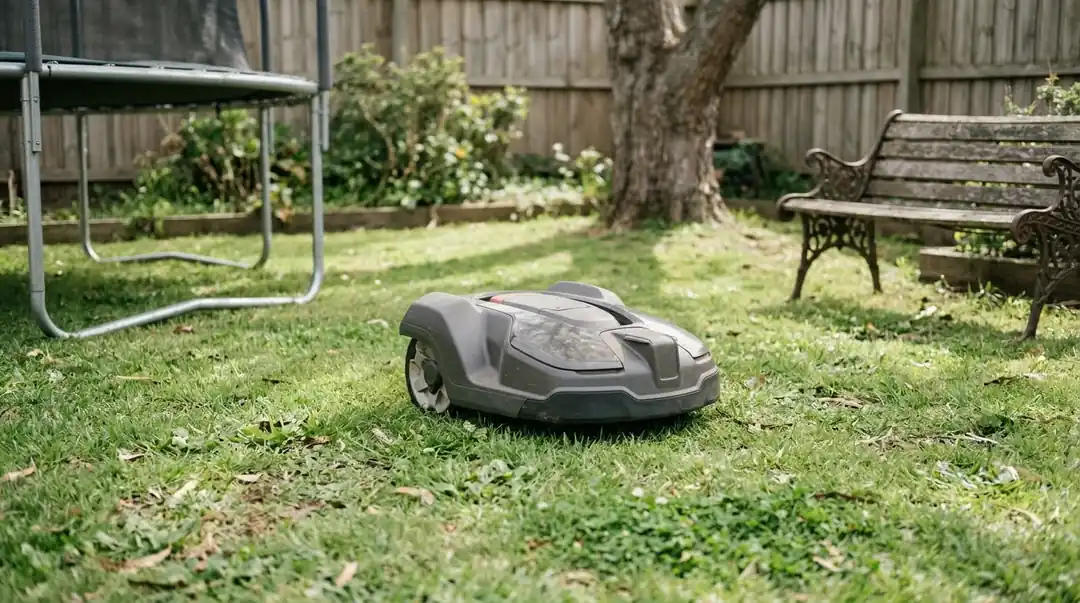
A full remap is the right choice when the lawn has changed shape or when the work areas and zones no longer match the yard. On a Husqvarna Automower the steps are Map, then My Lawn, then Create new map, then confirm. The mower then builds the new map during its scheduled runs, which the support article says can take up to 15 days depending on the schedule. A full redo takes time, and how long a full remap takes gives typical estimates. A comparable procedure on another brand is the Anthbot map editing workflow. A larger remapped area can mean longer mowing sessions, so monthly robot mower power consumption is worth a look afterwards.
During that period the work areas and stay-out zones are disabled, so the mower covers the whole area inside the boundary wire. Plan the rebuild for a quiet stretch of weather and make sure the schedule is active, since a map is only built when the mower runs.
After the change: what to check
Whatever you change, a few checks catch problems before they become a habit. The map is only as good as the zones and the dock position that sit on top of it. If the new map will not save, mapping errors after a change lists possible reasons.
- Work areas: confirm each one still covers the cut area you want and does not reach into a bed or onto a path.
- Stay-out zones: re-check every zone around new and old features, and remove any that point at features that are gone.
- Charging station: if the dock was moved during the landscaping, the return path may have changed. Check that the mower still docks cleanly.
- Repeated stops: if the mower stops at the same new spot, the fix is usually a zone or a level patch, not another restart.
Frequently asked questions
Does the mower update its map automatically after landscaping?
Husqvarna’s guidance says it does not detect layout changes on its own. You need to start a new map or adjust the zones yourself.
Do I need a full remap for a single new flower bed?
Usually not. A stay-out zone around the bed is the simpler fix. Consider a full remap only when the change affects the whole layout or the boundary.
Why are my work areas disabled after I create a new map?
On a Husqvarna, all work areas and stay-out zones are disabled while the new map is built, so the mower can cover the full area inside the boundary wire. Check and edit them once the map is finished.
Can I edit the old Husqvarna map instead?
Husqvarna says the existing virtual map cannot be edited manually. For changes to the lawn layout, create a new map and then adjust the zones.
Sources
- Husqvarna support: how to update the virtual map created by AIM Technology (manufacturer): when a new map is the fix, the Map, My Lawn, Create new map steps, the up-to-15-day timing, and the disabled zones.
- Mammotion support: how to create a task area (manufacturer): the advice to drive the robot out of the existing task area before creating a new one.
 Up next7 min readLearnShould a Robot Mower Run After Rain?Updated Nov 13, 2026
 9 min readLearnShould a Robot Mower Run After Aeration?Updated Nov 12, 2026
 8 min readLearnHow to Adjust Cutting Height After Overseeding With a Robot MowerUpdated Nov 19, 2026
 9 min readLearnHow to dry out a robot mower after heavy dew safelyUpdated Nov 19, 2026
 7 min readLearnHow to Keep Kids Away From a Running Robot Mower: 5 RulesUpdated Nov 14, 2026
 6 min readLearnHow Long Does It Take a Robot Mower to Map a Yard?Updated Nov 14, 2026