
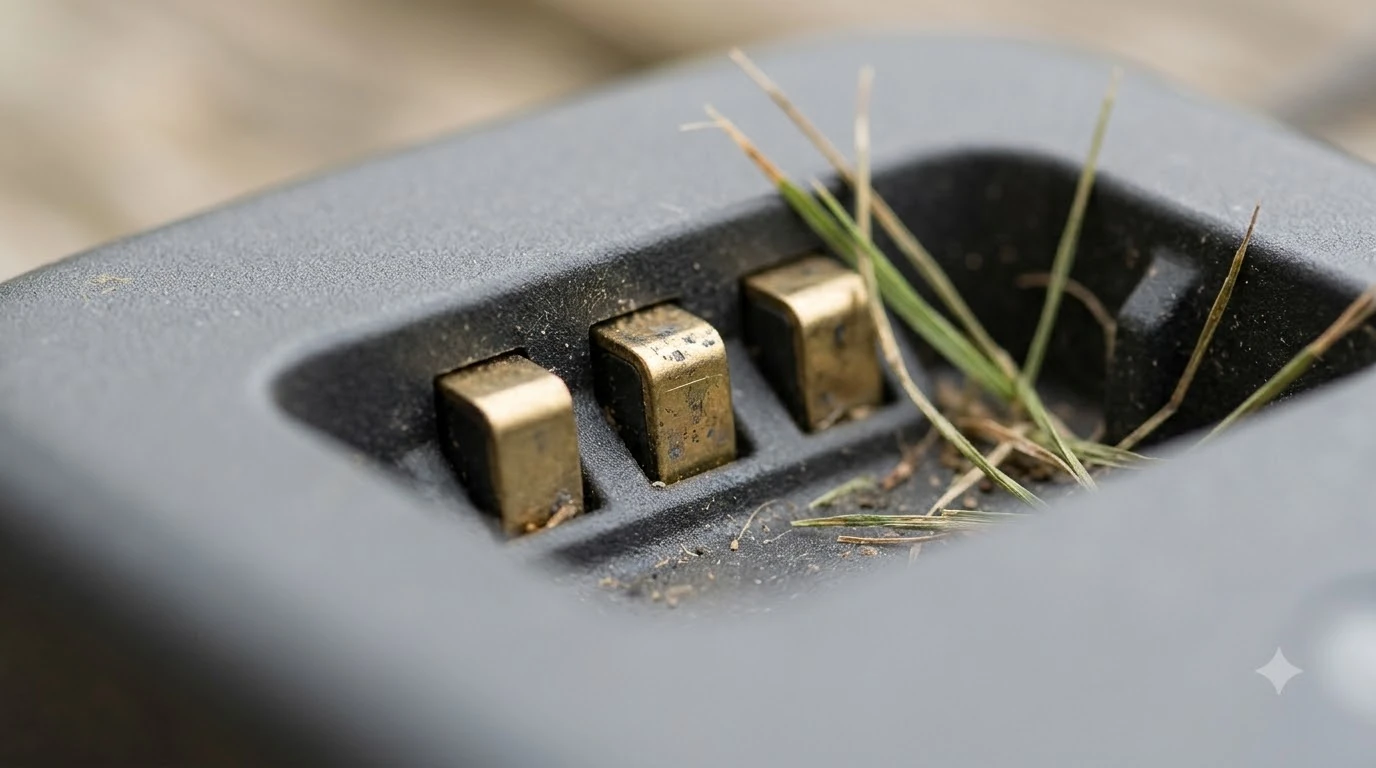

Robot mower spare charging contacts are worth having only after you have cleaned the existing ones and confirmed the part fits your exact model. Most charging problems start with dirty or corroded contacts, not a dead unit, so a spare is a fallback rather than a first step. This guide explains when a spare makes sense, how to check compatibility, and what to ask a seller, using maintenance guidance we read as of November 2026.
The short answer
- Clean first: wipe the contacts on the mower and the station before you consider a replacement.
- Consider a spare only when the plates are pitted, bent or still fail to charge after cleaning.
- Match the model and hardware revision exactly, because compatibility can change between versions of the same model.
- Our reading: a spare is cheap insurance for a busy lawn, but it does not replace regular cleaning.
Why charging contacts fail in the first place
Charging contacts are small metal plates on the underside of the mower and on the charging station. They must touch to pass power, so anything that sits between them stops the charge. Anker’s maintenance guidance says trapped moisture around the contacts or the underside of the mower can lead to corrosion over time. Mammotion’s guide adds that moisture buildup or corrosion can cause inefficient charging or trigger false errors in the app. Understanding what causes corrosion on charger plates helps decide whether to clean them or replace them. A tilted base can wear the plates unevenly, which is why level docks that wear contacts evenly last longer.
Wet running is another risk. Mammotion notes that running in wet grass increases the risk of electrical shorts, especially around the charging contacts and sensors. The contacts are where the problem shows first, so they are the first part to check after a rainy week.
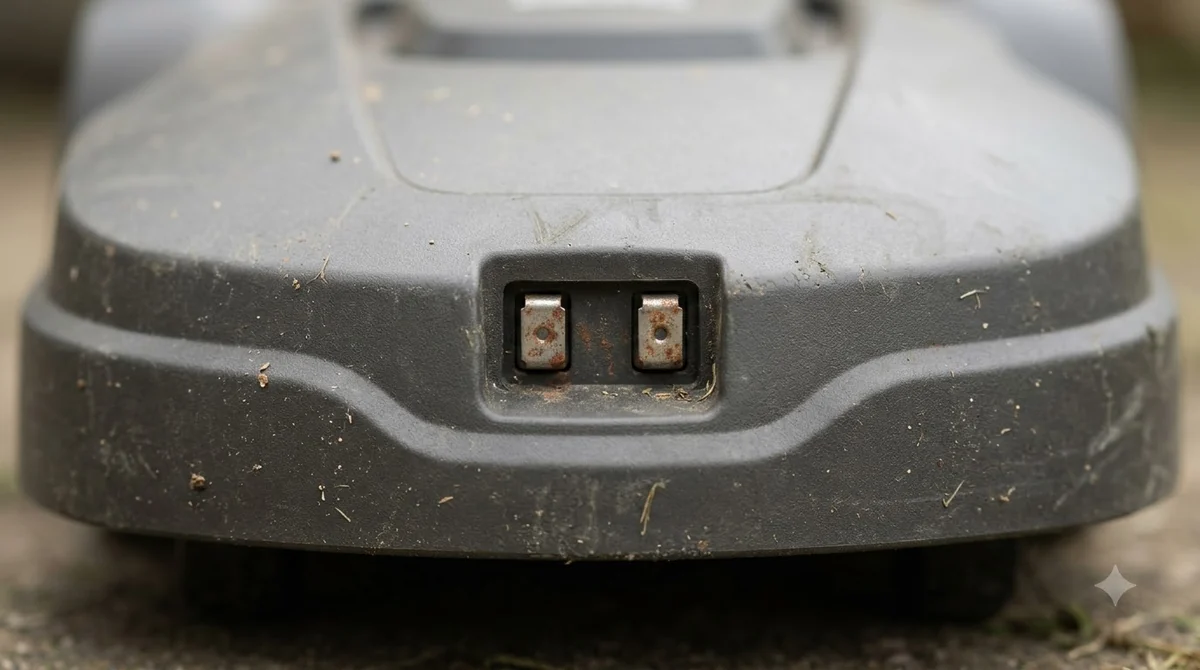
Clean before you buy anything
Most “it will not charge” complaints trace back to dirty contacts. One guide we read argues that the cause is usually cleaning, not a dead unit, and advises cleaning before buying a replacement station. That advice applies to spare contacts too, because a clean plate costs nothing and a spare costs money. Some cleaning kits for robot mower sensors also include a pad that suits the charging plates.
Husqvarna’s support guidance for its charging station says to inspect the contact plates and clean them with a fine-grade emery cloth if necessary. Anker’s blog lists fine sandpaper, steel wool or a contact cleaner approved by the manufacturer as the materials to use. It also warns against strong sprays, wire brushes and metal scrapers, which can damage the protective coatings around the mower.
- Turn the mower off and disconnect the station’s power. Work on dry contacts only.
- Wipe both sets of contacts. Use a dry cloth or cotton swab on the mower’s plates and the station’s plates.
- Use fine abrasive only for stubborn spots. Use the approved material from the manufacturer, and stop when the surface is clean and bright.
- Let everything dry fully. Do not dock the mower until the plates are dry to the touch.
- Test the charge. Send the mower back to the station and check that the app shows charging.
Robot mower spare charging contacts: when a spare is worth buying
Robot mower spare charging contacts make sense in three situations. The first is pitting or a bent plate that cleaning does not fix. The second is a station that has stayed in a wet or salty spot for years and keeps corroding. The third is a mower you depend on daily, where a few days without charging would cost you the lawn.
If none of those apply, cleaning on a schedule is usually enough. Anker suggests wiping the contacts every couple of weeks, and Mammotion recommends a weekly check after rainy weeks. Our reading is that a routine that matches your weather is more useful than a spare in a drawer.

Check compatibility before you order robot mower spare charging contacts
The biggest mistake with spare parts is ordering by model name alone. The sources we read show that compatibility depends on the exact hardware. One guide notes that a replacement Mammotion LUBA 2 AWD station is not compatible with 2024 LUBA 2 AWD units, which shows that the same name can hide a different revision. Debris on the contacts is a frequent cause of poor charging, and dock mats that keep debris off can reduce it. The Automower station basics show how contacts sit on that brand, which helps when comparing spares.
| What to check | Where to find it | Why it matters |
|---|---|---|
| Exact model name | Mower label or app settings | Shows the product family |
| Hardware or production year | Label on the mower or station | Revisions can change the contact layout |
| Station or mower side | Which part is worn | Mower plates and station plates are often sold differently |
| Return policy | The seller’s terms | A wrong fit should be easy to return |
We did not find a source confirming that every brand sells contact plates separately. Check the manufacturer’s parts store or support page before assuming a spare is available, and do not buy from a listing that does not name the model.
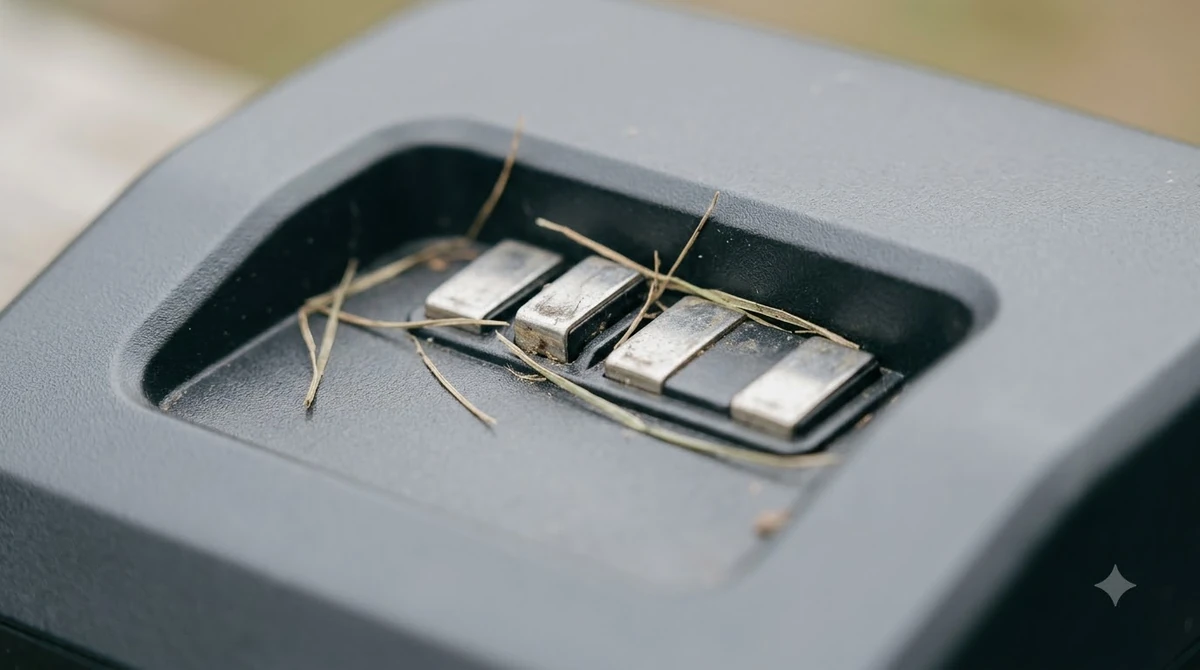
Keeping the contacts in good shape
A spare is only one part of the plan. Keep the station in a dry, sheltered spot if you can, and check the contacts after heavy rain or when the mower starts returning to the dock with a charge error. Mammotion’s guidance treats the monthly wipe with a dry cloth or electronic contact cleaner as a simple routine that catches problems early. Keeping the plates dry reduces wear, and a cover that keeps contacts dry is one way to do that. Keeping contacts in good shape matters on any model, and 450X NERA advantages and drawbacks covers how one Husqvarna fares.
Our reading is that a clean contact costs little and prevents most faults, so the time to act is at the first sign of a charge error, not after the mower stops working.
Frequently asked questions
How often should I clean robot mower charging contacts?
Guides range from every couple of weeks to monthly, with a check after rainy weeks. Choose a schedule that matches your weather and how often the mower returns to the dock.
Can I use sandpaper on the charging contacts?
Only fine abrasive, and only on stubborn spots. Anker lists fine sandpaper, steel wool or a manufacturer-approved contact cleaner, and advises against wire brushes and metal scrapers.
Is a spare contact set the same as a new charging station?
No. A spare set covers worn plates, while a new station replaces the whole base. Clean the existing parts first, because a dirty contact is the more common cause of a charge fault.
How do I know a spare will fit my mower?
Match the exact model name and hardware revision, and check the return policy. Do not assume that a part from the same product line will fit, because revisions can change the layout.
Sources
- Husqvarna self-service support on the charging station (manufacturer): used for the advice to inspect the contact plates and clean them with fine emery cloth if necessary.
- Anker (eufy) guide to cleaning a robot lawn mower (manufacturer): used for the moisture and corrosion point, the materials to use and avoid, and the wipe interval.
- Mammotion AWD robot lawn mower maintenance guide (manufacturer): used for the warning that wet running raises the risk of shorts near the contacts, and the monthly dry-cloth check.
 Up next9 min readGearBest Dielectric Grease for Robot Mower Charging Contacts: Types and Care GuideUpdated Nov 19, 2026
 9 min readGearRobot Mower Charging Contacts Corrosion: How to Clean ThemUpdated Nov 19, 2026
 8 min readGearRobot Mower Spare Bumper Cover: When to Buy OneUpdated Nov 20, 2026
 6 min readGearRobot Mower Spare Antenna: When You Really Need OneUpdated Nov 20, 2026
 7 min readGearRobot Mower Spare Cutting Disc: When to Replace and HowUpdated Nov 20, 2026
 7 min readGearSegway Navimow Spare Parts: What Wears Out and When to ReplaceUpdated Nov 20, 2026