
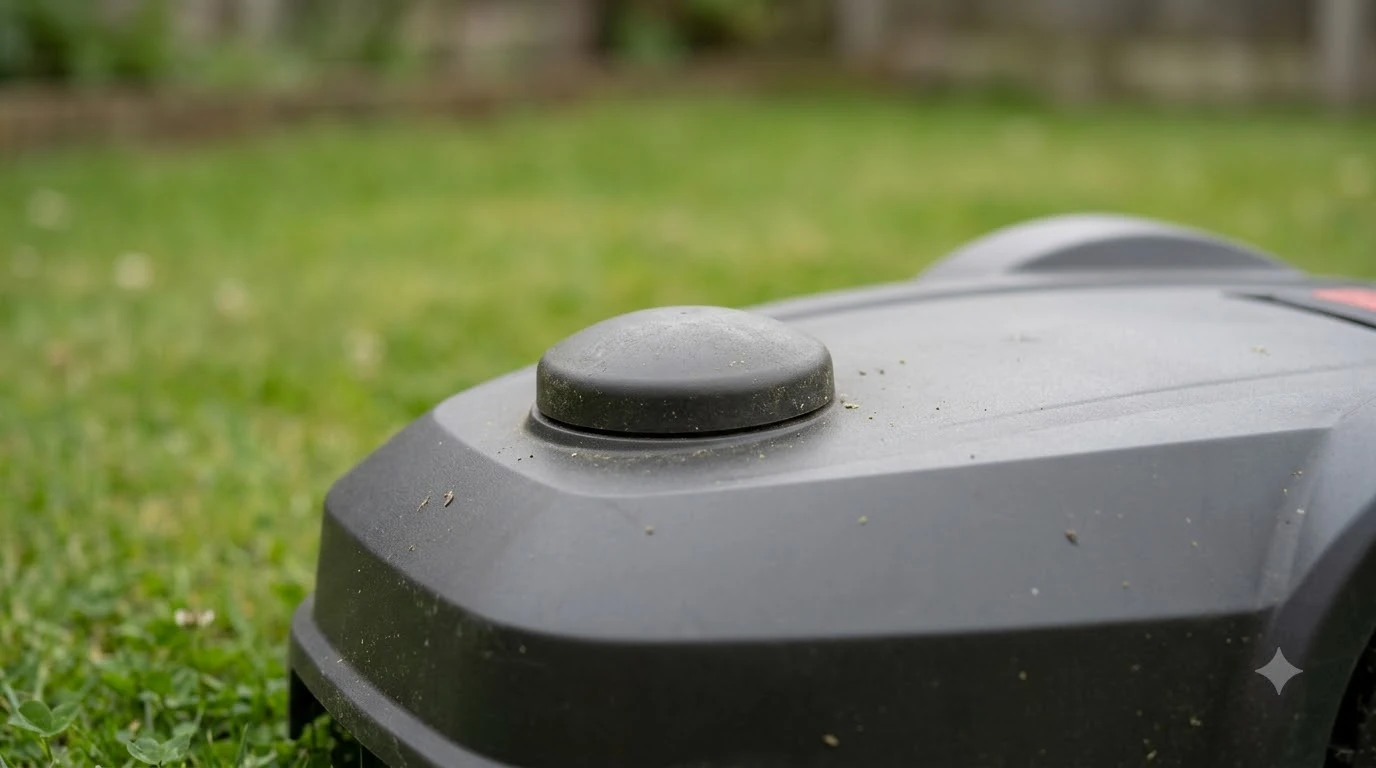

A robot mower spare antenna is worth having only if your system depends on a local antenna and you cannot get a replacement quickly. Many robot mowers use a satellite antenna on the mower or on a base station, and a damaged antenna can stop navigation. A spare helps most when it matches your exact model, so check the part number and the connector before you buy anything.
The short answer
- Keep a spare if your mower uses a local RTK antenna and a downtime of several days would hurt your mowing schedule.
- Skip it if your system uses network RTK or does not use a separate antenna, since there is no local part to replace.
- Match the model: antennas, cables, and connectors differ between brands and generations.
- Check placement first: many antenna faults are really sky-view or mounting problems, not broken hardware.
Which robot mower systems actually need a spare antenna
Not every robot mower has a separate antenna. Some rely on boundary wire, some on lidar or vision, and some on a satellite positioning system that needs either a local base station or a network service. Navimow’s network RTK page says there is no need to install a local antenna when using network RTK, and the service connects through the app. In that setup, a spare antenna makes no sense, because there is no local part to fail. For the bigger picture behind this topic, begin with our RTK antenna roundup for robot mowers and then come back here.
A local RTK setup is different. The base station or antenna has to see a wide sky and sit in a fixed spot, so it becomes a physical component that can be damaged, knocked over, or lost. That is the situation where a spare antenna is worth discussing with the dealer.
Check placement before you replace the antenna
Husqvarna’s guidance for its EPOS installations sets out several placement rules. It says the antenna needs a clear view of the sky over at least 135 degrees, a mounting height of at least 2 m (about 6.5 ft), and a distance from the mower of less than 100 m (about 330 ft). It also warns to check for metal objects such as metal fences, which can disturb the signal. When you are ready for the next step, read our RTK antenna mounting for robot mowers for more detail.
These rules matter for a spare because a replacement in a poor location will perform the same as the old one. If the mower loses its fix, check trees, walls, and metal nearby before you assume the antenna failed. Vendor guidance on this varies, so use the figures in your own manual.
Matching a robot mower spare antenna to your model
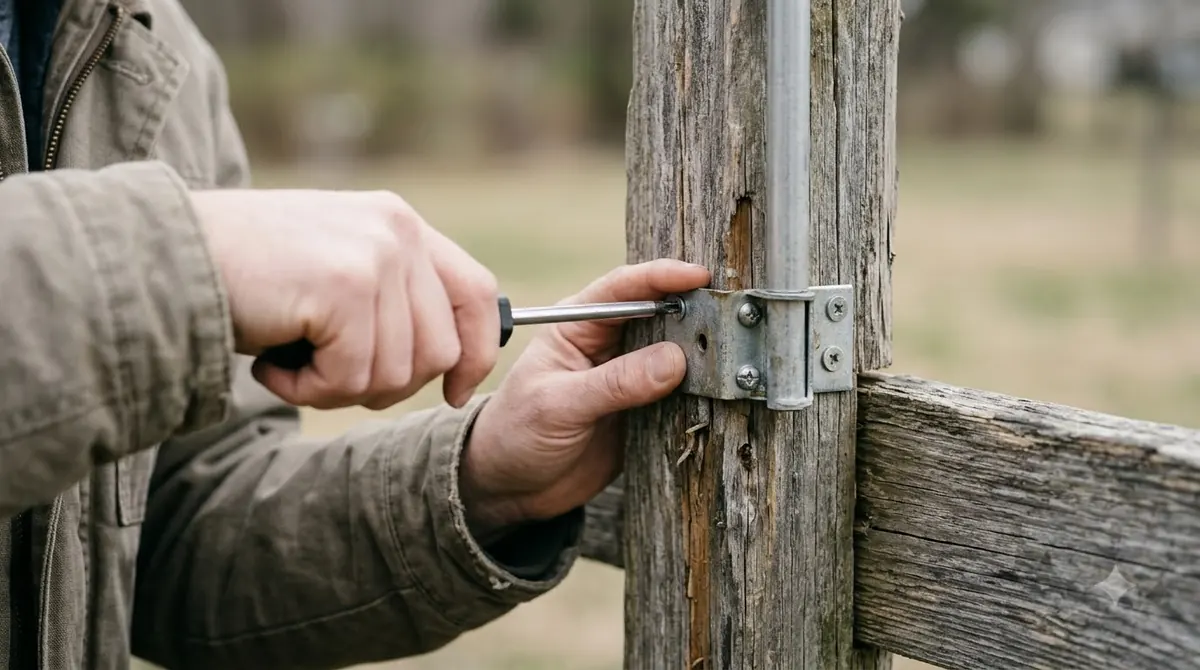
A spare antenna must match the system it plugs into. Look for the model number on the old part, the connector type, the cable length, and the mounting style. Some antennas are sold as complete units, while others are a dome that sits on a separate mount. A dome from a different brand may fit the mounting hole but not the signal chain. You can find more background and practical detail on this point in our robot mower parts sourcing in the US.
- Model number: write it down from the mower or base station label before you search.
- Connector: confirm the plug type and whether an adapter is needed.
- Cable: check the length and whether the cable is part of the antenna or separate.
- Mount: confirm whether the replacement uses the same bolt pattern or pole fitting.
Ask the dealer whether the antenna is sold separately. Some manufacturers only supply complete assemblies or ask for installation by an authorized service center, and a part bought from an unknown seller may not be supported under warranty.

Keeping the cable and connections safe
Most antenna problems that owners fix themselves involve the cable, not the dome. The IGS guidelines for GNSS reference stations recommend a low-loss cable, as few connectors as possible, and keeping the total cable length short. They also suggest leaving a short loop of spare cable at each end so the cable can be re-terminated without replacing the whole run. For a closely related angle, see our extension cable for an RTK antenna as well. If this point matters for your setup, read our RTK antenna wire protection tips for more detail on it. Keeping cables and connections dry and safe is critical, and an outdoor power strip for RTK base stations is covered in a dedicated guide on this site.
Those same principles apply to a robot mower spare antenna installation. A short, clean run with a loop of slack is easier to service than a long run with many joints, and it gives you room to move the antenna if the sky view changes.
Heads up
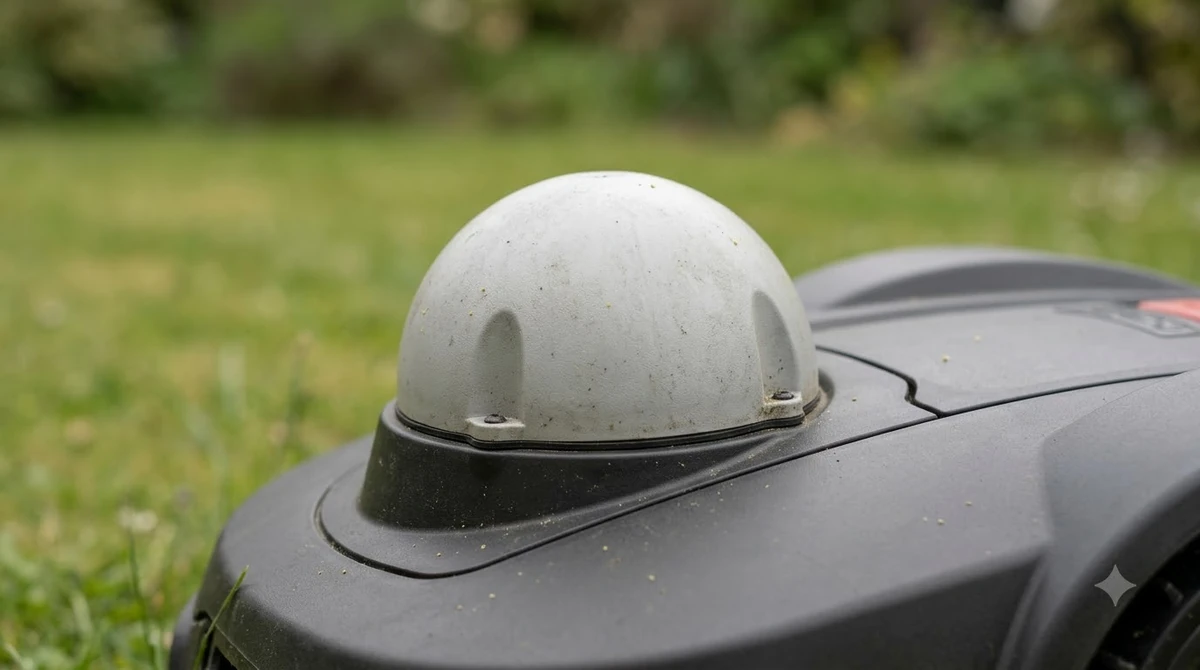
Do not extend or cut an antenna cable to make a spare fit. Extra connectors and lengths add loss and can make the signal worse, so ask the dealer for a correct length first.
When a spare is not the right fix
If the mower loses its satellite fix in one corner of the yard, the cause is often nearby trees, walls, or metal, not a failed antenna. A robot mower spare antenna will not change that. Likewise, if the mower reports an error after a restart, check the app and the dealer’s guidance before you order parts.
Our reading of the guidance is that a spare is a sensible backup for a critical local-RTK setup with a long lead time for parts, and a poor use of money for a small yard with boundary wire or a network service.
Related reads: Related to this guide, you may also want to read our RTK network service without a base station for a connected topic.
Frequently asked questions
Do all robot mowers need a spare antenna?
No. Boundary-wire mowers, lidar or vision mowers, and some network RTK systems do not use a local antenna, so there is nothing to spare.
Can I use any GNSS antenna as a replacement?
Not safely. The connector, cable, and signal chain must match your model. Ask the dealer for the correct part number before buying.
Why does the signal drop even with a new antenna?
Sky view and nearby metal or trees often cause the drop. Check the mounting height and the open sky view first, as the EPOS guidance describes.
Should I extend the antenna cable?
Only if the dealer confirms the extension is supported. Each connector and extra length adds signal loss, and the IGS guidance favors short runs with few joints.
Sources
- Troubleshooting satellite connection and internet coverage issues in EPOS installations (Husqvarna support): sky view of 135 degrees, mounting height of 2 m, mower within 100 m, metal objects to avoid.
- Navimow Network RTK (Navimow): network RTK needs no local antenna, connected through the app.
- IGS CORS guidelines, equipment and cable (IGS): low-loss cable, few connectors, short total length, and spare cable loops.
 Up next7 min readGearRobot Lawn Mower Accessories: What Each One Does and When You Need ItUpdated Nov 13, 2026
 8 min readGearRobot Mower Spare Bumper Cover: When to Buy OneUpdated Nov 20, 2026
 7 min readGearRobot Mower Ultrasonic Sensor Cleaning Kit: Do You Need One?Updated Nov 13, 2026
 8 min readGearRobot Mower Wall Mount Bracket: Do You Need One?Updated Nov 11, 2026
 8 min readGearRobot Mower Camera Lens Cleaning Kit: Do You Need One?Updated Nov 19, 2026
 7 min readGearHusqvarna Automower Spare Parts: What Exists and Where to Buy Genuine OnesUpdated Nov 20, 2026