
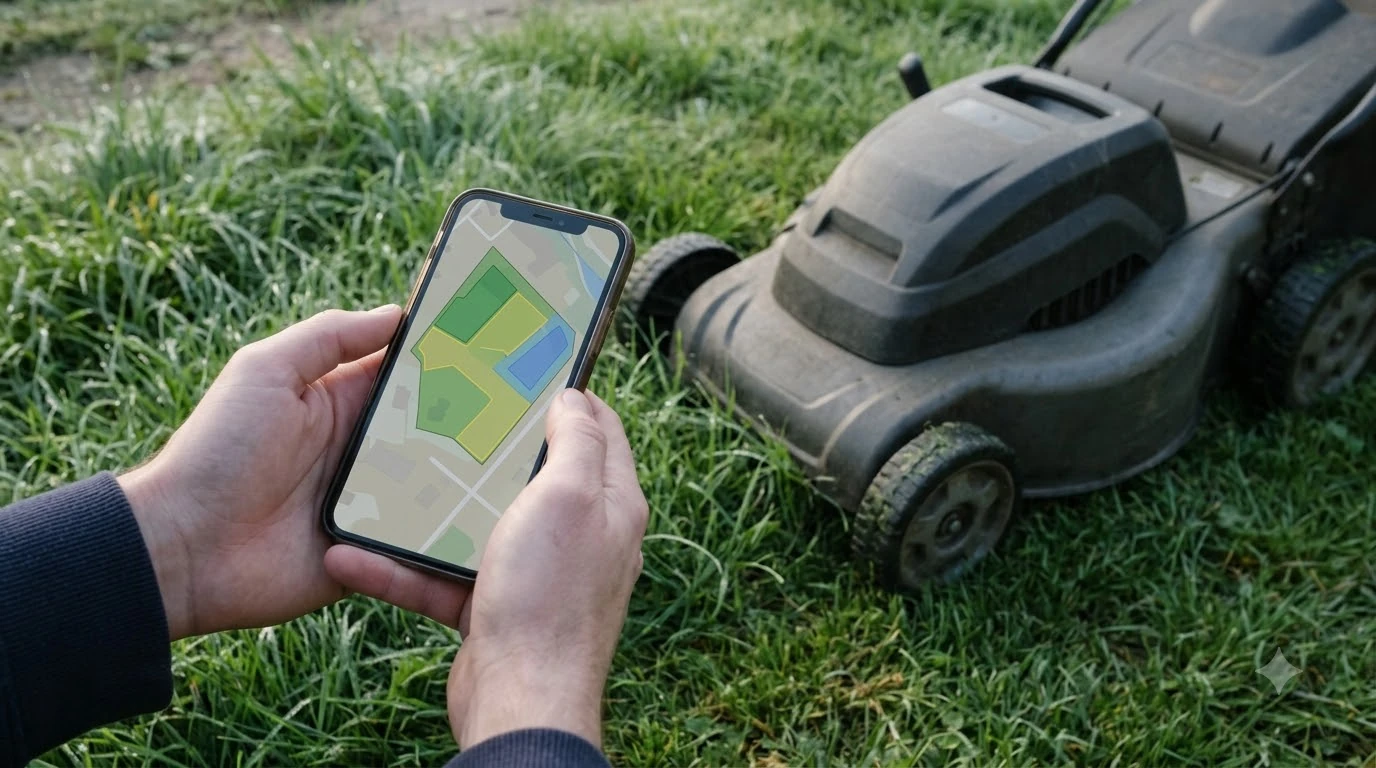

Segway Navimow customer service is reached through the official contact page, the in-app support option, and the regional after-sales email for your country: pick the channel that matches where you bought the mower, gather your model, serial number, and app details first, and describe the problem in one clear message. Support addresses and hours differ by region and can change, so confirm them on the official page before you send anything.
The short answer
- Start with the official contact page on the Navimow site, which lists the after-sales channels for each region.
- Match the region: use the North America, Europe, or UK address that fits where you live and where you bought the mower.
- Try in-app support if the mower is already paired, since it can attach your device details automatically.
- Prepare the details: model, serial number, app version, the fault you see, and the date it started.
- Use a dealer if you bought through an authorised reseller in the UK or elsewhere, since they may handle warranty claims directly.
Find the right support channel for your region
Navimow sells through several regional sites, and each one can list its own support address. Search results for the brand show a North American after-sales email and phone line, a European support address, and a separate UK site run by an authorised dealer. Some third-party sellers also use the Navimow name, so an address on an unfamiliar site is not always the manufacturer’s support desk. Before you contact anyone, the general robot mower reset guide can rule out simple faults that support will ask you to try first.
The safest route is to start on the official contact page for your country and use the address it lists. If your mower came from a reseller, check the reseller’s own contact details too, since they may be the first point for warranty or a return.
Use in-app support when the mower is paired
If the mower is already connected to the Navimow app, the app’s support option is often the quickest path. A support request sent from inside the app can carry the device information that a support agent would otherwise ask for by email, which saves a round of questions. Check that you are signed in with the account that owns the mower before you start. In-app support depends on a working connection, so check in-app connection fixes for Navimow if the chat will not open.
If the mower will not connect at all, use the email or phone channel on the contact page instead. Support cannot see the device through the app when it is offline.
Segway Navimow customer service: details to prepare
A clear first message gets a faster answer. Support teams usually ask for the same few things, so collecting them before you write saves a round of back-and-forth. Keep these details together: Support will usually ask for identifying details, and where to find a mower’s serial number shows the common label locations.
- Model name and serial number, from the label on the mower or your order confirmation.
- Purchase date and seller, which decide the warranty route.
- App version and phone type, if the problem involves the app or connection.
- A short description of what the mower does, the error message, and the step where it started.
- Photos or a short video of the fault, when it is visible, such as a blade, dock, or boundary problem.
Heads up
Do not send your account password in an email or chat. A support agent should never need it to diagnose a mower.
Try the basic fixes first
Many problems that reach support are fixed by simple steps that take a few minutes. Before you write, power-cycle the mower, restart the phone, and check that the mower is on a 2.4 GHz Wi-Fi network if the problem involves the app. Navimow’s own help articles cover common faults such as blades, positioning, and boundary issues, and a short check against those articles can save a support ticket. If a reset is the next step, what a Navimow factory reset clears explains what is kept and what is removed.
If a basic step fixes the problem, you can still note it in your records. A recurring fault after a clean restart is the kind of detail support needs to decide whether a part or a repair is required.
What to expect after you contact support
Expect a reply that asks for more details or points you to a fix you can try yourself. If the issue needs a part, the reply should describe the warranty or paid route and the expected timing. Keep copies of every message, the order details, and any reference numbers, so the next person you speak to can see the history. Warranty questions are handled faster with proof of purchase, as explained in registering a robot mower warranty. If support points to a worn part, Navimow spare parts options lists what can usually be ordered.
Response times depend on region and on how busy the team is at the time. Our reading is that a message with the model, serial number, and a clear description moves faster than a vague one, whatever the channel.
Check support quality before you buy
Before you buy any robot mower, check how the maker handles support. Look for clear regional contact options, a help center with written fixes, and a way to reach a person when a fault needs one. A mower that is easy to fix at home and easy to contact when it is not is more useful over several seasons than one with a lower price and weak support. Support quality is one factor in a purchase, alongside the broader view in how Navimow mowers hold up for owners.
Frequently asked questions
How do I contact Segway Navimow customer service?
Start on the official Navimow contact page for your country and use the after-sales email or phone line it lists. If the mower is paired in the app, the in-app support option is also available. Confirm hours and addresses on the official page, since they can change.
Which Navimow support email should I use?
Use the address for your region. North American and European support addresses are listed separately, and the UK has its own dealer site. Check the official contact page for the current address rather than relying on an older listing.
What should I have ready when I contact support?
Have the model name, serial number, purchase date, app version, a short description of the fault, and photos or video if the problem is visible. These details usually decide the next step.
Can a reseller handle my warranty claim?
Often, yes, especially if you bought from an authorised dealer. Check the dealer’s own contact details and warranty terms, since the route can differ from buying directly from the manufacturer.
Sources
- Contact – Segway Navimow (official Navimow contact page): the official listing for regional after-sales channels. Confirm addresses there.
- Support for Navimow X3 Series (official Navimow support page): model-specific help options for the X3 range.
 Up next7 min readLearnHusqvarna Automower Customer Service: How to Get HelpUpdated Nov 13, 2026
 7 min readLearnWorx Landroid Customer Service: Routes, Warranty and Log FilesUpdated Nov 13, 2026
 6 min readLearnNavimow Factory Reset: What the Support Pages ConfirmUpdated Nov 13, 2026
 8 min readLearnWhat Is EFLS on Segway Navimow? How the Positioning WorksUpdated Nov 11, 2026
 7 min readLearnHow Long Does the Segway Navimow i110N Battery LastUpdated Nov 11, 2026
 7 min readLearnHow to Update Segway Navimow i110n FirmwareUpdated Nov 11, 2026