

How do multi zone robot mowers work? They link several separate lawn areas through a passage, a saved route or a shared wire, then mow them one after another on a schedule. The mower needs a route from its charging station to each zone. Most systems store that map in an app, and the owner decides how much mowing time each zone gets.
The short answer
- Zones are linked by a passage about one meter wide, a saved virtual corridor, or a shared wire, depending on the brand.
- The app assigns time to each zone, so a small area can get less mowing than the main lawn.
- Unreachable zones need a second charging station, a signal transmitter, or manual carrying.
- Passage width and path length decide whether the mower can get through on its own.
How do multi zone robot mowers work in practice?
Each zone is a separate map, and the mower reaches it only through a link it can drive. Robomow sorts zones into three types. The main zone is the largest area and usually holds the charging station. A secondary zone is smaller and connects to the main zone by a pathway. A separate zone cannot be reached from the others, so the mower cannot get there on its own.
The zone type decides how much work the setup needs. A secondary zone can be mowed automatically once the link is in place. A separate zone needs extra equipment or effort, such as a second charger or a manual transfer, unless the model supports something else.
How zones are linked
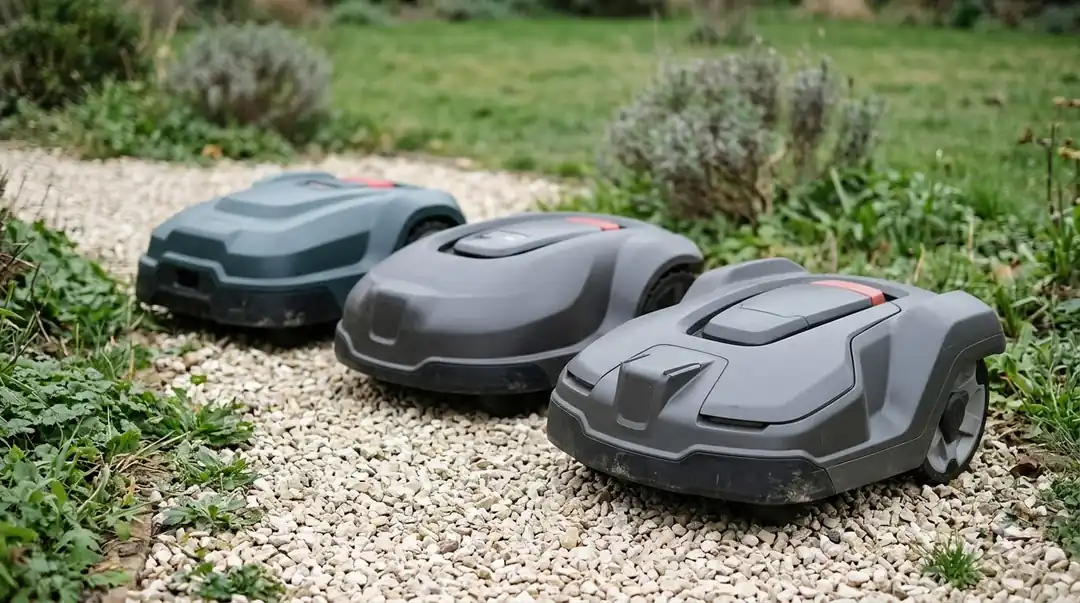
Zones are linked in one of three ways, and the right one depends on the brand and the layout. The mower needs a link it can physically drive through, and the link must be wide enough for it to pass without losing its position. Two common real-world layouts are a yard with a gate between zones and a yard with gravel path crossings.
- A passage on the wire: Robomow says secondary zones use one boundary wire around the whole area. Its guidance is that passages should be about one meter wide so the signals on both sides do not cross.
- A shared wire: Robomow also describes routing one wire along a path, such as a gutter, and returning the same way. The distance between the outward and return routing does not matter.
- A virtual corridor: Lymow says you drive the mower through the passage once with the app remote, and the system saves that route as a permanent corridor.
Worx uses a similar idea in its Landroid Vision system. You add a zone, then add a passage to connect two zones, and the app asks you to scan each zone’s RFID tag with your phone. Our reading is that the passage is the step to get right first, because a zone with no working link cannot be reached at all.
How the mower moves between zones
Once a link exists, the mower follows the same sequence on every scheduled run. The steps below combine what the Worx and Robomow pages describe, and the order is our reading.
- Leave the charging station. The mower starts from the dock in the main zone and begins the first scheduled area.
- Find the link. On a wire system the mower follows the wire to the passage. Robomow says remote start points set along the wire let the mower drive to them at regular intervals during mowing times.
- Cross in a straight line. Worx says the mower moves in a straight line during zone transitions, so a boundary stone or obstacle on that line can cause a failed transition.
- Confirm the zone. Worx says the mower recognizes the RFID tag in each zone and moves on to the next one in its schedule.
Virtual corridor systems handle the link differently. Lymow says the blades disengage inside the corridor and re-engage in the destination zone, so the cutting happens only where the lawn is. Robomow says GPS models do not need remote start points, but they cost significantly more.
How zones get mowing time
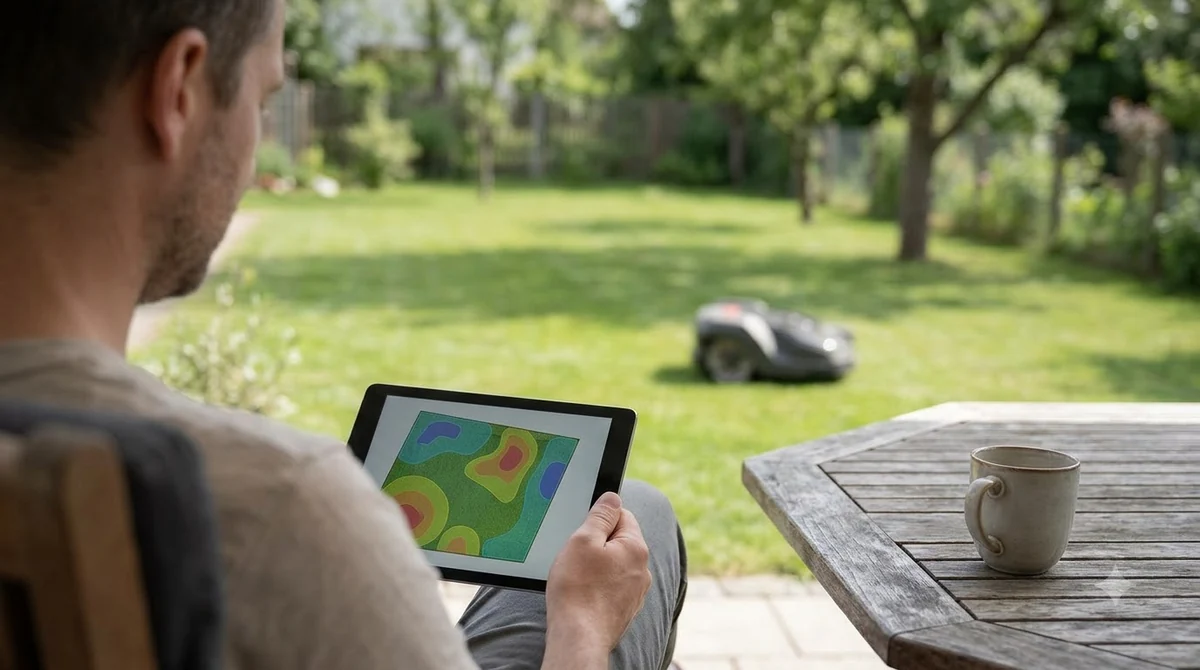
The app decides how much mowing time each zone receives, and that choice matters as much as the layout. Shoppers who want this built in can compare robot mowers with multi-zone mapping. Robomow’s example gives an 800 square meter main zone and a 200 square meter secondary zone an 80 and 20 percent split of mowing time.
| Zone | Example size | Share of mowing time |
|---|---|---|
| Main zone | 800 square meters | 80 percent |
| Secondary zone | 200 square meters | 20 percent |
Lymow says each zone can have its own schedule, cutting height and speed. Its examples show front yards mowed about twice a week because they get more sun and are more visible, while shaded backyards may need only weekly runs to save battery. Our reading is that a small zone reached through a narrow link should get a shorter schedule first, so the mower does not spend battery on long trips for little grass.
Reaching a zone with no passage
A zone with no passage needs one of three workarounds, and each one trades effort for automation. Robomow lists a second charging station, a signal transmitter, or a shared wire, and it notes that the transmitter is not available for every model.
- Second charging station: Robomow says the robot may need to learn the new signal each time, which adds setup.
- Signal transmitter: simpler to install, but not offered for every model.
- Manual transfer: Lymow describes the mower finishing one yard, returning to its charger, and being carried to the other yard. The app then switches to that yard’s map profile.
Manual transfer means lifting the mower. Lymow gives the weight of its One Plus with battery as 35.6 kg, or 78.5 lbs plus or minus one pound, so carrying it between distant yards is a real cost. Robomow also notes that when two zones share the same boundary wire, the robot will not notice if you place it in the other zone by hand, and it keeps mowing there as normal.
Wire or wire-free: what changes for zones
Wire systems link zones through the boundary wire and its passages, while wire-free systems link them through a route saved in an app. Lymow says its system eliminates wire installation, draws virtual boundaries in the app in 15 to 20 minutes, and relies on an RTK base station for positioning. If you want the concept first, read about virtual boundary mapping.
| Approach | How zones are linked | Positioning |
|---|---|---|
| Boundary wire with passage | Wire around the area and a passage about one meter wide | Boundary wire signal |
| Virtual corridor (Lymow) | Route driven once with the app remote, then saved | RTK base station |
| Multi-zone robot (ECHO Robotics) | One robot connecting several spaces, up to 75,000 square meters | GPS-RTK |
Husqvarna’s corridor setting, which controls the strip of lawn next to the wire that the mower uses, applies to boundary wire installations. The range is 1 to 9, with a factory setting of 6 for the boundary wire and 9 for the guide wire. Its support page does not cover multi-zone installs, so check your model’s manual before assuming the setting helps a passage.
Limits that decide whether a zone is reachable
Passage width, path length and clear space decide whether a link works. Worx sets several numbers for its system, and Lymow sets its own clearance. Our guide to the minimum passage width for a robot mower compares more brands.
- Zone width: Worx says each zone must be wider than 2 meters.
- Path length: Worx says the path between zones should be shorter than 6 meters, with any steps lower than 3 centimeters.
- Clear space: Worx asks for no obstacles or large bare patches within 1.5 meters of each RFID tag, and no wires or strong magnets within 30 centimeters.
- Clearance: Lymow requires a minimum of 0.8 meters, measured at the narrowest point.
- Zone count: Lymow says its app supports up to 80 zones. Robomow gives no maximum zone size or count.
Our reading is that the narrowest point decides the design. A link that is wide at its entrance but narrows below the stated clearance at one spot can fail, so measure the tightest spot before you set up the zones. So, how do multi zone robot mowers work when the lawn is awkward? Measure first, then choose the link type that fits the layout.
Frequently asked questions
Can one robot mower cut two lawns?
Yes, if the two lawns are linked by a passage the mower can drive through, or if you move the mower by hand between them. Robomow describes a secondary zone connected by a pathway, and Lymow describes disconnected yards that need manual transfer. Yards with no link need the extra equipment described above.
How wide does a passage need to be?
Robomow says passages should be about one meter wide so the boundary signals on each side do not cross. Lymow says its system needs a minimum of 0.8 meters of clearance at the narrowest point. Measure the tightest spot before you commit to a layout.
How do multi zone robot mowers work without a boundary wire?
Not always. Lymow says its wire-free system draws virtual boundaries in the app and uses an RTK base station, while Robomow describes wire-based zones linked by passages. Check the spec sheet for the model you want, because the zone method depends on the brand.
How many zones can one robot mower handle?
The answer depends on the brand. Lymow says its app supports up to 80 zones, and ECHO Robotics says one robot can cover up to 75,000 square meters. Robomow gives no maximum zone count, so ask the manufacturer for the limit before buying.
Sources
- Can the robotic lawnmower mow multiple areas or zones? (Robomow): zone types, passage width, shared wire, time split.
- Multi Zone Setup with RFID tags (Worx Landroid Vision): passage setup, RFID tags, zone width, path length, straight-line transitions.
- Robot Mowers for Separate Front and Back Yards (Lymow): virtual corridors, 0.8 m clearance, manual transfer, zone schedules.
- Multi-zone robotic mowers (ECHO Robotics): coverage area and GPS-RTK positioning.
- How to adjust the corridor width in an Automower installation (Husqvarna): corridor range and factory defaults for boundary wire installations.
 Up next7 min readBest Robot MowersMulching Robot Mower Explained: How It Works and When It FailsUpdated Nov 11, 2026
 8 min readBest Robot MowersDo Robot Mowers Work in the Rain? Sensors, Delays and LimitsUpdated Nov 11, 2026
 8 min readBest Robot MowersHow Do Vision Robot Mowers Work?Updated Nov 11, 2026
 8 min readBest Robot MowersHow Do Robot Lawn Mowers Work? Wire, Sensors and Docking ExplainedUpdated Nov 11, 2026
 8 min readBest Robot MowersHow Does RTK Work on a Robot Lawn Mower?Updated Nov 11, 2026
 8 min readBest Robot MowersWhich Robot Mower Works Best With Poor Wifi?Updated Nov 11, 2026