
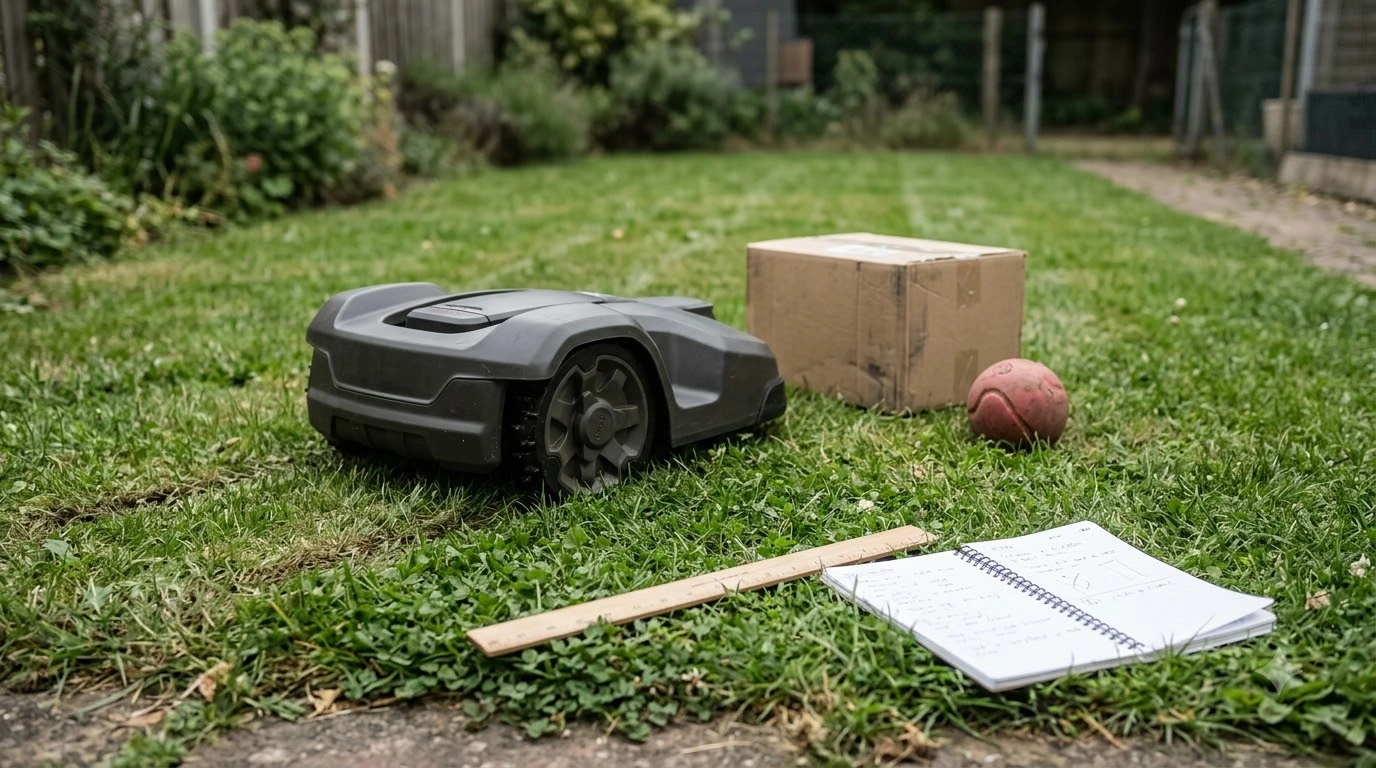

What is a corridor on a robot mower? It is a narrow route that lets the mower travel from one part of the lawn to another without cutting every strip it crosses. On a wire-based mower, the corridor is a gap between two boundary wires, sometimes with a guide wire running through it. On a wire-free mower, it is a route drawn in the app. Either way, the corridor decides whether the mower can reach a second area on its own.
The short answer
- Corridor: a passage that connects two parts of the lawn so the mower can drive between them.
- Width: the mower needs enough room to pass, and vendors give a minimum that you should compare with your gap.
- Wire layout: a boundary-wire corridor often needs a guide wire when it is narrow.
- Wire-free: the corridor is a virtual route, which you can adjust in the app.
- Separate lawns: without a safe route, you may have to carry the mower between areas.
What is a corridor on a robot mower in practice
A corridor is not the same as the lawn the mower cuts. It is the connecting space that lets the mower move from one working area to another. Without it, the mower treats each area as isolated and waits for you to move it. With it, the mower can finish one section and carry on to the next under its own power. The map-based version of the idea is described in how a map passage works.
The corridor also sets limits. A gap that looks wide enough by eye may still be too narrow once the wire, a stake and a guide path are placed. That is why installers talk about the spacing between wires rather than the width of the grass.
How wide a robot mower corridor needs to be
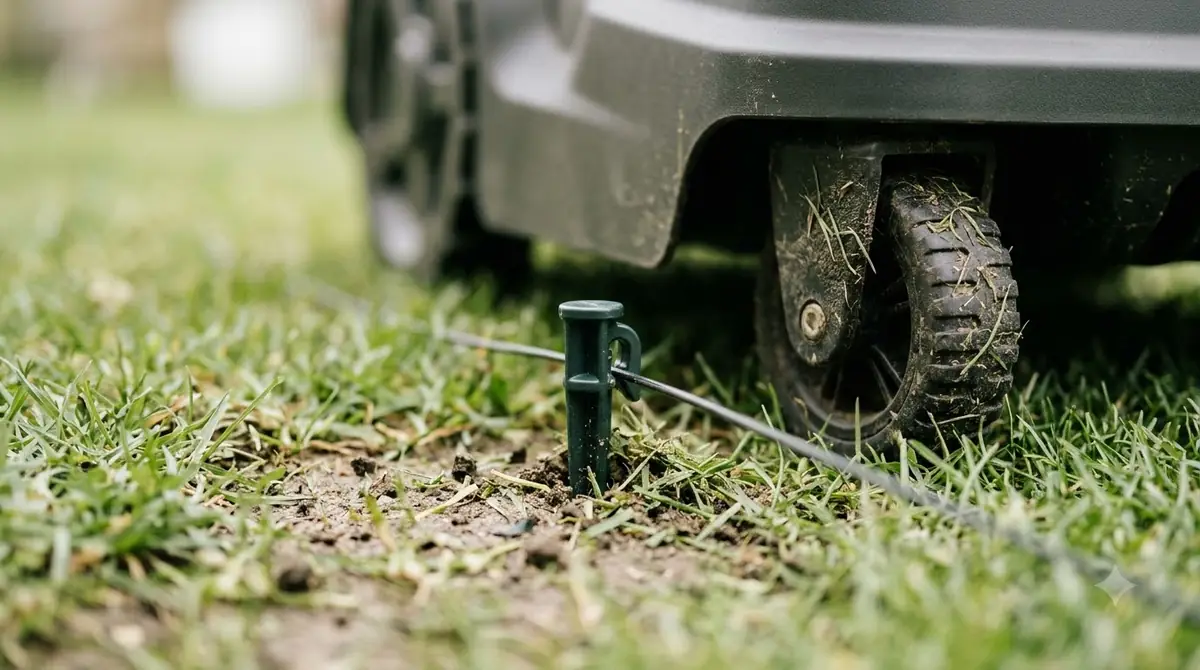
Width depends on the wire layout and the model. Husqvarna’s support guide for boundary-wire installations sets the recommended minimum at 2 m (6 ft 6 in) between the boundary wires on each side of a passage when there is no guide wire. When a guide wire runs through the passage, the boundary wires can be as close as 60 cm (24 in), and the guide wire must sit at least 30 cm (12 in) from each boundary wire.
These numbers are for a specific brand’s installation method. Other manufacturers publish different rules, so treat them as a reference point and read the manual for the model you are buying. Our reading is that the wider figure is the safer one to plan around when the gap is tight and you have no room to test.

Corridors on wire-free mowers
Wire-free mowers do not need a physical gap in the same way. They build a map with their sensors and let you draw a route between connected lawn areas in the app. Anker’s UK guide describes this as a virtual path between linked lawns, which you can edit later if the yard changes. Creating the connection itself is covered in channel setup between lawn zones. Wire-free models rely on maps rather than loops, which is explained in wire-free mower navigation.
A virtual corridor is easier to adjust, but it still needs the mower to see a safe route. If the path crosses a steep slope, a step or a patch the mower cannot handle, the route will fail even though the app shows it. Check the map after setup and walk the route yourself once.
Common problems in a narrow corridor
Most corridor problems come from three causes. The gap is narrower than the mower’s minimum, a bed or plant has grown into the route, or a surface change makes the mower stop. Sunseeker’s glossary lists narrow gates, abrupt surface changes and blocked connectors as typical interruptions, and these are the first things to inspect when a mower stalls between two areas. Tight spots can trap a mower, as stuck under low bushes shows. Narrow gaps raise contact risk, which why mowers bump into objects explains.
Heads up
Tall grass, hoses and garden furniture can close a corridor during the season even if it was clear at installation. Walk the route every few weeks in spring and summer.
How to check your own corridor
Measure the narrowest point at the height of the mower body, not just at ground level, because bumpers and a raised cover can take up extra space. Then compare that number with the minimum in the manual. If the gap is short, you can often widen it by moving a bed edge or a fence post before you buy. Route logic decides whether the mower even tries a gap, as how mowers navigate narrow gaps explains.
| Corridor type | What sets the width | What to check |
|---|---|---|
| Boundary wires, no guide wire | Spacing between the two boundary wires | At least 2 m (6 ft 6 in) per Husqvarna’s guidance |
| Boundary wires with guide wire | Wire spacing plus guide wire offset | Boundary wires at least 60 cm (24 in) apart, guide wire at least 30 cm (12 in) from each |
| Wire-free virtual path | Physical gap the sensors can read | Walk the route and check slopes, steps and obstacles |
Frequently asked questions
What is a corridor on a robot mower?
It is a narrow route that connects two areas of lawn so the mower can travel between them. On wire-based models it is a gap between boundary wires, and on wire-free models it is a virtual path in the app.
How wide should a robot mower corridor be?
Husqvarna recommends at least 2 m (6 ft 6 in) between boundary wires without a guide wire, and at least 60 cm (24 in) with one. Check the manual for the model you plan to buy, because other brands publish different figures.
Does a wire-free mower need a corridor?
It does not need a physical gap in the same way, but it still needs a safe route. Wire-free mowers draw the route as a virtual path, and the route must be physically passable.
What stops a mower in a corridor?
Common causes are a gap narrower than the minimum, overgrown plants, blocked connectors and sudden surface changes. Sunseeker’s glossary lists narrow gates and blocked connectors among typical interruptions.
Sources
- Husqvarna support: how to create a passage in a boundary-wire installation (manufacturer): gave the recommended wire spacing with and without a guide wire.
- Anker (eufy) UK blog on multi-zone robot lawn mowers (manufacturer): described virtual paths and the need for a safe route between linked lawns.
- Sunseeker glossary: robot lawn mower multi-zone (manufacturer): listed narrow gates, surface changes and blocked connectors as interruptions.
 Up next8 min readLearnWhy Does My Robot Mower App Say Offline?Updated Nov 13, 2026
 7 min readLearnWhy Does My Robot Mower Leave Clumps of Grass?Updated Nov 13, 2026
 6 min readLearnWhat Is Zone Mowing on a Robot Mower?Updated Nov 13, 2026
 6 min readLearnWhat Is a Passage on a Robot Mower Map?Updated Nov 13, 2026
 7 min readLearnWhy Does My Robot Mower Wheels Slip on Grass?Updated Nov 13, 2026
 7 min readLearnWhy Does My Robot Mower Take So Long to Finish?Updated Nov 13, 2026