
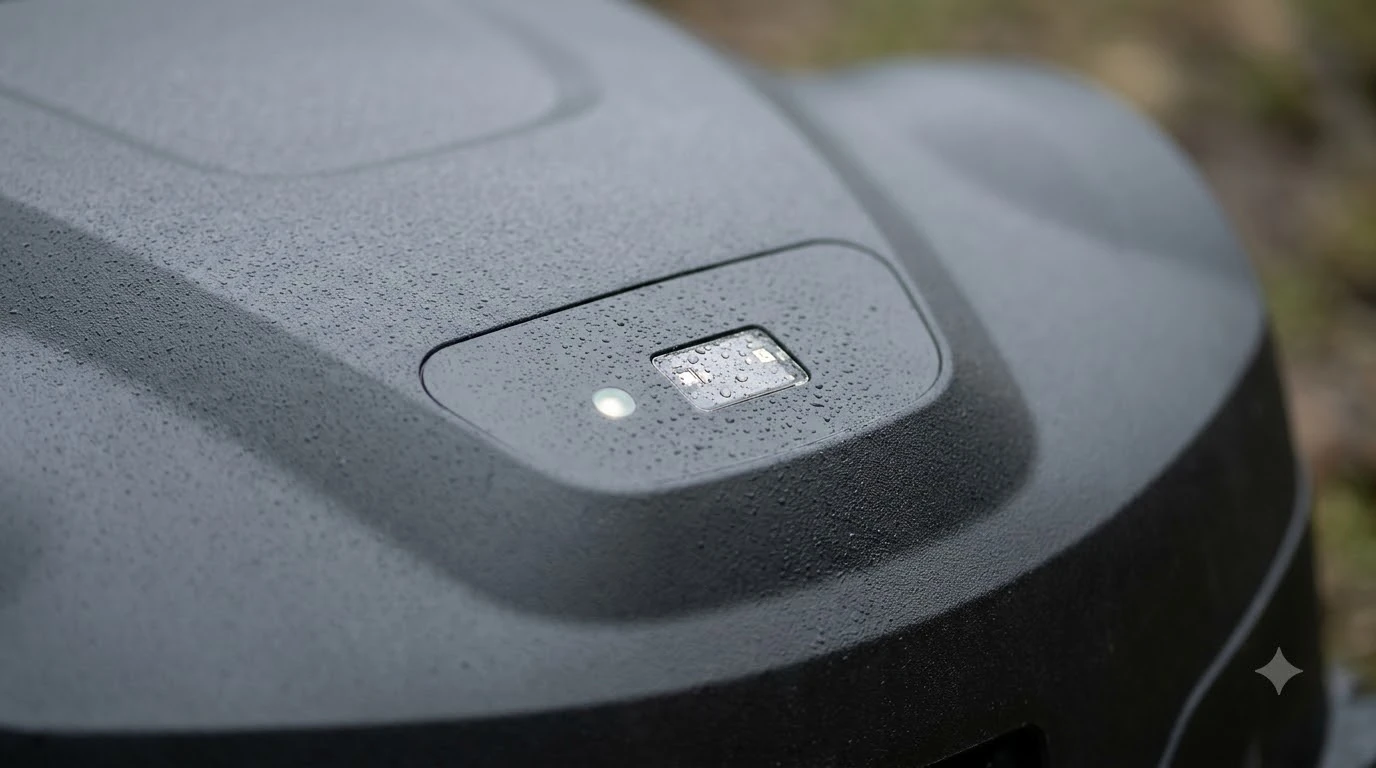

How to calibrate a robot mower compass: turn the sensor through a full set of positions so it records its minimum and maximum readings on each axis, and you do it with the sensor mounted in its final position and the motors quiet. Most consumer robot mowers do not expose a compass calibration to the owner at all, because they find their position with a boundary wire, GPS or RTK, or lidar. If your model does have a heading sensor and reports a compass fault, the manual or support page is the authority, and the steps below explain how the process works on an open-source mower.
The short answer
- Most owners: there is usually no compass setting to calibrate. Check the manual before you search for steps.
- Where it is done: with the sensor in its final mounting position, not on a bench.
- What it does: records the min and max on each axis, then uses the midpoint as the zero offset.
- Motors: drive motors and blades can disturb the reading, so keep the sensor away from them.
- Slopes: tilt changes the compass reading, so an accelerometer is often used to correct it.
Do you need to calibrate a robot mower compass?
Start with the question most owners do not ask: does your mower have a compass that you can calibrate? Husqvarna’s UK support page describes the boundary-wire calibration as automatic. When you start the mower for the first time, it drives off the charging station and pauses while it calibrates the boundary wire loop signal and other settings. That is a wire routine, not a compass procedure, and it does not need any action from you beyond a clean first run. Heading errors rarely appear alone, so a review of everyday robot mower problems can help you decide whether calibration is the right fix.
Many higher-end models navigate with RTK, GPS, lidar or cameras, and their manuals describe a setup or mapping routine instead of a compass step. If the app shows a heading or orientation warning, follow the on-screen instructions or contact support rather than trying a DIY method on a machine that is still under warranty.
How magnetometer calibration works
A compass on a robot is usually a magnetometer, and its job is to report the direction of the Earth’s magnetic field. The sensor is affected by any metal or magnet nearby, so each axis can read a range that is offset from zero. Calibration finds that offset. The common method is to rotate the sensor through full circles and record the minimum and maximum readings on each axis, then take the midpoint of each range, which is (min + max) / 2, as the correction.
The reading only means something when the sensor is mounted where it will work. That is why calibration should be done in the final position, with the same metal and wiring around it that it will see during mowing. Calibrating on a bench and then fitting the board to the mower often gives a wrong heading.
How to calibrate a robot mower compass step by step
The Ardumower project is a good example of a DIY robot mower with an IMU that includes a compass. Its wiki says the compass calibration must be done inside the robot, with the IMU in its final mounting position, while the acceleration sensor can be calibrated outside it. The procedure is short but needs patience: Satellite positioning interacts with heading, and RTK station placement problems show how a weak signal can mimic a compass fault.
- Start the routine. Use the serial console command for IMU compass calibration start and stop, or the Settings, IMU, compass calibration option in the pfodApp.
- Turn each side north. Hold each of the module’s six sides toward north in turn, then tilt the module.
- Watch the range settle. Keep moving until the minimum and maximum values on each axis stop changing. The wiki indicates the end with a tone.
- Stop and save. Stop the routine, then check the heading against a known direction.
Keep motors and metal away from the sensor
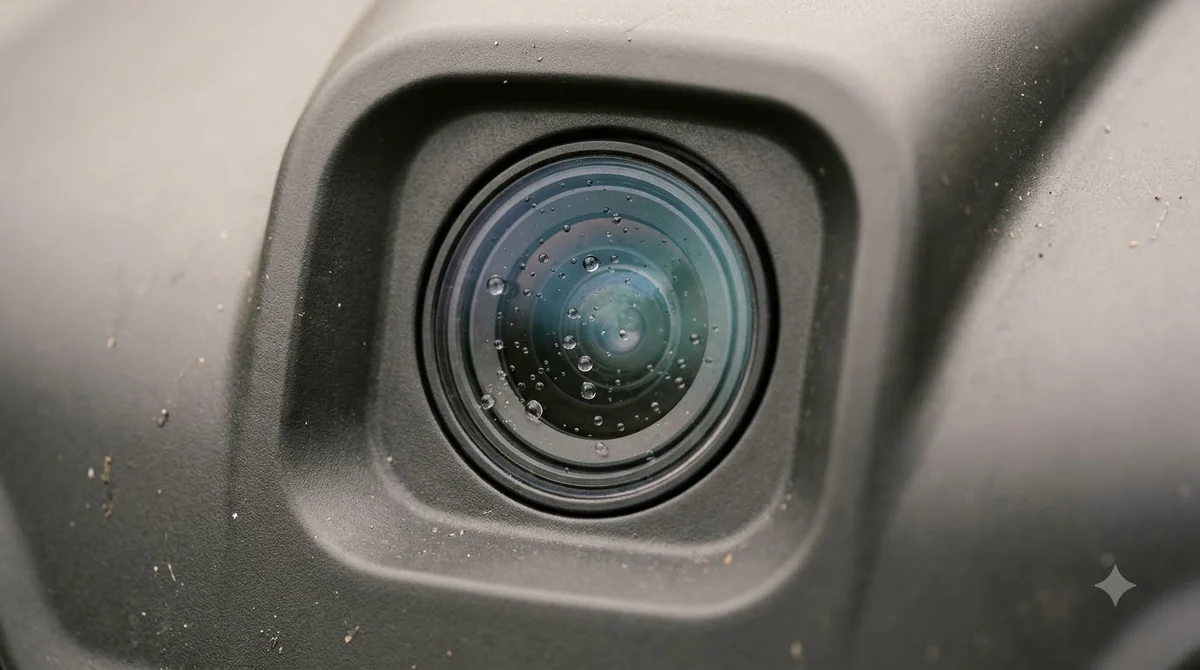
The Ardumower wiki warns that compass measurements are influenced by motors, and it suggests switching the motors off when you need an accurate reading. It also recommends keeping the IMU at least 30 cm (12 in) from all motors so that the dynamic interference does not disturb the compass.
The same logic applies to any robot mower. Steel tools, a battery pack, a power cable or a magnetic mount can shift the reading. Our reading is that the best calibration is one done with everything in its normal place, because moving a metal part later can throw the heading off again.
Heads up
Do not calibrate on a sloped surface or near a steel fence. Tilt and nearby metal change the reading, and the offsets you record will be wrong for the rest of the yard.
Calibrating on a slope
A tilted sensor reads a different direction than a flat one, so the compass alone is not enough on a hill. Ardumower’s wiki notes that the tilt correction depends on the acceleration sensor. For that reason, calibrate the accelerometer separately and check the compass output with the module level and then tilted, so you can see whether the correction holds.
Checking the heading after calibration
Verify the result against something you can measure. Place the mower on a flat area that is clear of metal, point it at a known compass bearing, and compare the reading. Then rotate it slowly through a full circle and confirm the heading changes smoothly without jumps. A reading that wanders or flips is a sign that the sensor is still picking up interference. A mower that cannot hold its heading may turn in loops, and why a mower spins in circles lists the other causes to rule out. A heading check is useful when the route ends unexpectedly, and stopping partway across the lawn also has app and signal causes.
When calibration is not the answer
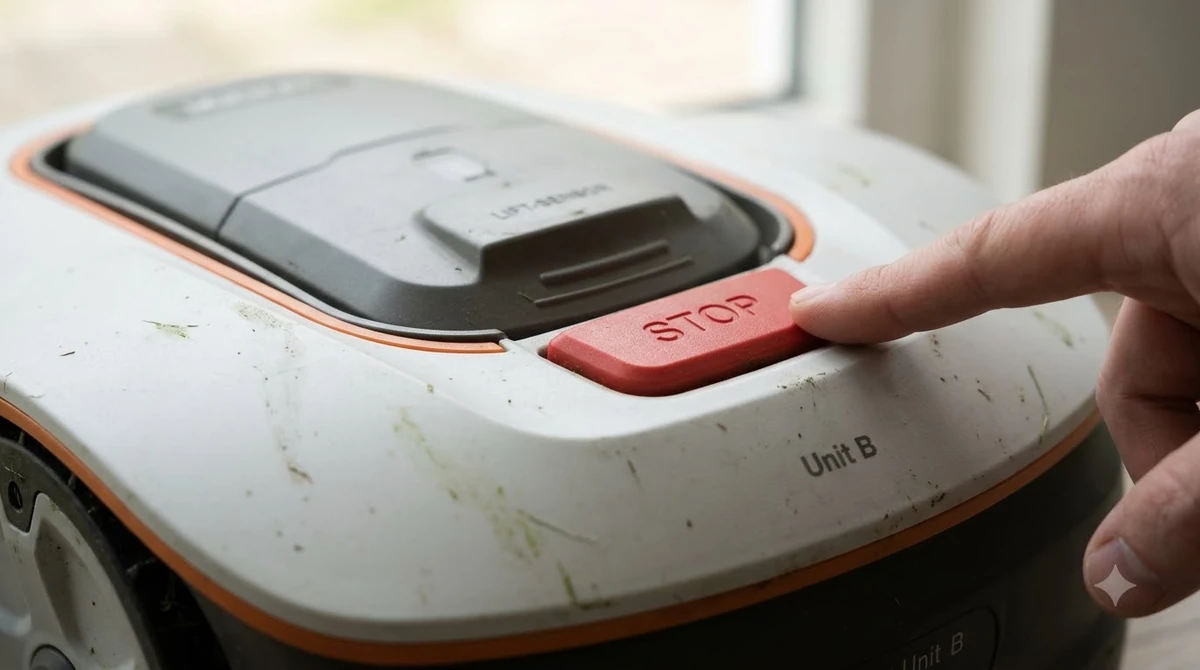
If your mower reports a heading problem after calibration, the cause may be a loose sensor, a damaged cable or a fault in the board. A compass cannot correct a physical problem. On a consumer model, contact the manufacturer with the model name, the app message and the steps you have already taken, because they can check the unit. If calibration does not help, sensor faults come next, and LiDAR error behavior shows how one brand reports a problem with its navigation hardware. Check whether the display shows a navigation fault, because error codes linked to navigation can point to a sensor rather than the compass. Calibration will not fix every alarm, so beep-and-stop patterns are a helpful comparison when the heading looks correct but the mower still pauses.
Frequently asked questions
How do I calibrate a robot mower compass?
On a DIY mower with a magnetometer, rotate the sensor so each axis records its minimum and maximum, with the sensor in its final mounting position and the motors off. Most consumer mowers do not expose a compass calibration, so check the manual first.
Does a robot mower need a compass to work?
Not always. Boundary-wire mowers rely on the wire loop, and RTK, GPS or lidar models use other positioning methods. A compass is one of several sensors some models use for heading.
Why does my mower’s heading drift?
Nearby metal, motors, a magnetic mount or a tilted lawn can all shift the reading. Check the sensor mounting and the layout around it, then recalibrate in the final position if the model supports it.
Can I calibrate the compass on a slope?
It is better to calibrate on level ground. Tilt changes the reading, and the Ardumower wiki relies on a separate accelerometer correction for sloped positions.
Sources
- Ardumower wiki: IMU (open-source project): described the compass calibration procedure, the motor interference and the 30 cm spacing.
- Husqvarna UK support: first start and boundary wire calibration (manufacturer): described the automatic boundary-wire calibration on first start.
 Up next7 min readLearnWhy Does My Robot Mower Start Mowing at the Wrong Time?Updated Nov 13, 2026
 6 min readLearnWhy Does My Robot Mower Leave Tire Marks on the Dock Area?Updated Nov 13, 2026
 7 min readLearnWhy Does My Robot Mower Leave Stripes in the Lawn?Updated Nov 13, 2026
 7 min readLearnWhy Does My Robot Mower Get Stuck Under Bushes?Updated Nov 13, 2026
 6 min readLearnWhat Is a Frost Guard on a Robot Mower?Updated Nov 13, 2026
 6 min readLearnWhat Does an RTK Fixed Solution Mean on a Robot Mower?Updated Nov 13, 2026