
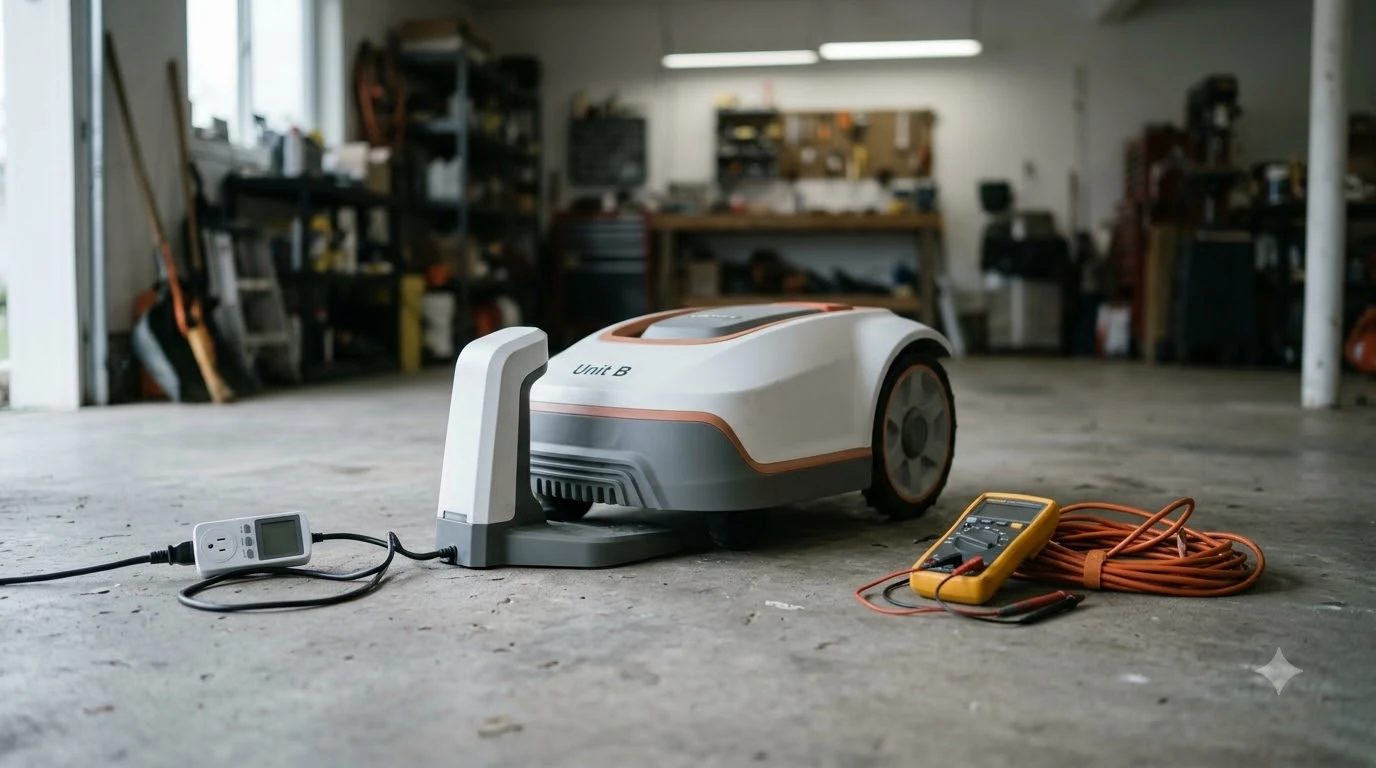

Most eufy E15 app problems come down to three things: the base station’s Wi-Fi connection, the mower’s cellular data status, and an alert the app is showing for a lifted or stuck mower. Start by checking the base station’s Wi-Fi, then the mower’s 4G settings, and only then look at the alert itself. The E18 uses the same app, so the same checks apply to that model.
The short answer
- Offline after a Wi-Fi drop: if the base station has only 4G, refresh the mower’s status manually in the app.
- Status returns on its own: once Wi-Fi is back, eufy says the status refreshes automatically within five seconds.
- Lifted or stuck alert: check whether the front wheels are off the ground, then block the spot with a No-go Zone.
- Cellular settings: enable Auto-Switch to Cellular under Settings > Network & Bluetooth.
- Still stuck: contact eufy support with the model and a note of what the app shows.
How the eufy E15 app connects: Wi-Fi, base station, and 4G
The E15 app works through the base station, and the base station is what needs the Wi-Fi connection. The mower itself has a built-in SIM card that gives it cellular data as a backup. That means you can see two different states in the app: the Wi-Fi status of the base station and the data status of the mower. A problem in one does not always mean the other has failed. Readers who want a broader overview can read our mower app will not connect checklist first and then continue with this page. For a closely related angle, see our controlling a robot mower from your phone as well.
eufy’s own FAQ describes the main case. When the base station loses Wi-Fi and has only 4G access, the app does not update the status on its own, so you have to refresh the mower’s status manually. Once Wi-Fi returns, the status refreshes automatically within five seconds. If the app still shows the mower as offline after Wi-Fi has come back, close the app, reopen it, and check the base station’s network again.
Check the mower’s 4G data settings
If the mower relies on cellular data, the settings are in the app. The path is Settings, then Network & Bluetooth, then Auto-Switch to Cellular. Turning that on lets the mower use its data plan when Wi-Fi does not cover the yard. The Cellular Status entry shows the current plan. You can find more background and practical detail on this point in our Navimow app network mode fixes.
eufy says the mower’s 4G data is useful in two cases: when the lawn is very large and Wi-Fi does not cover all of it, which can affect map stability and updates, and when the anti-theft feature is enabled. Real-time camera viewing is not available on 4G alone, so do not expect the camera to work just because the mower has data.
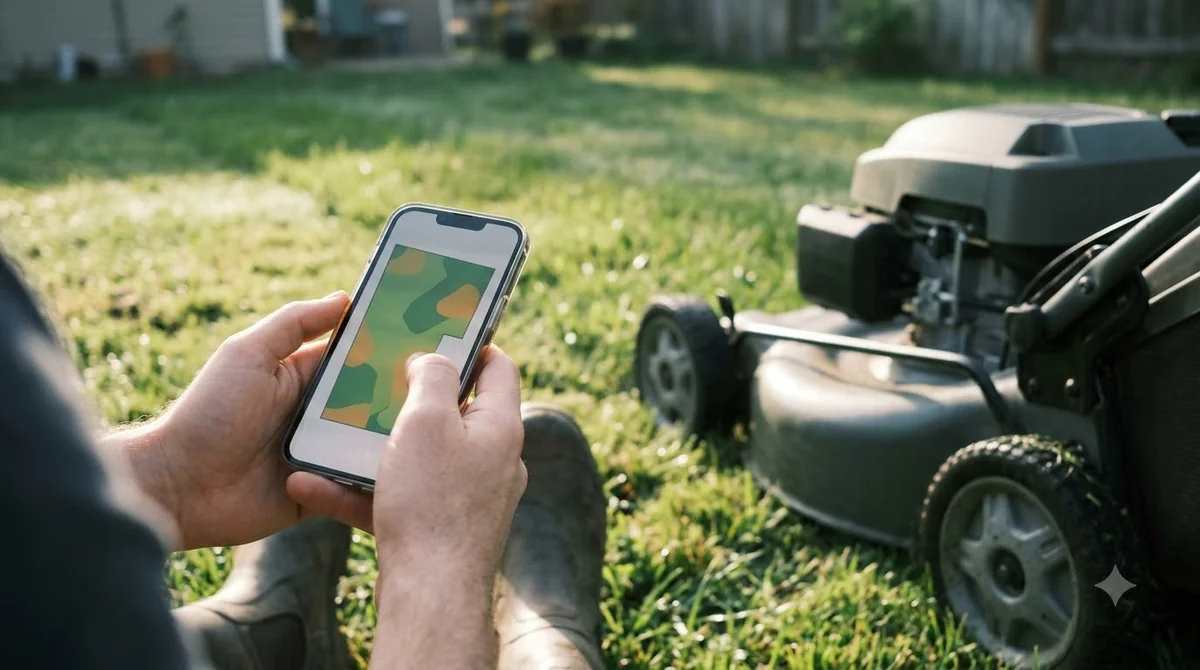
The eufy E15 app lifted or stuck mower alert
A “lifted” alert is one of the most common messages people see on the E15. It usually means the front wheels have left the ground, for example after the mower has dropped into a pit or pothole. The fix is physical first: check the wheels, move the mower to level ground, and see whether the alert clears. A neighbouring subject worth a look for the same yard is our eufy E15 mapping problem fixes.
- Look at the front wheels. If they are off the ground, lift the mower carefully and place it on flat, firm grass.
- Clear the spot. Remove anything that caused the drop, such as a loose stone or an exposed root.
- Block the area in the app. Create a virtual boundary or No-go Zone over the dip so the mower stops returning to it.
- Restart the job. Resume the schedule once the alert is gone.
The No-go Zone step matters because a mower that keeps returning to the same pit will get stuck again. Blocking that area in the app is usually a faster fix than moving the mower each time.
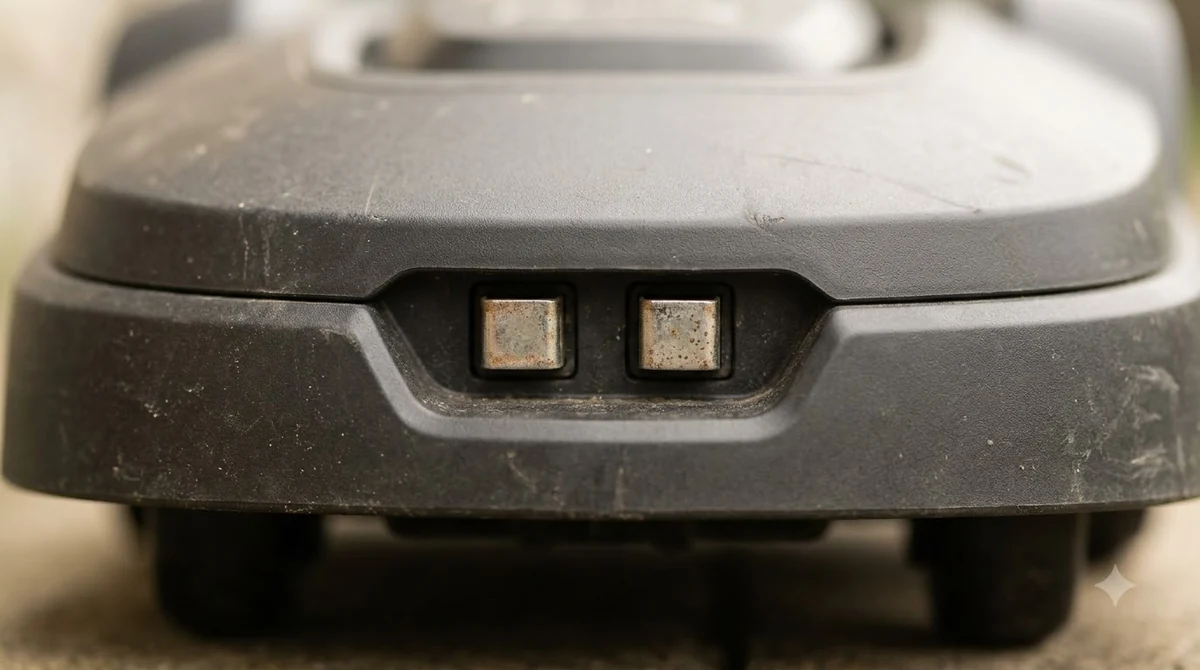
When the app says offline but the Wi-Fi is fine
Sometimes the router is working and the mower still shows offline. Those cases are usually about the network the base station joined, not the signal strength alone. The router may have been reset, or the Wi-Fi password may have changed. In that case, reconnect the base station to the network so it picks up the current settings. See our why a mower app shows offline for further detail on a connected question.
Some third-party guides say most eufy robots need a 2.4 GHz network, and others say the password is case-sensitive. We could not confirm the band requirement for the E15 on eufy’s own pages, so check your manual before you buy a new router or extender. Type the Wi-Fi password exactly, including capitals, when you reconnect.
- Router changed: reconnect the base station to the new network.
- Password changed: enter the new password exactly, including case.
- Weak signal: a Wi-Fi extender can help, or rely on 4G for the yard.
- Phone on another network: if the mower appears offline from the phone, put the phone on the same network as the base station.
What to check before you contact support
eufy’s support team can help with SIM and signal problems, and with the E15, E18, and E15 Gen2 questions. Before you write in, collect a few details so the reply can be useful the first time. You can find more background and practical detail on this point in our Husqvarna Automower app problems.
- The exact model name, such as E15 or E18.
- Whether the base station is on Wi-Fi, on 4G, or on both.
- The exact text of the alert the app shows, and the time it appeared.
- Whether the front wheels were off the ground at the time.
For SIM or signal issues, eufy’s FAQ says to email support@eufy.com. For other questions, the support engineers can take the report directly. Keep a screenshot of the alert, so the exact wording goes with your message.
Related reads: Another connected page that readers often open next is our eufy E15 firmware update steps.
Frequently asked questions
Why does my eufy E15 app show the mower as offline?
The most common cause is the base station losing Wi-Fi. If it has only 4G access, refresh the mower’s status manually in the app. Once Wi-Fi returns, the status refreshes on its own within about five seconds.
What does the lifted alert on the E15 mean?
It usually means the front wheels are off the ground, for example after the mower falls into a pit or pothole. Check the wheels, move the mower to level ground, and create a No-go Zone over the spot to stop it returning there.
How do I turn on cellular data for the E15?
Go to Settings, then Network & Bluetooth, and turn on Auto-Switch to Cellular. The Cellular Status entry shows the current plan. The mower includes a trial period, and after that you buy a plan in the app.
Does the eufy E18 use the same app as the E15?
The E18 uses the same eufy app, so the Wi-Fi, 4G, and lifted-alert checks apply to both. Some settings can differ by model, so check the manual for the mower you own.
Sources
- eufy Robot Lawn Mower 4G Cellular Data FAQ (eufy support): 4G data use, the Auto-Switch to Cellular path, and manual status refresh when the base station has only 4G.
- What should I do if my Robot Lawn Mower is lifted? (eufy support): the front-wheel check and the No-go Zone fix.
 Up next7 min readLearnSunseeker S4 App: Fixing Offline and Pairing ProblemsUpdated Nov 13, 2026
 7 min readLearnDreame A1 App: Fixing Connection and Offline ProblemsUpdated Nov 13, 2026
 7 min readLearnHow Long Does the eufy E15 Battery Last?Updated Nov 12, 2026
 8 min readLearnHow to Update eufy E15 Firmware: What eufy Confirms and What to CheckUpdated Nov 12, 2026
 8 min readLearneufy E15 Mapping Problem: Causes and FixesUpdated Nov 11, 2026
 7 min readLearnHow to Set Up the eufy E15 Robot Lawn MowerUpdated Nov 10, 2026